
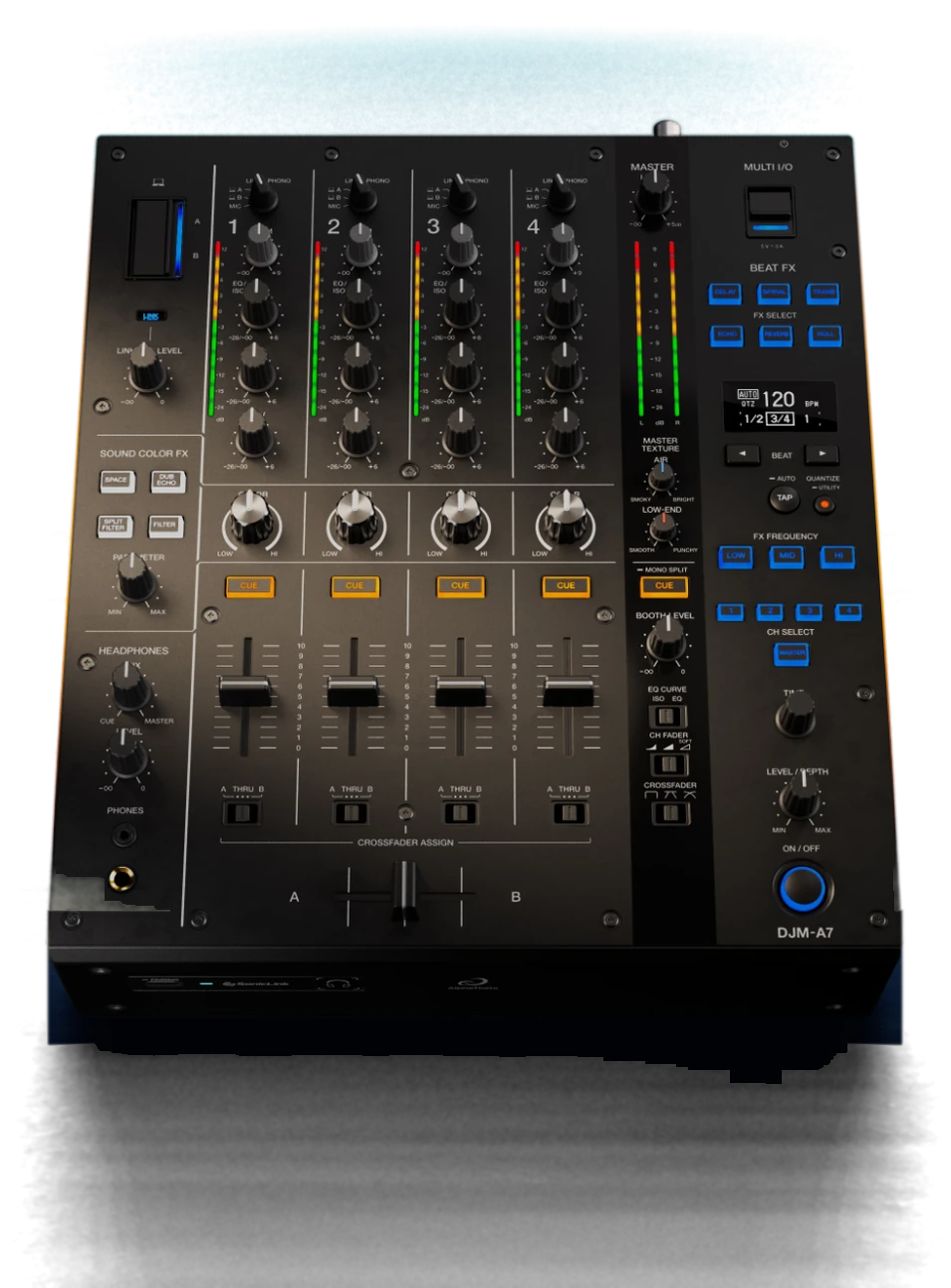
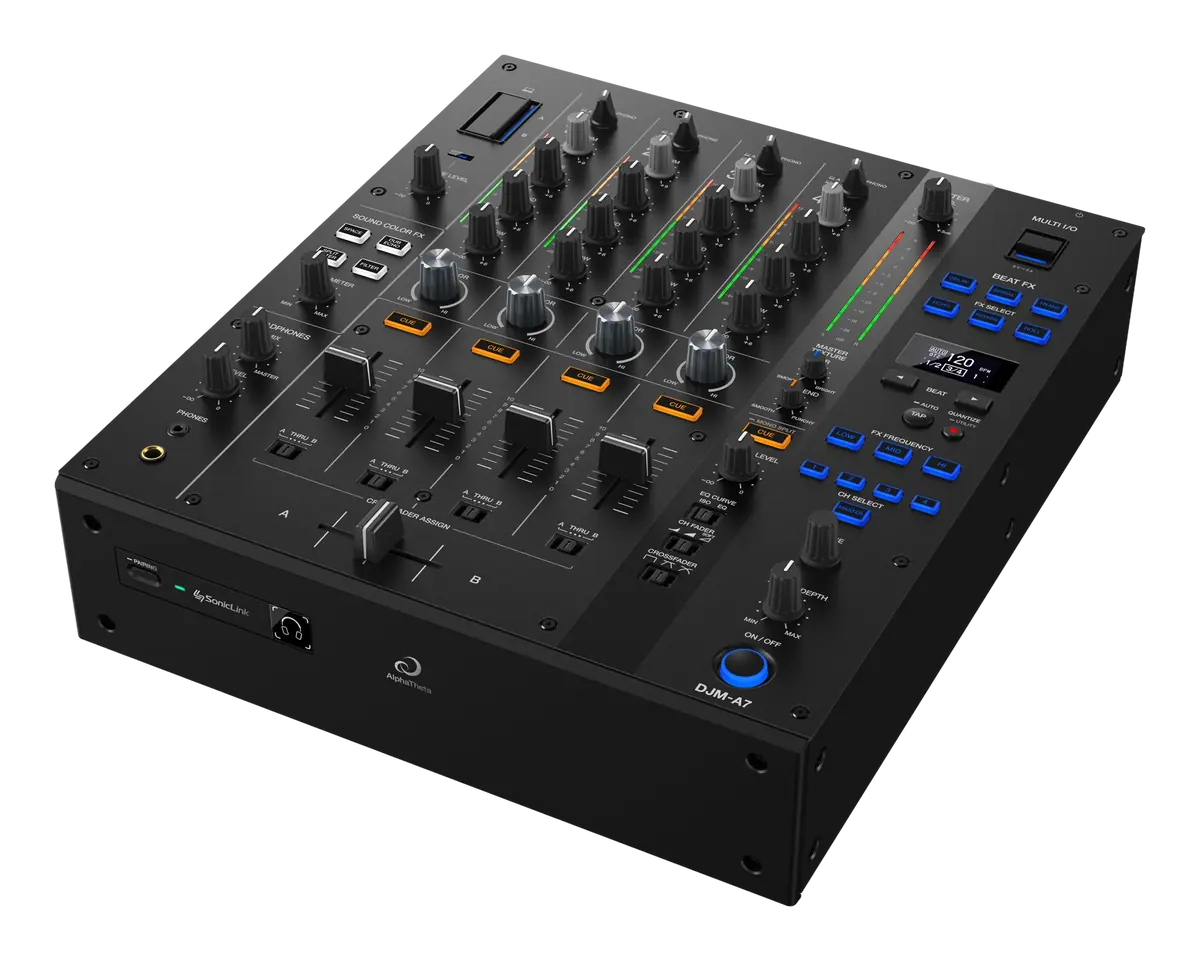
DJM-A7


Overview
-
Compatibility
Compatible DJ software



Compatible DJ apps
 djay for iOS
Compatible devices
 PC/Mac
 iPhone/iPad
Connections
USB Type-C x 2
(connect 2 x PC/Mac) -
Clear sound inherited
from the DJM-A9 -
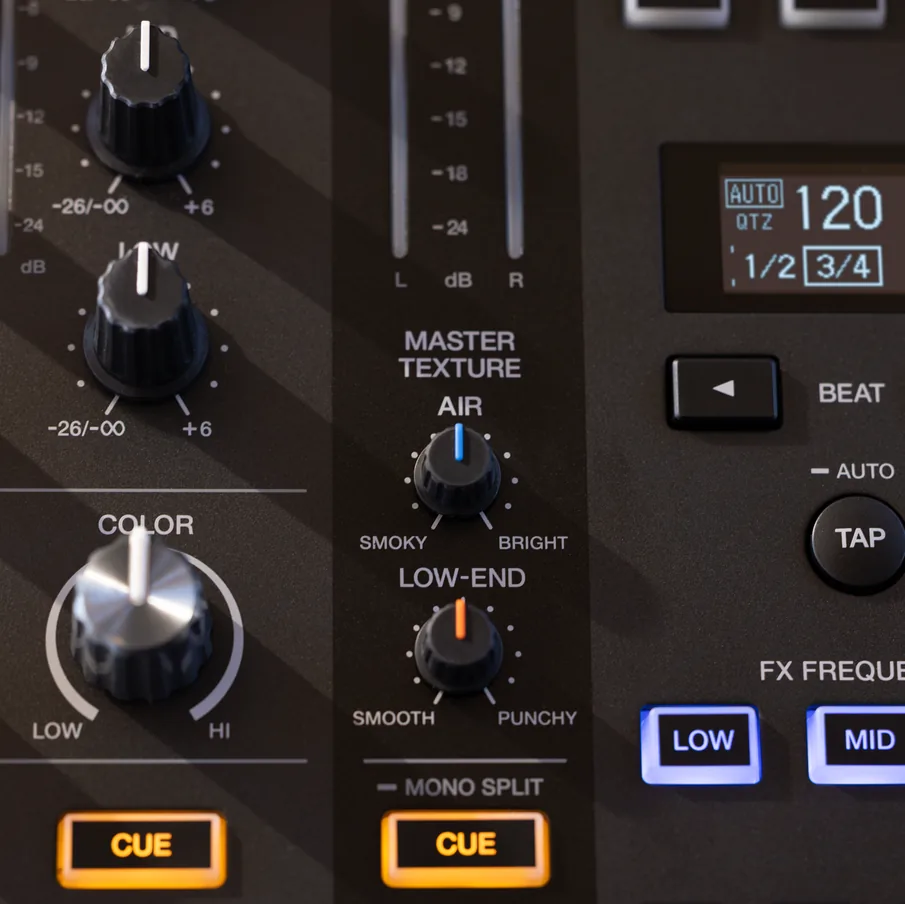
Tailor the sound to the venue
with Master Texture -
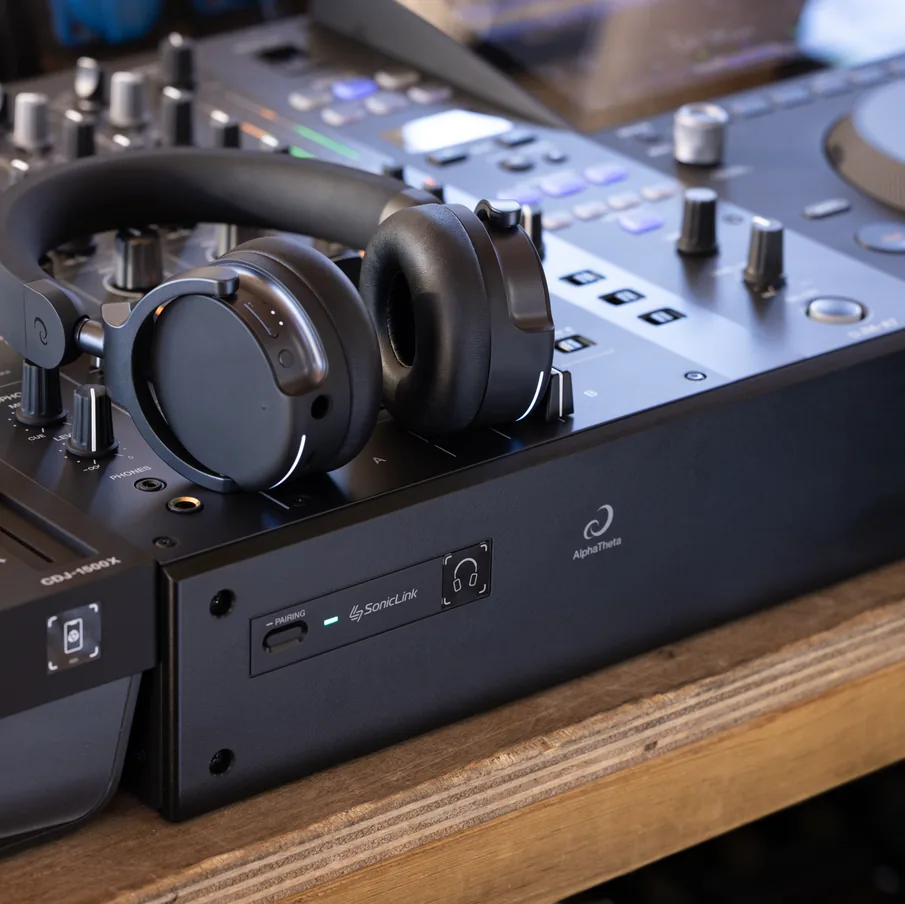

Wireless monitoring
through SonicLink -
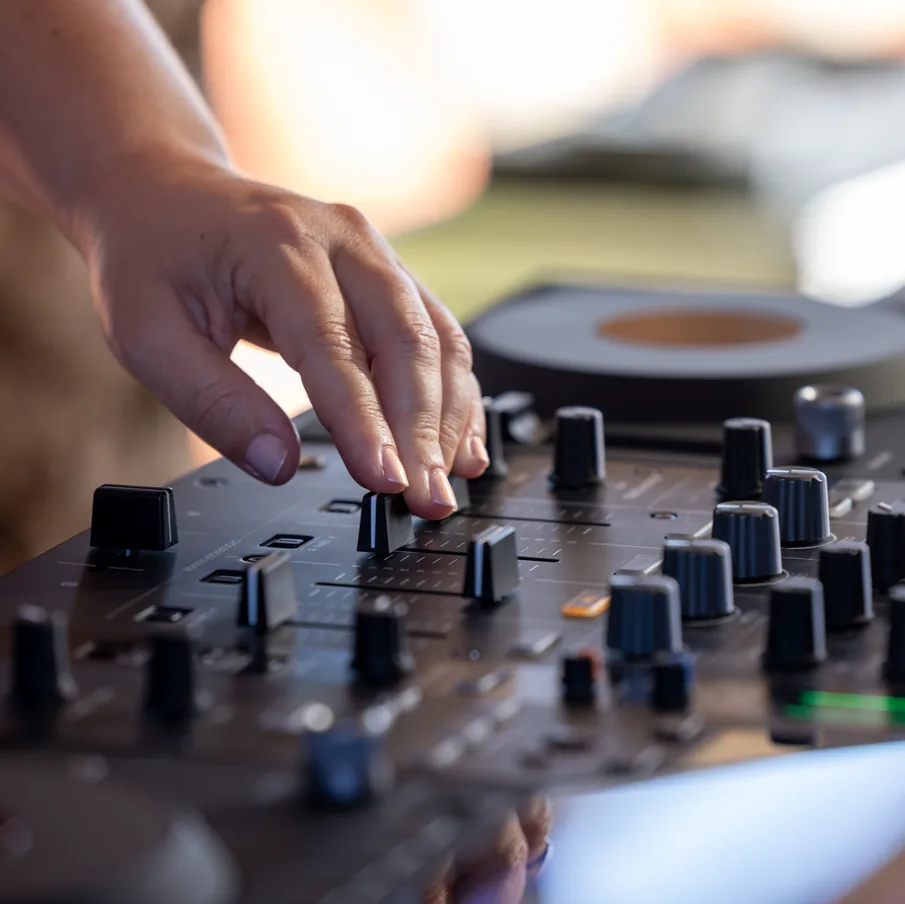
Smooth mixes
with Soft Mix Curve -
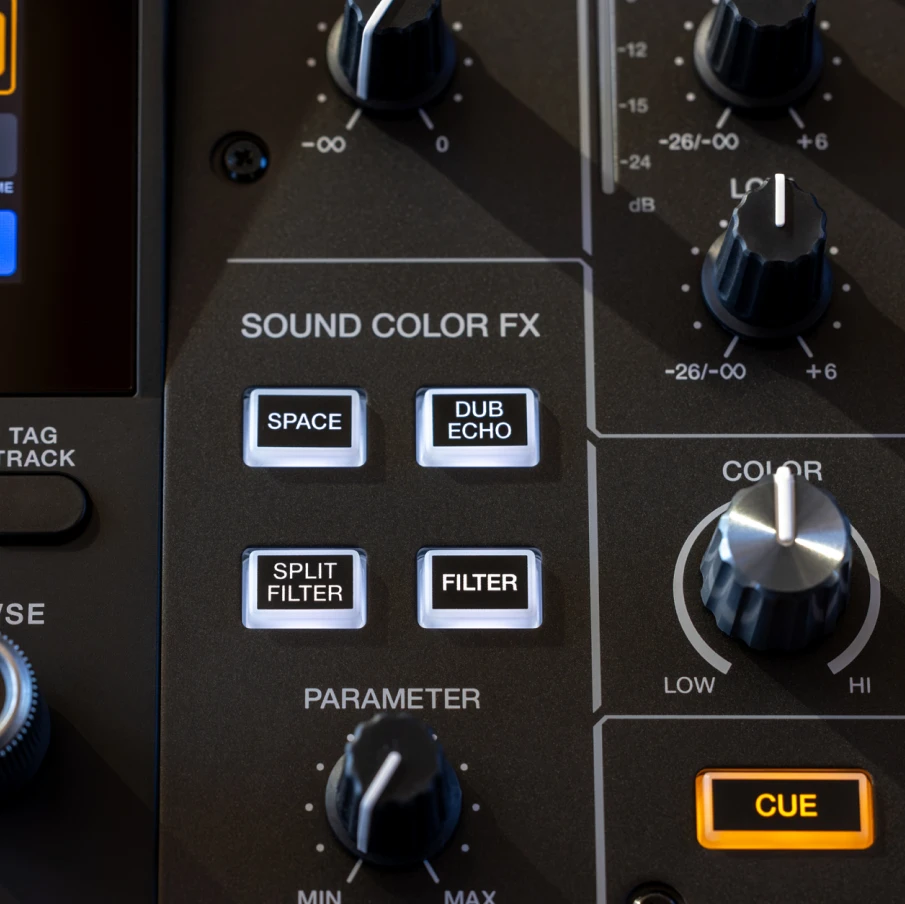
Keep the energy moving
with Split Filter
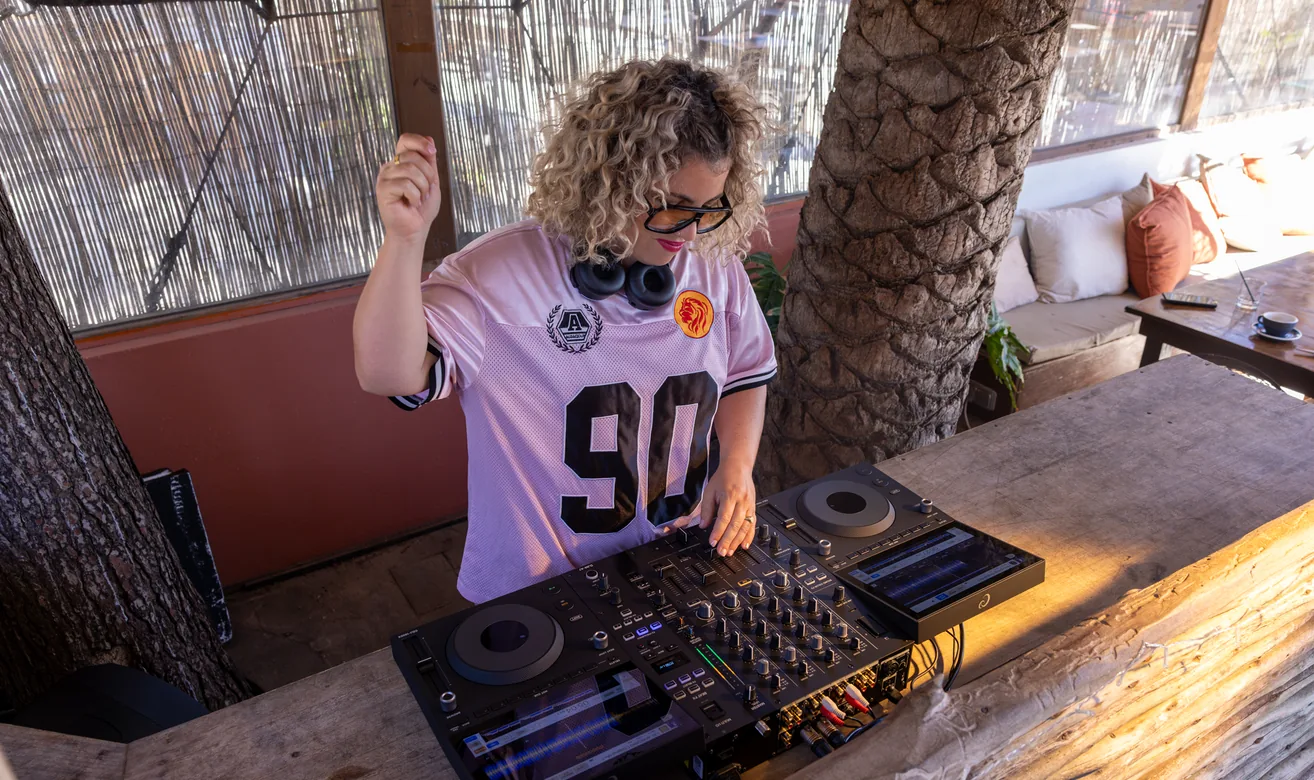
Play with your favorite DJ software/app
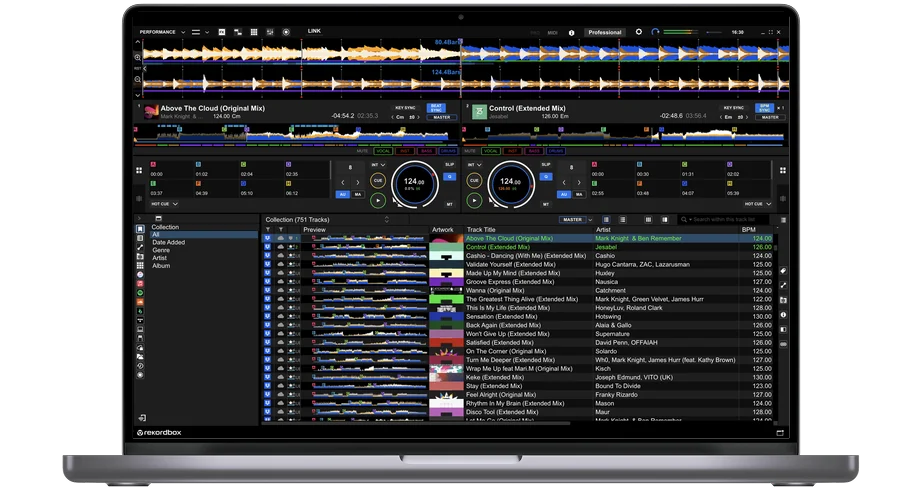
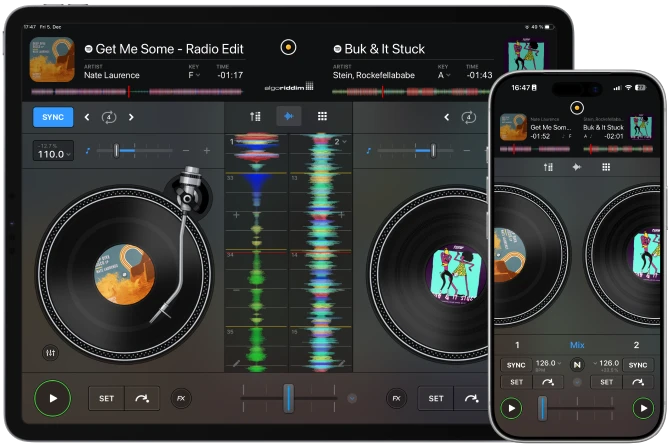
Whether you play with rekordbox, Serato DJ Pro, or djay – on your PC/Mac or iPhone/iPad – bring your own device to the venue and start mixing right away.
Versatile connectivity helps venues welcome more DJs, and dual USB Type-C ports let 2 people stay connected for smooth back-to-backs and changeovers.
Compatible DJ software
-
 rekordbox for
Mac/Windows -
 djay Pro for
Mac and Windows -
 Serato DJ Pro
Compatible DJ apps
 djay for iOS

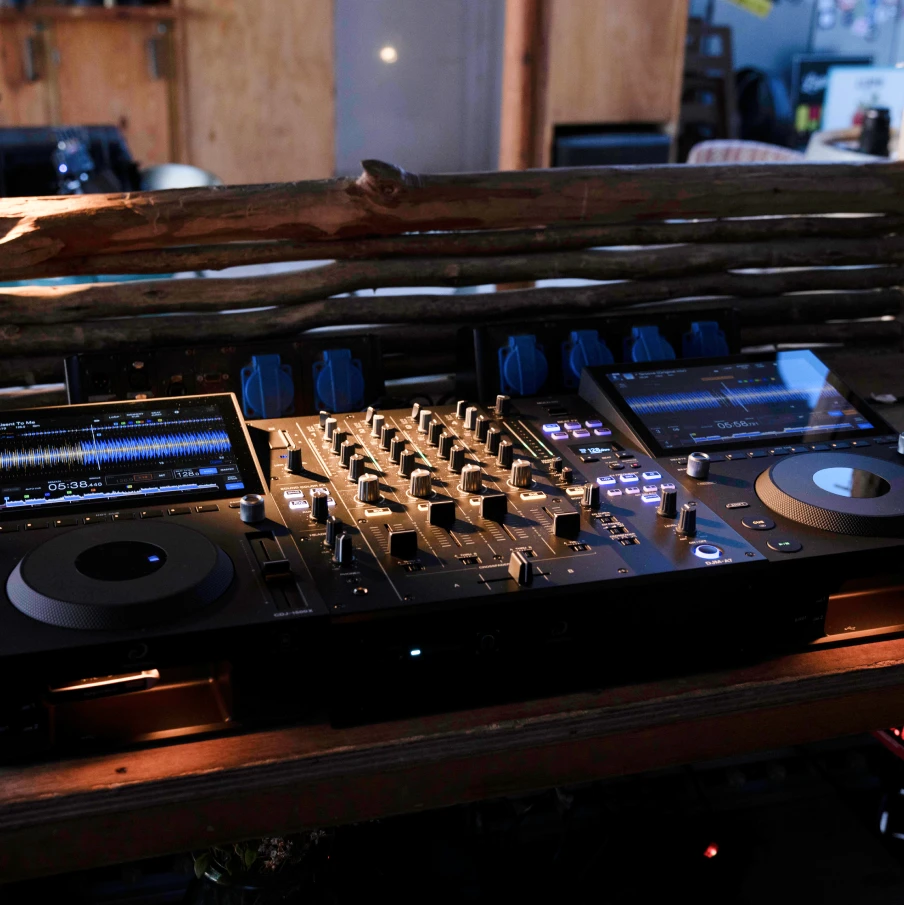
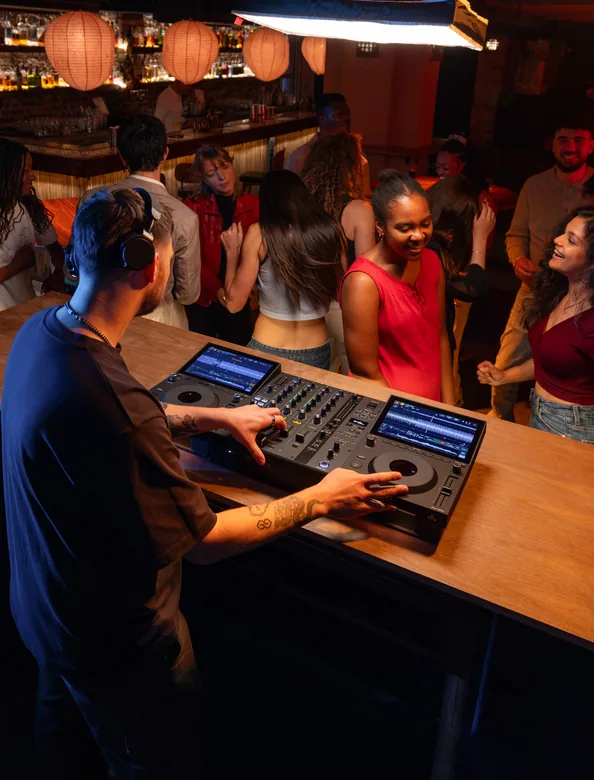
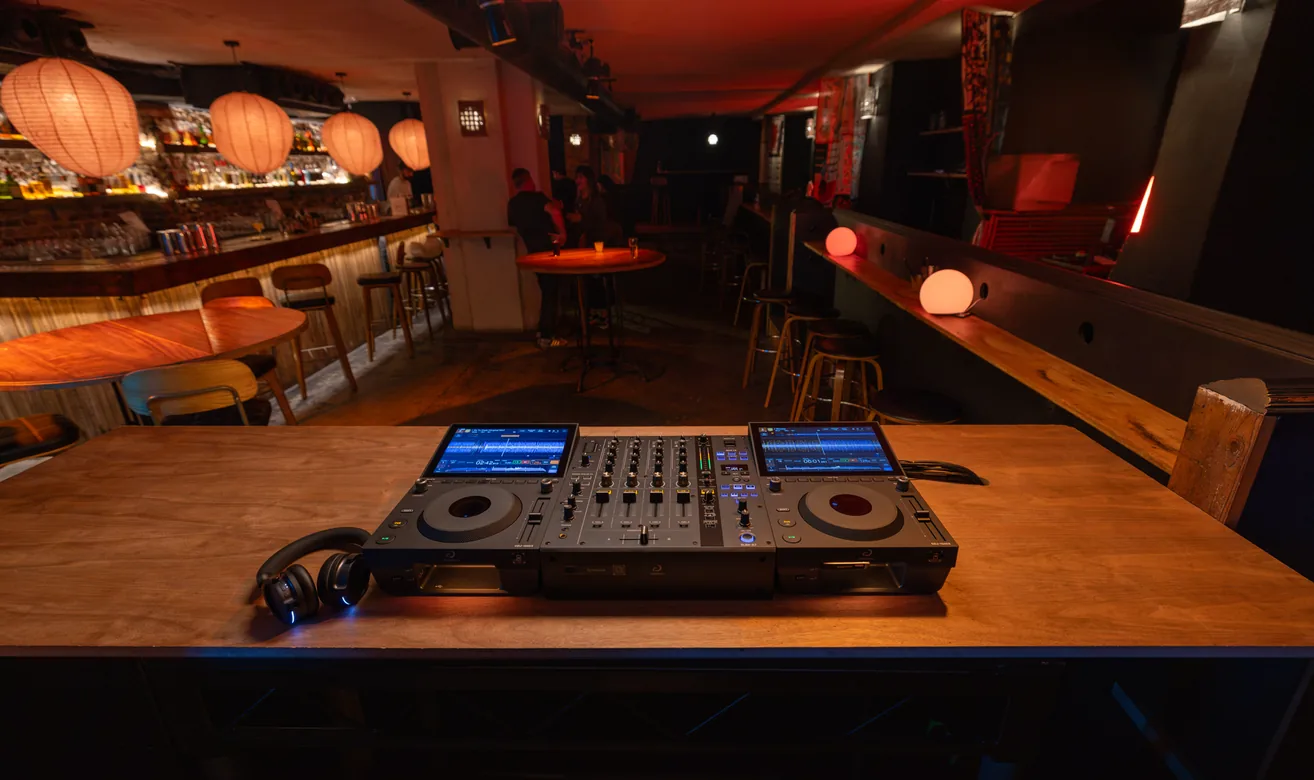
Every venue has
its own music,
crowd, and acoustics.
The DJM-A7 is ready
for all of them,
with flexible
connectivity,
clear sound,
and intuitive control
– even with
no sound engineer.

Sound Quality
Clear sound
for every genre and venue
The DJM-A7 inherits the clear, neutral sound of the DJM-A9. High-quality 32-bit A/D and D/A converters deliver detailed, low-noise audio, refined through listening tests at a range of clubs and venues.

Master Texture
Tune the sound to the venue with Master Texture
Shape the highs and lows independently with 2 dedicated knobs. Smooth out harsh treble, give the kick more weight, and find textures EQ alone can’t reach. It’s an easy way to make the room sound the way you want.

Move freely
with SonicLink
wireless monitoring
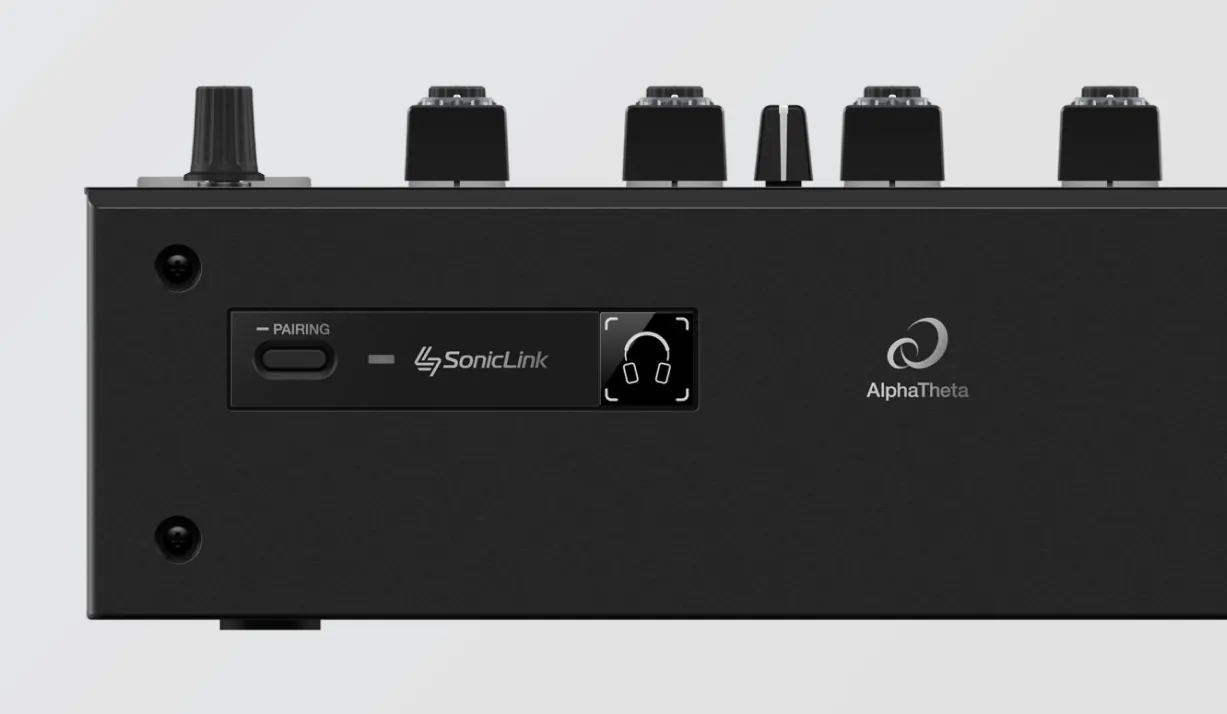
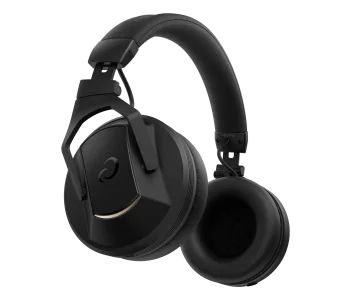
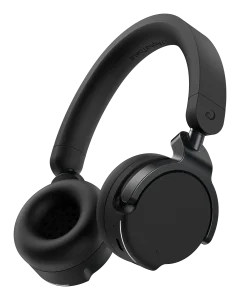
Our SonicLink wireless technology, with ultra-low latency of just 9 ms, is built right into the DJM-A7 so there’s no separate transmitter to charge or connect. With Touch Pairing, you can pair the HDJ-F9 headphones just by touching them to the mixer, so you can move freely from the moment you step into the booth.
Features
-
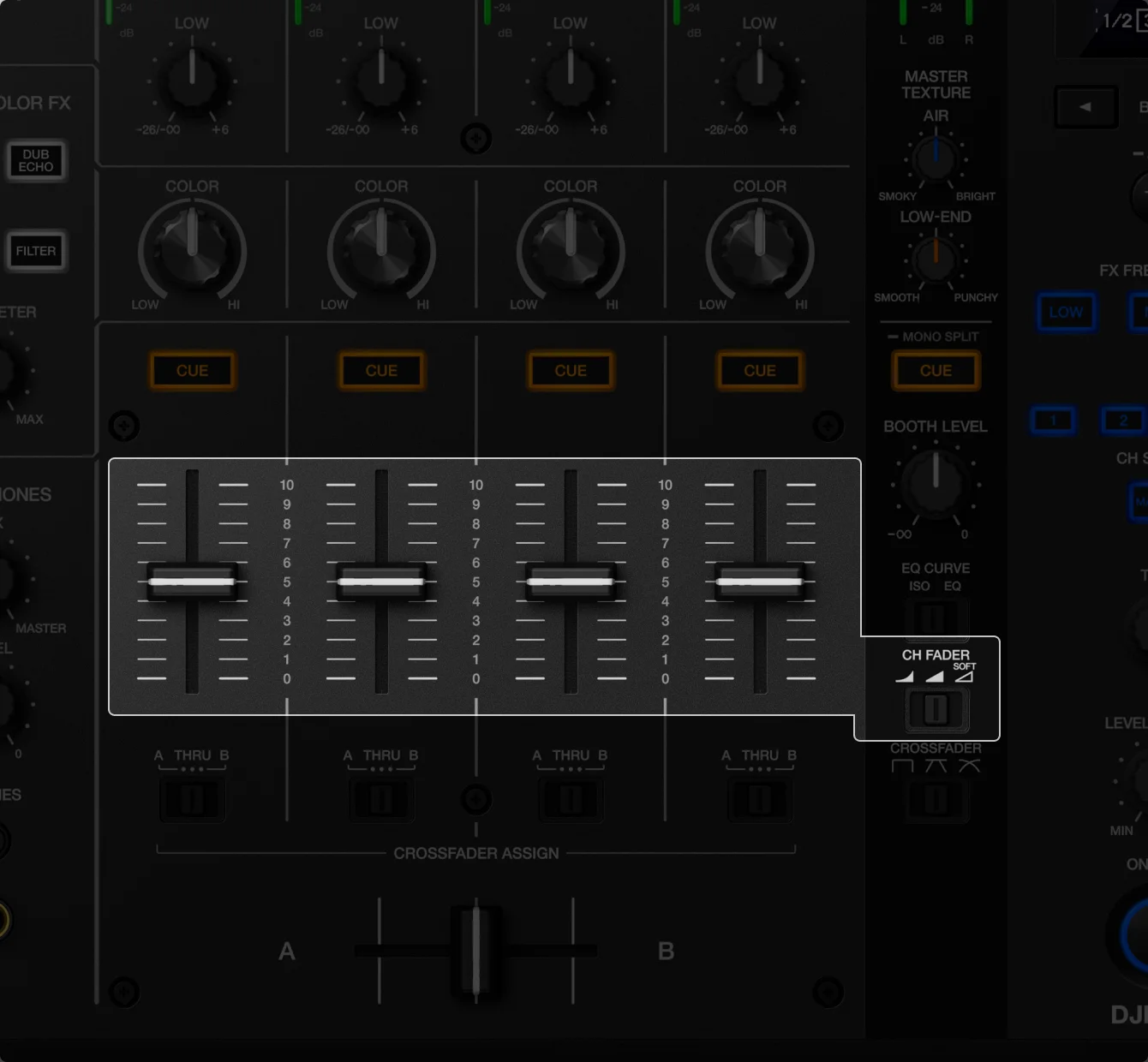
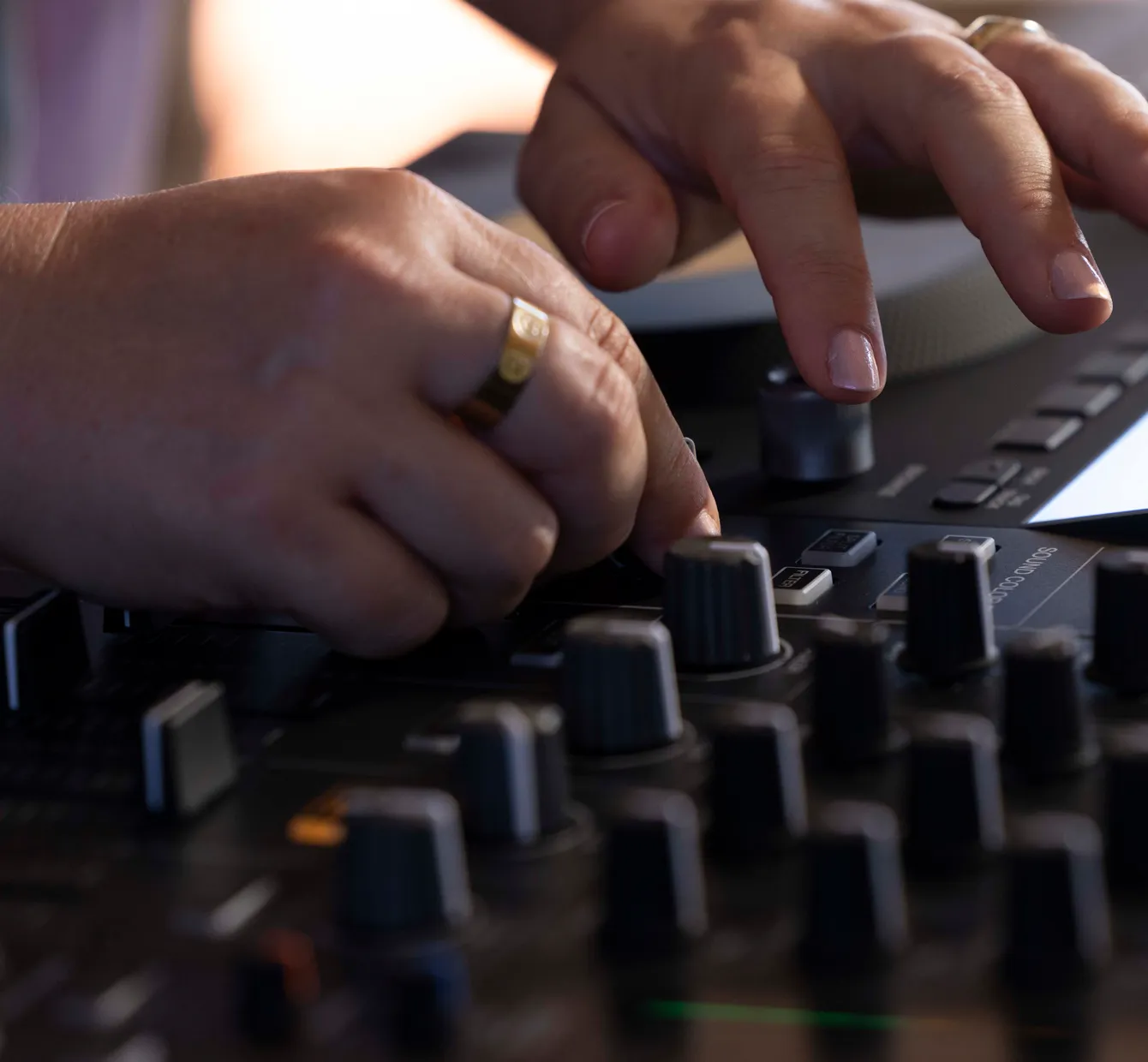
As you lower the channel fader, the high frequencies are gently reduced, giving you refined control over how tracks blend.
-
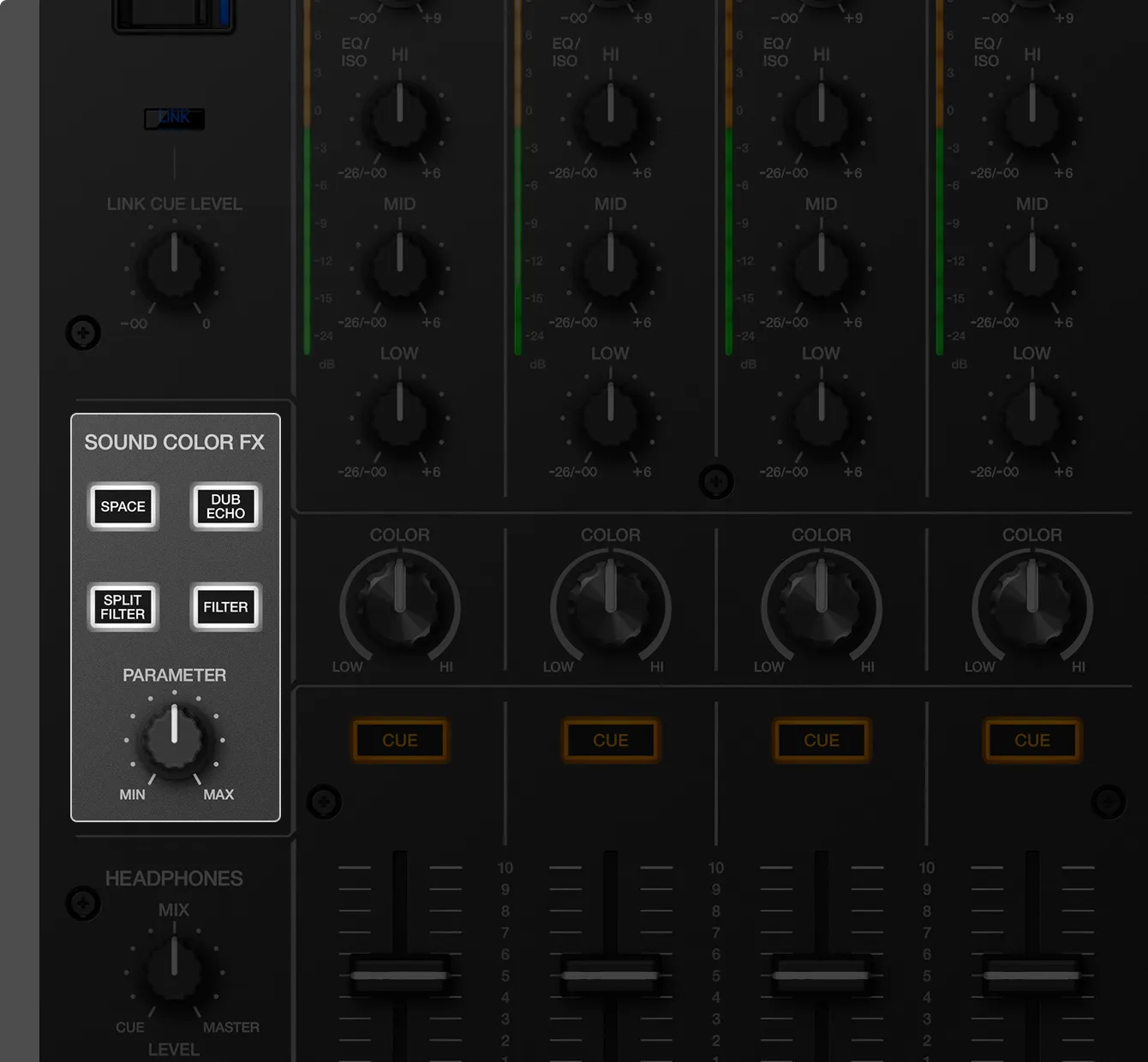
This new Sound Color FX shapes mainly the midrange while preserving the rhythmic character of the highs and lows, so you can add movement to the music while keeping the groove rolling.
-
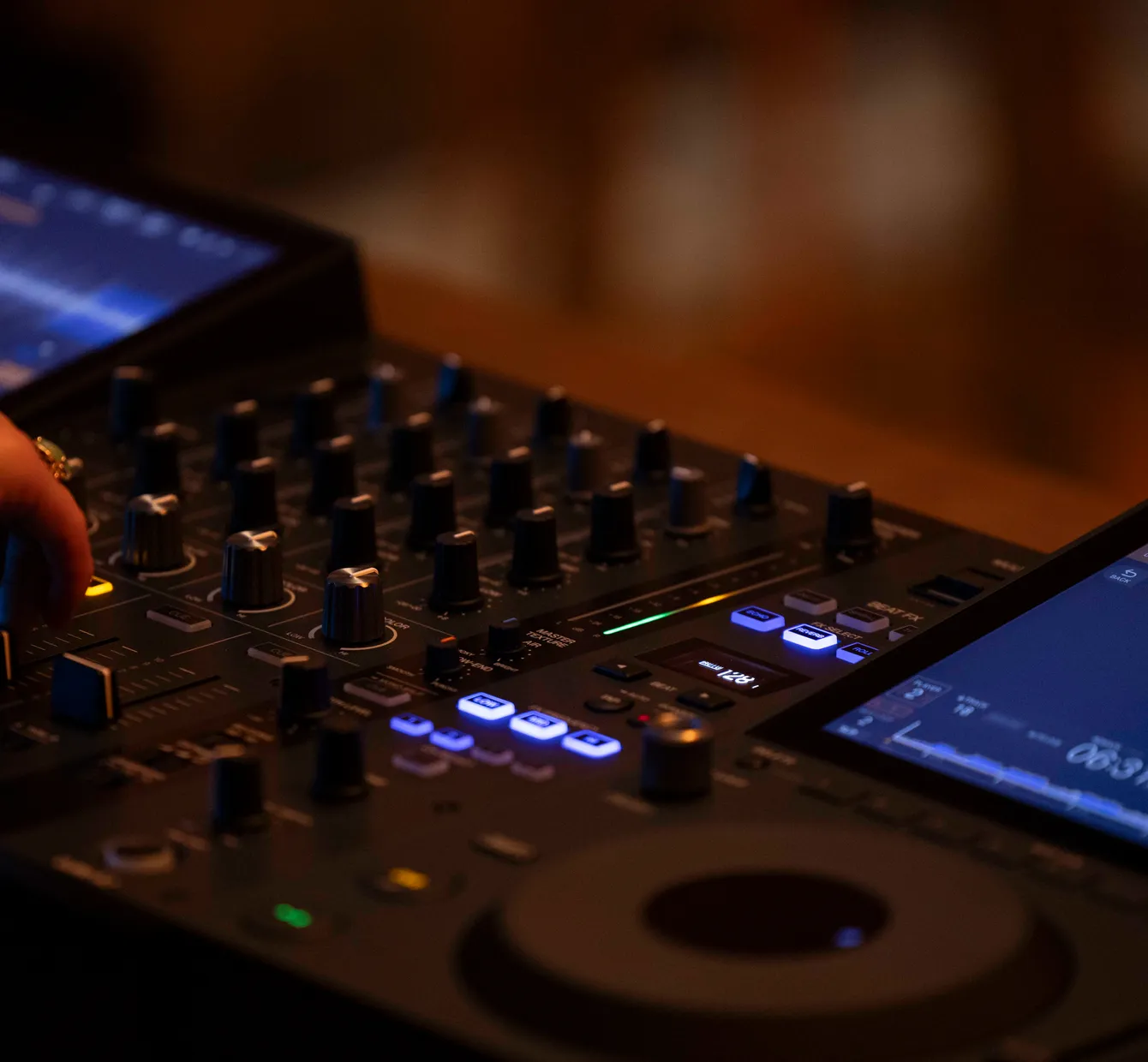
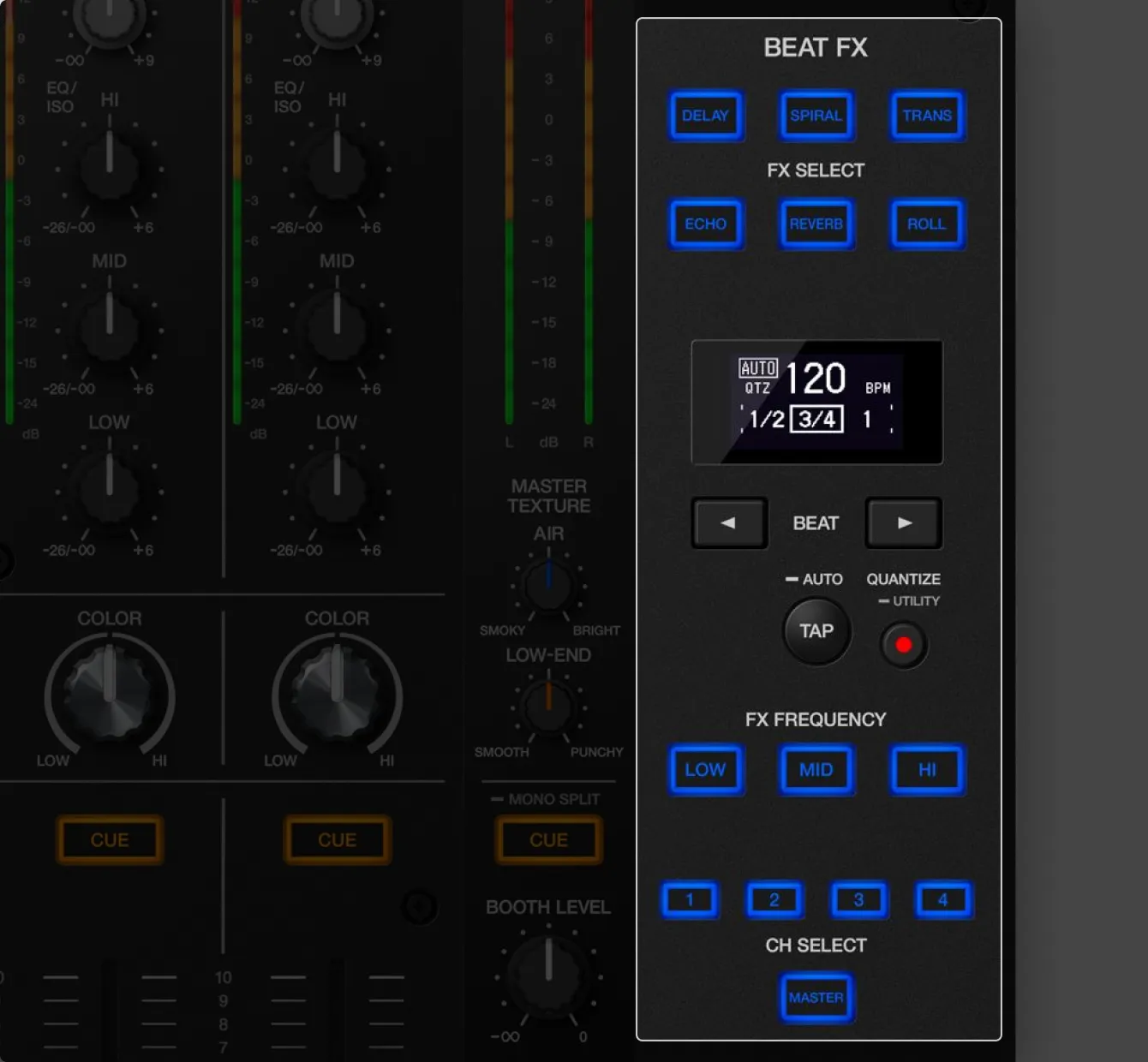
The effect selector has changed from a rotary knob to 6 illuminated buttons, so you can clearly see which effect is active and choose the one you want in a dark DJ booth. Frequency and channel selection are also controlled by buttons, just like on the DJM-A9.
-
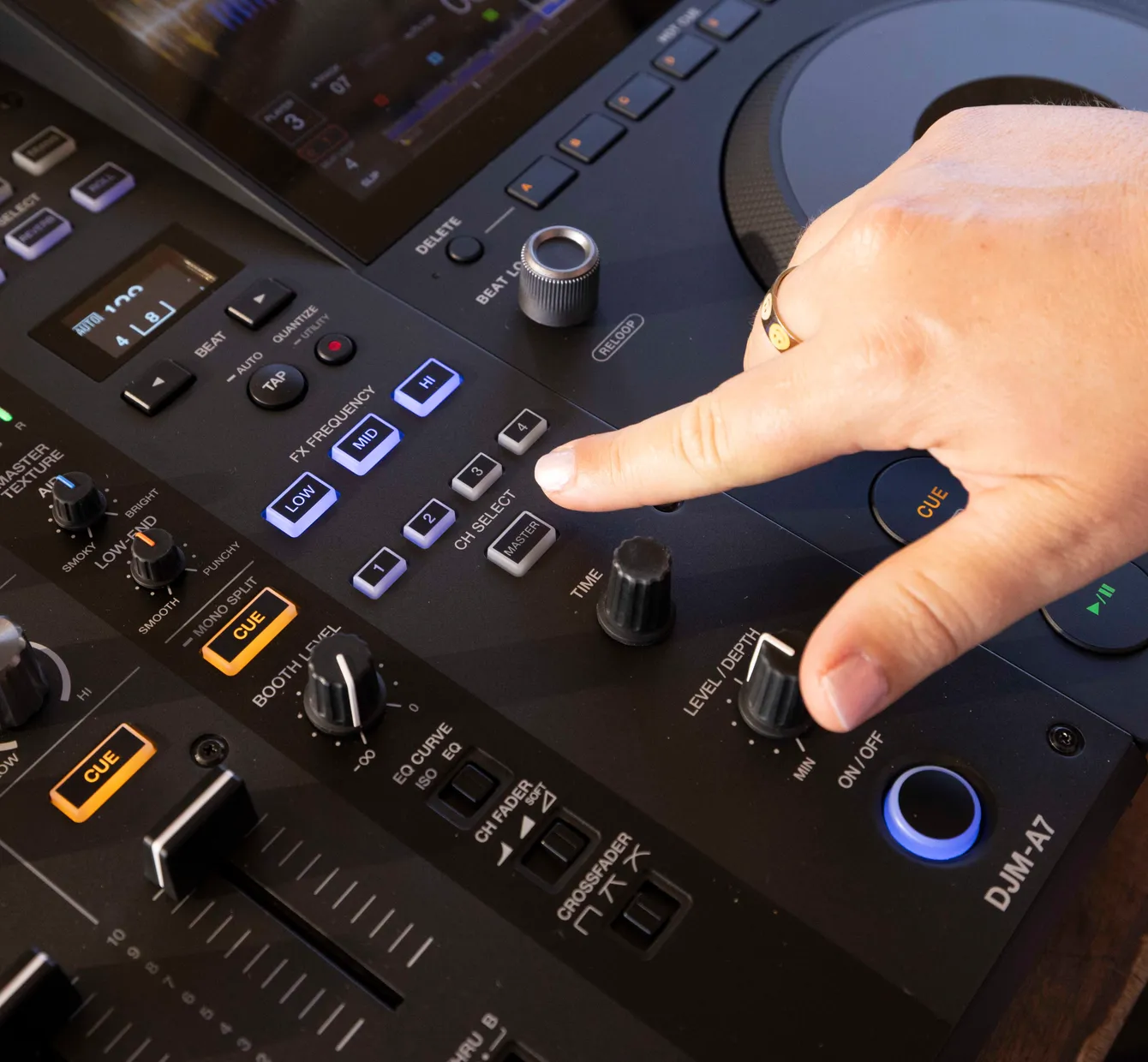
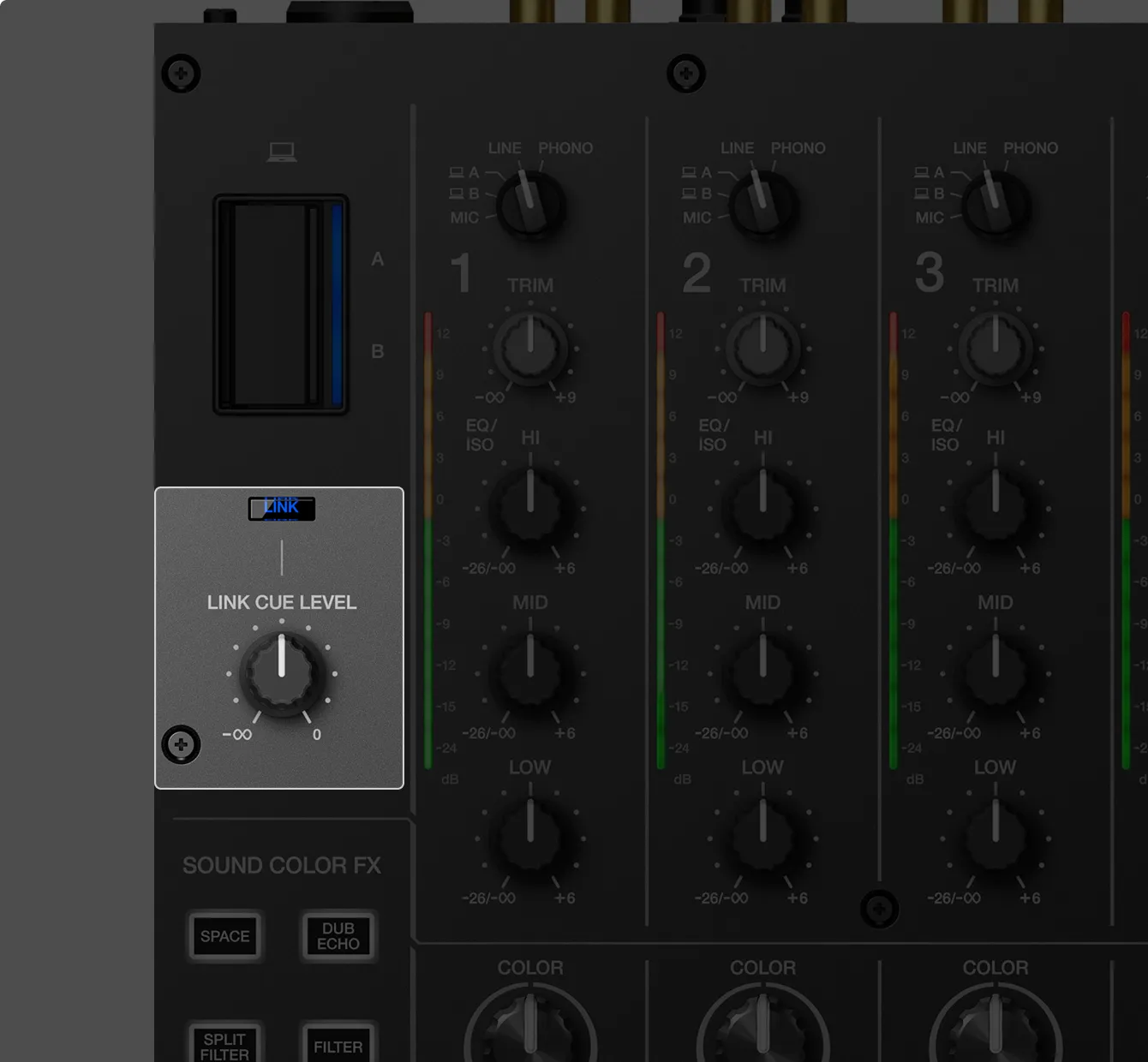
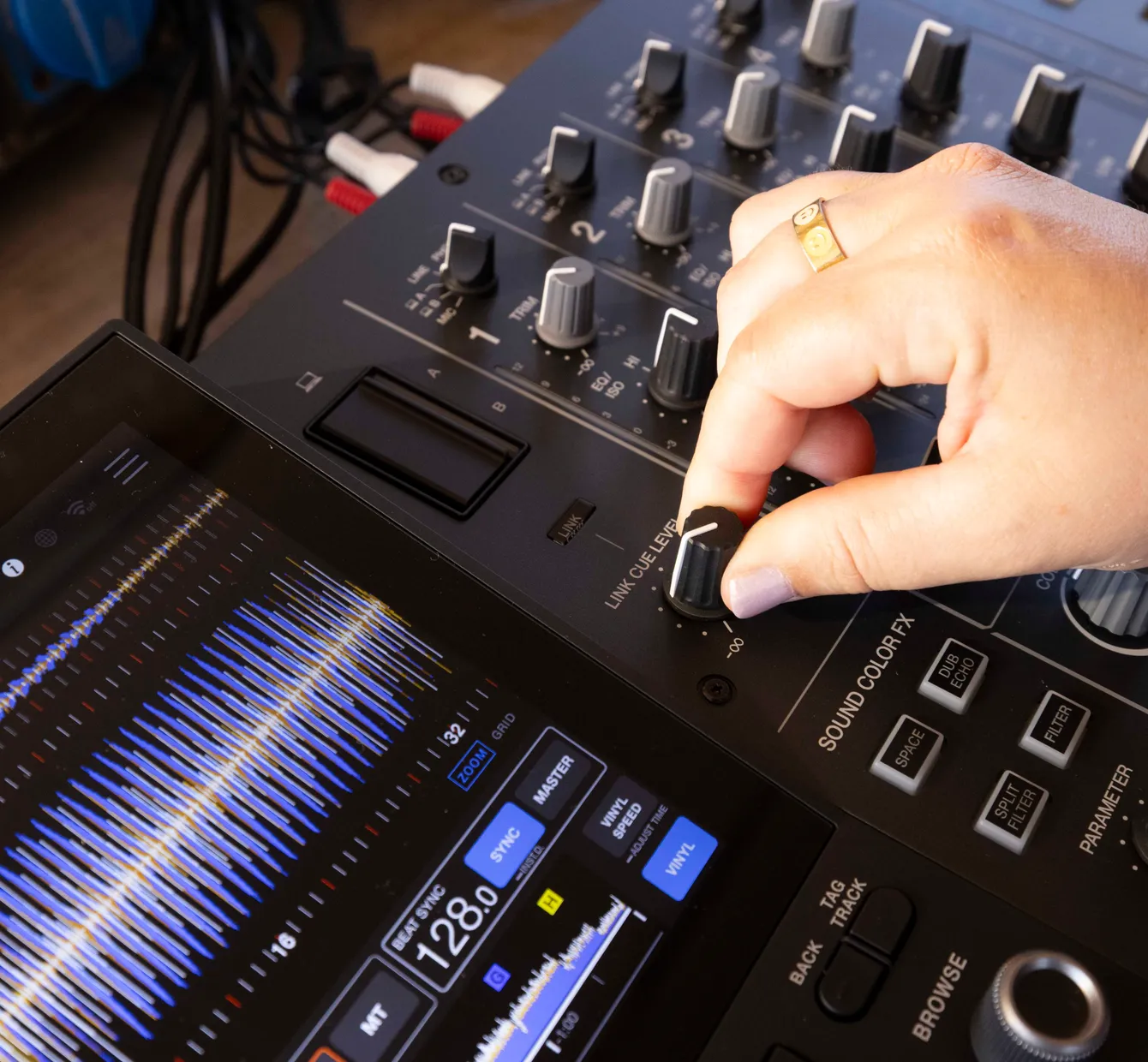
Connect a PRO DJ LINK™-compatible DJ player to monitor its tracks without them playing on a mixer channel. Audition a track before loading it with Touch Preview, or use Touch Cue to check any point in the playing track – without affecting the master output. The Link Cue knob sets the monitoring level.
-
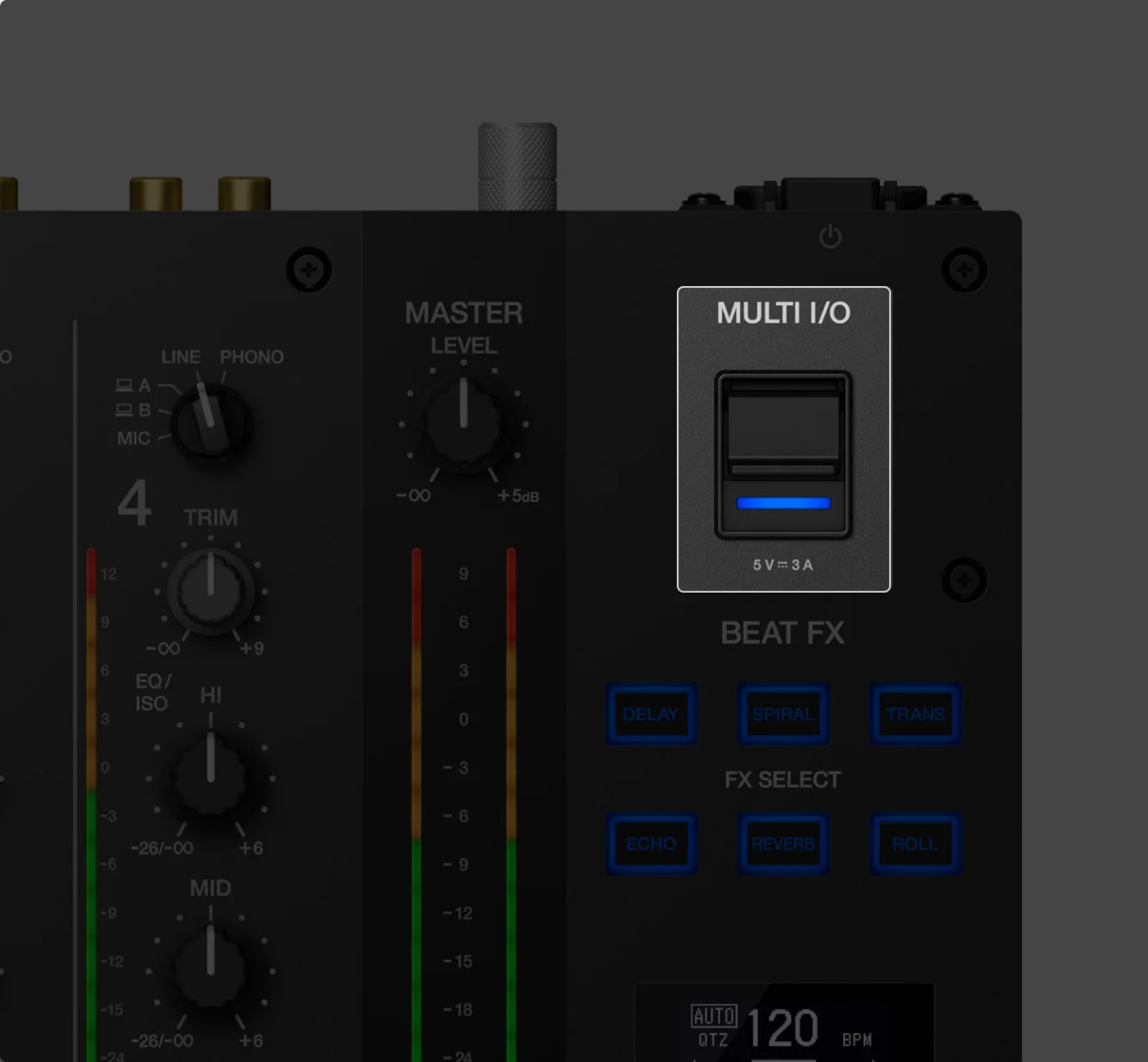
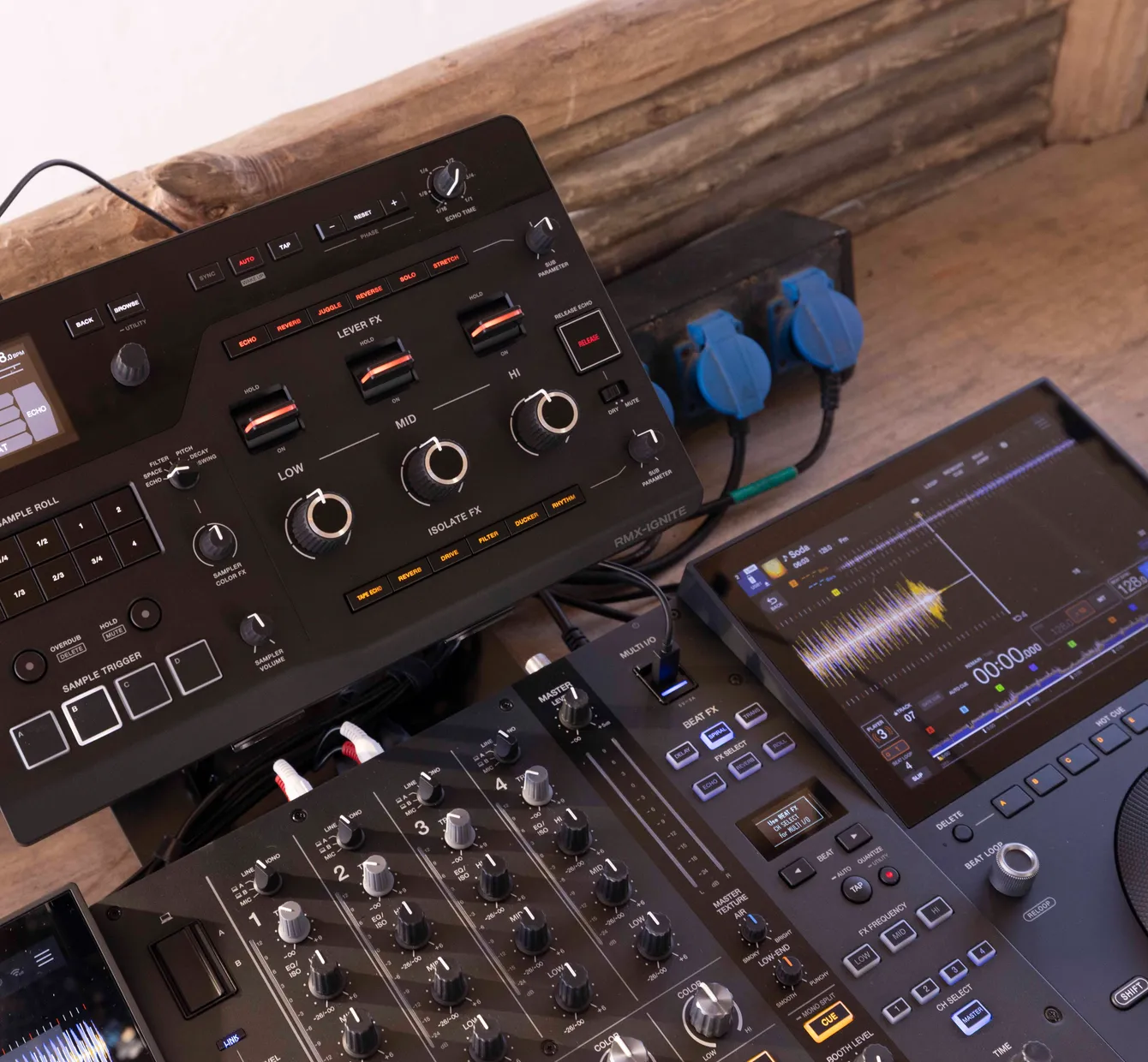
The MULTI I/O port keeps cabling tidy in a tight booth and helps you set up smoothly when time is limited. Audio signals are sent and received digitally, reducing sound quality degradation caused by A/D and D/A conversion.

DJM SERIES / Spec comparison
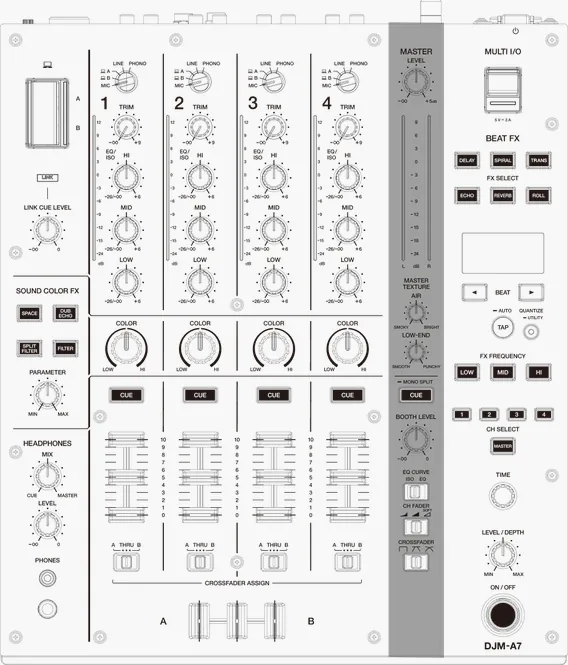
DJM-A7
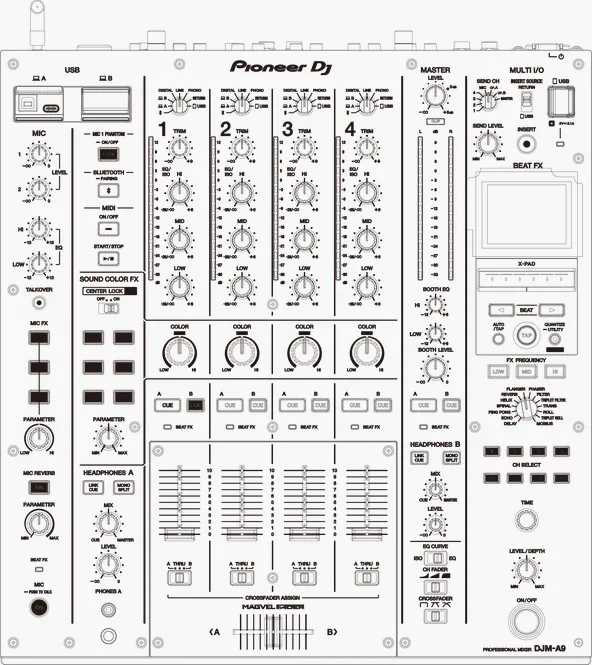
DJM-A9
- Dimensions/Weight
- DJM-A7: 331.0 × 387.8 × 107.9 mm
13.0″ × 15.3″ × 4.2″
6.7 kg/14.8 lbs. - DJM-A9: 407.4 × 458.3 × 107.9 mm
16.0″ × 18.0″ × 4.2″
10.2 kg/22.5 lbs. - Master Texture
- DJM-A7:
 Available
Adjust Air (highs) and Low End (lows) independently with 2 dedicated knobs - DJM-A9: –
- Soft Mix Curve
- DJM-A7: Available
Gently reduces high frequencies as you lower the fader - DJM-A9: –
- Sound Color FX/Beat FX
- DJM-A7: Sound Color FX: 4 (Space, Dub Echo, Split Filter, Filter)
Beat FX: 6, selected directly with illuminated buttons - DJM-A9: Sound Color FX: 6 (Space, Dub Echo, Sweep, Noise, Crush, Filter)
Beat FX: 14, knob + color display, X-Pad - Compatible DJ software/apps
- DJM-A7: rekordbox, Serato DJ Pro, djay Pro, djay for iOS
- DJM-A9: rekordbox, Serato DJ Pro, djay Pro, djay for iOS
- DJ software connection
- DJM-A7: USB Type-C x 2
2 PC/Mac connected simultaneously (for DJ changeovers) - DJM-A9: USB Type-B x 2, USB Type-C x 2
2 PC/Mac connected simultaneously - Mobile connection
- DJM-A7: Direct USB Type-C connection (djay for iOS)
- DJM-A9: DJM-REC/Bluetooth® audio input
Direct USB Type-C connection (djay for iOS) - PRO DJ LINK
- DJM-A7: Supported
- DJM-A9: Supported
- Link Cue
- DJM-A7: Supported (Touch Preview, Touch Cue)
- DJM-A9: Supported (Touch Preview, Touch Cue)
- SonicLink
- DJM-A7: Built-in (with Touch Pairing)
- DJM-A9: –
- Mic input
- DJM-A7: XLR connector & 1/4″ TRS jack x 1
- DJM-A9: 2 (XLR connector & 1/4″ TRS jack, 1/4″ TRS jack)
- Talkover
- DJM-A7: Not supported
- DJM-A9: Supported
DJM-A7
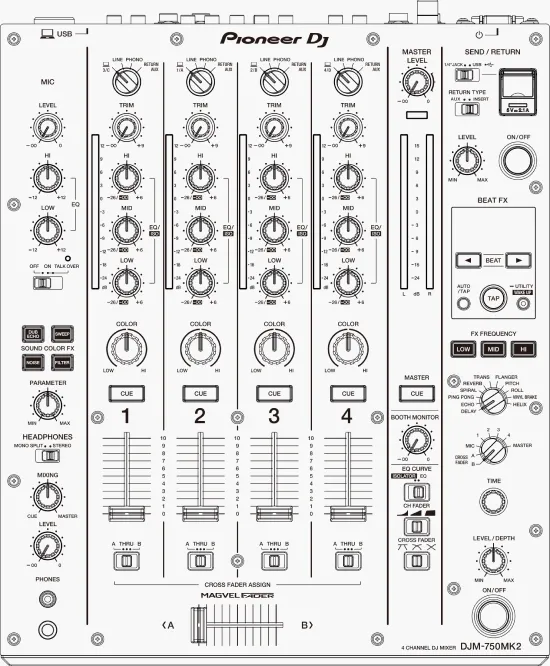
DJM-750MK2
- Dimensions/Weight
- DJM-A7: 331.0 × 387.8 × 107.9 mm
13.0″ × 15.3″ × 4.2″
6.7 kg/14.8 lbs. - DJM-750MK2: 320.0 × 387.9 × 107.9 mm
12.6″ × 15.3″ × 4.2″
6.6 kg/14.6 lbs. - Master Texture
- DJM-A7: Available
Adjust Air (highs) and Low End (lows) independently with 2 dedicated knobs - DJM-750MK2: –
- Soft Mix Curve
- DJM-A7: Available
Gently reduces high frequencies as you lower the fader - DJM-750MK2: –
- Sound Color FX/Beat FX
- DJM-A7: Sound Color FX: 4 (Space, Dub Echo, Split Filter, Filter)
Beat FX: 6, selected directly with illuminated buttons - DJM-750MK2: Sound Color FX: 4 (Dub Echo, Sweep, Noise, Filter)
Beat FX: 11, knob + display - Compatible DJ software/apps
- DJM-A7: rekordbox, Serato DJ Pro, djay Pro, djay for iOS
- DJM-750MK2: rekordbox, Serato DJ Pro, TRAKTOR PRO 3
- DJ software connection
- DJM-A7: USB Type-C x 2
2 PC/Mac connected simultaneously (for DJ changeovers) - DJM-750MK2: USB Type-B x 1
1 PC/Mac - Mobile connection
- DJM-A7: Direct USB Type-C connection (djay for iOS)
- DJM-750MK2: DJM-REC/iOS SEND/RETURN
No direct DJ application connection - PRO DJ LINK
- DJM-A7: Supported
- DJM-750MK2: Not supported
- Link Cue
- DJM-A7: Supported (Touch Preview, Touch Cue)
- DJM-750MK2: Not supported
- SonicLink
- DJM-A7: Built-in (with Touch Pairing)
- DJM-750MK2: –
- Mic input
- DJM-A7: XLR connector & 1/4″ TRS jack x 1
- DJM-750MK2: XLR connector & TRS jack x 1
- Talkover
- DJM-A7: Not supported
- DJM-750MK2: Supported

Ready to buy?
Get yours from our online store.
Ready to buy?
Get yours from our online store.
Ready to buy?
Get yours from our online store.


Specifications
General
- Channels
- 4
- Maximum dimensions (W × D × H)
- 331.0 × 387.8 × 107.9 mm
13.0″ × 15.3″ × 4.2″ - Weight
- 6.7 kg
14.8 lbs. - Sampling rate
- 48 kHz
- A/D converter
- 32bit (ESS Technology)
- D/A converter
- 32bit (ESS Technology)
- Frequency response
- 20 Hz – 20 kHz (LINE)
- S/N ratio
- 110 dB (USB)/102 dB (LINE)/86 dB (PHONO)/79 dB (MIC)
- Total harmonic distortion
- 0.007% (LINE-MASTER1)
Input
- LINE
- LINE x 4 (RCA)
- PHONO
- PHONO x 4 (RCA)
- MIC
- MIC x 1 (XLR & 1/4″ TRS jack)
Output
- MASTER
- MASTER 1 x 1 (XLR)
- BOOTH
- BOOTH x 1 (1/4″ TRS jack)
- REC OUT
- REC OUT (MASTER 2) x 1 (RCA)
- PHONES
- PHONES x 2 (1/4″ stereo jack x 1, 3.5 mm stereo mini jack x 1)
Others
- USB
- USB Type-C x 2 (PC/Mac), USB Type-C x 1 (MULTI I/O)
- LINK
- LINK x 1 (LAN 100BASE-TX)
Effects
- Sound Color FX
- 4 types: Space, Dub Echo, Split Filter, Filter
- Beat FX
- 6 types: Delay, Spiral, Trans, Echo, Reverb, Roll
Compatible DJ software
- Compatible DJ software
- rekordbox for Mac/Windows (Hardware Unlock – no license needed)
djay Pro for Mac and Windows (subscription needed)
djay for iOS (subscription needed)
Serato DJ Pro (subscription needed)
Wireless connectivity
- SonicLink
- Frequency band used: 2.4 GHz
Touch Pairing: Supported
SonicLink-compatible headphones: HDJ-F10, HDJ-F9
Accessories
- Accessories
- Power cord, Quick Start Guide, Precautions for Use, Warranty (for some regions)
* The specifications and design of this product are subject to change without notice.
Support
FAQs
What DJ software is compatible with the DJM-A7?
The DJM-A7 supports rekordbox for Mac/Windows, djay Pro for Mac and Windows, djay for iOS, and Serato DJ Pro. A paid license or subscription is needed to use djay Pro, djay for iOS, or Serato DJ Pro with the DJM-A7.
Can I connect 2 PC/Mac systems at the same time?
Yes. The DJM-A7 has 2 USB Type-C ports for PC/Mac connection, so 2 systems can stay connected at the same time. You can switch between DJs or play a back-to-back set without reconnecting cables.
What is Master Texture? And is the DJM-A7 a good DJ mixer for venues?
Master Texture lets you adjust the high and low frequencies of the sound from the main speakers. You can increase or reduce these frequencies – for example, toning down harsh highs or adding impact to the low end – to suit the room acoustics, time of day, or music genre. This gives you flexible control over sound quality and makes the mixer a great choice for venues, especially ones that don’t have a sound engineer on staff.
What do I need to use SonicLink with the DJM-A7?
You need SonicLink-compatible headphones, such as the HDJ-F10 or HDJ-F9. Touch Pairing is a separate feature and is available only with compatible headphone models, such as the HDJ-F9. With a Touch Pairing-compatible model, touch the housing of the left earcup to the headphone touch area on the front of the mixer for quick wireless pairing. Check the latest support information for compatible models.
What are the Link Cue, Touch Cue, and Touch Preview features on the DJM-A7?
Link Cue lets you listen through headphones connected to the DJM-A7 to a track or playback position selected on a connected PRO DJ LINK-compatible DJ multi player, without outputting the sound through a mixer channel. Touch Preview lets you audition a track before loading it, while Touch Cue lets you listen to another point in the playing track without affecting the master output. Touch Cue and Touch Preview require a compatible multi player.