

XDJ-AN
Built-in Wi-Fi ®
Compatible with online music sources
Instant login to online music sources
Find and play streaming tracks




Edit and play cloud-based playlists


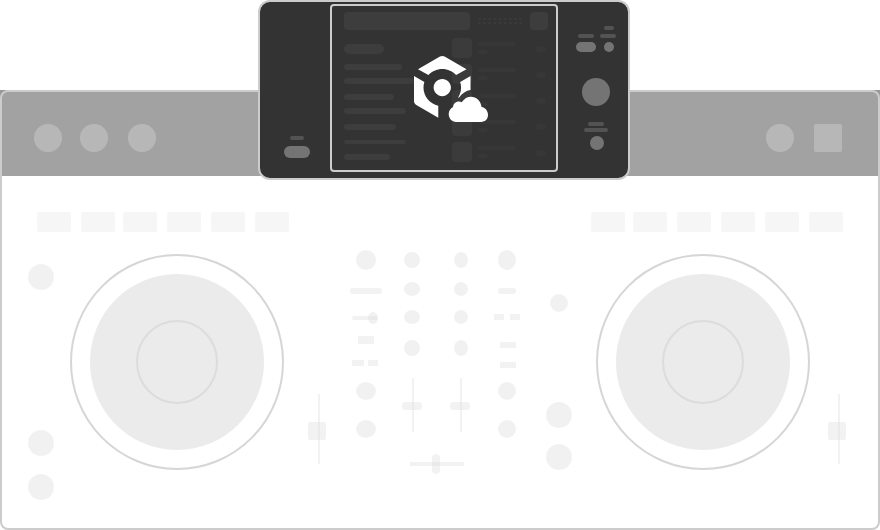
Record and livestream with DJM-REC

First on an all-in-one
DJ system
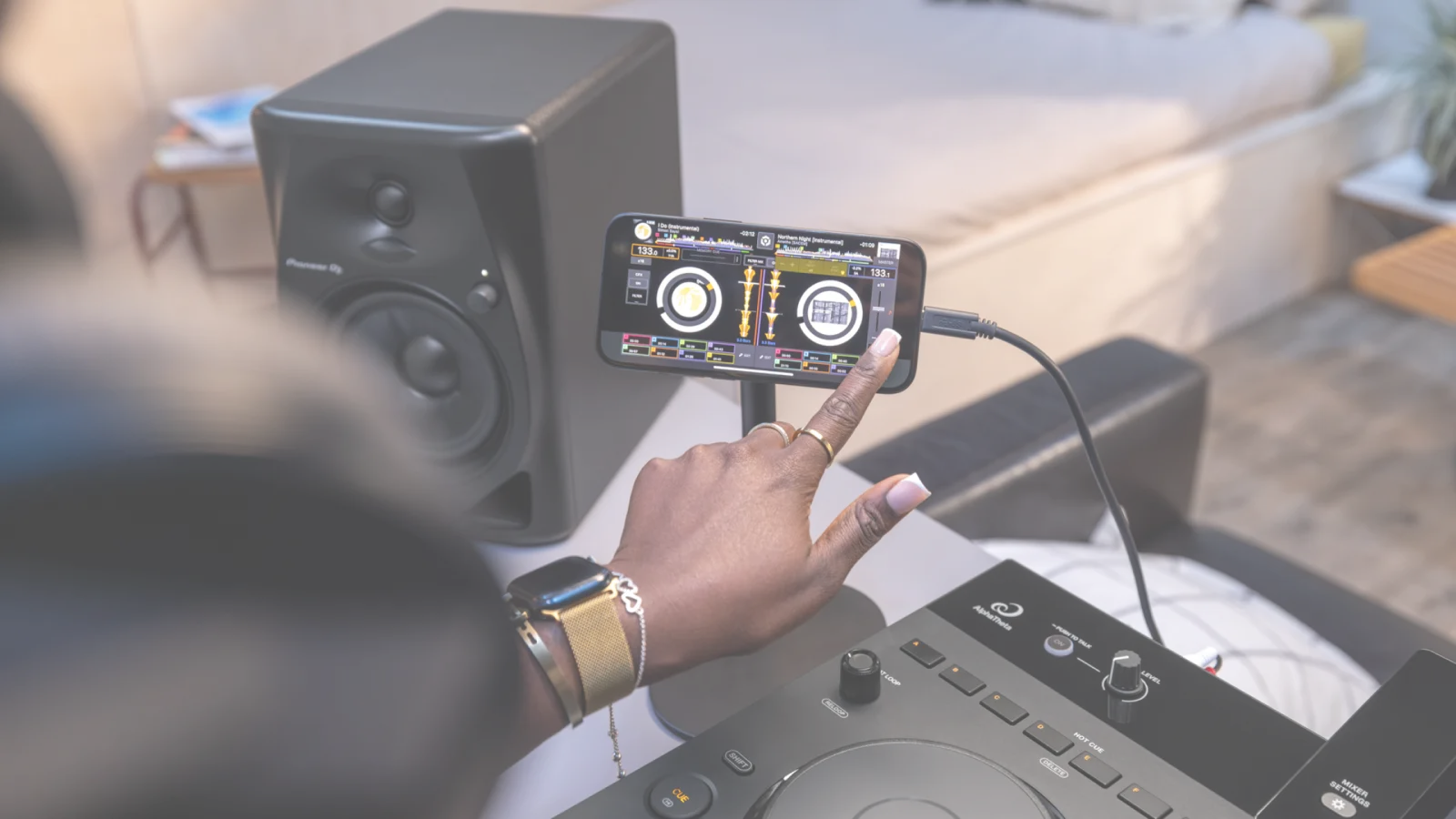
Play with DJ apps


First on an all-in-one
DJ system
Play with DJ software

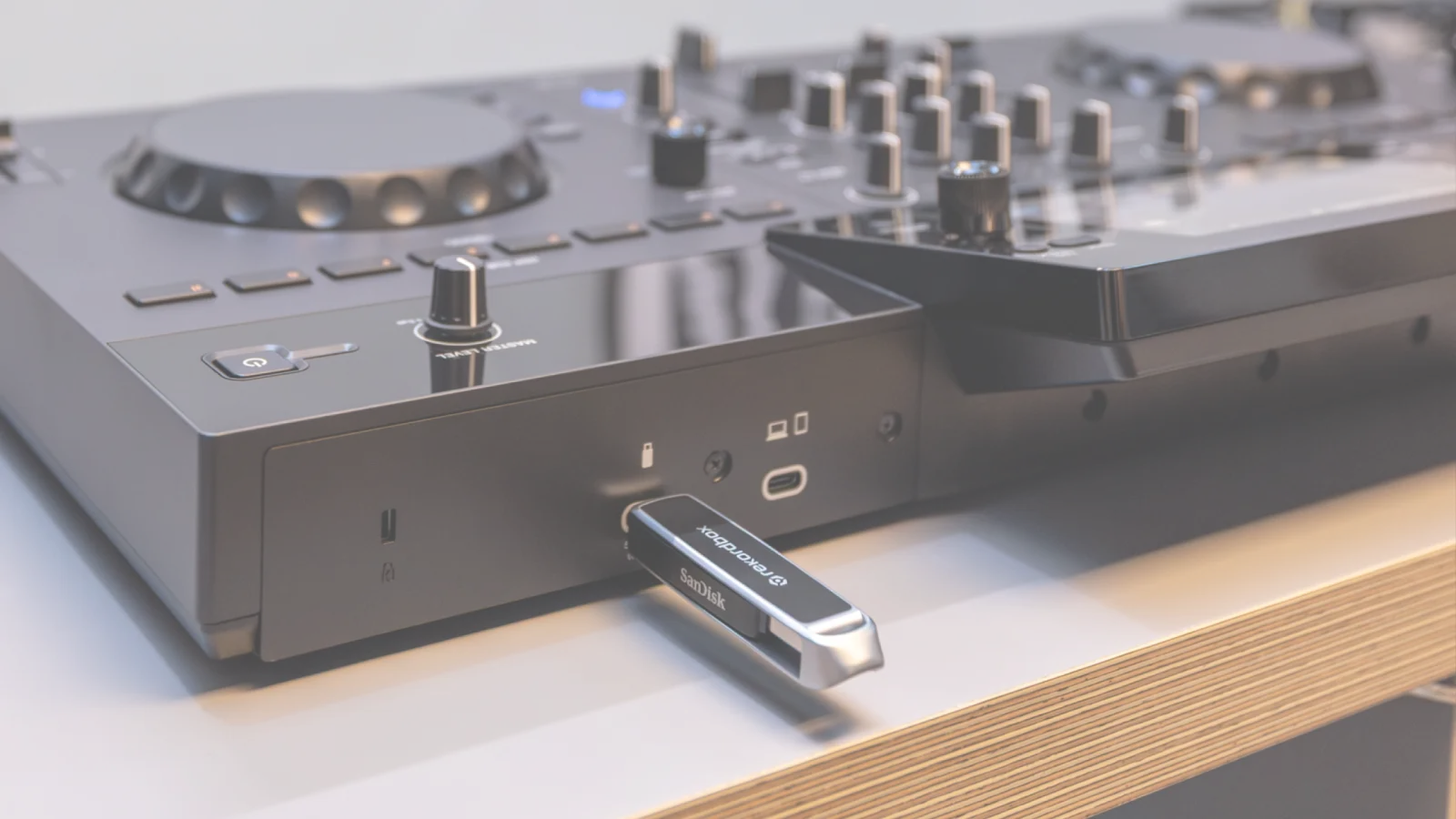
Play music from USB storage devices
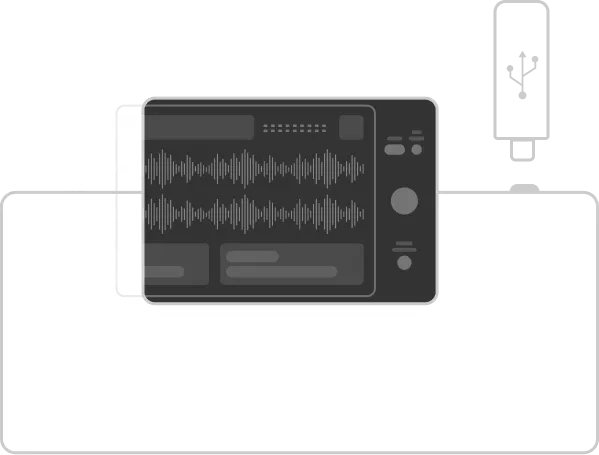
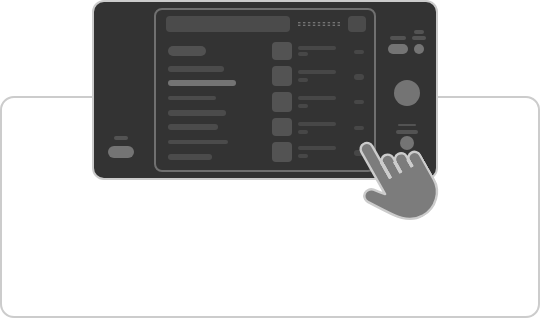
Large touchscreen
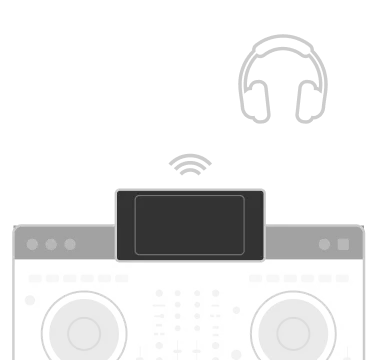
Ultra-low-latency, high-quality wireless headphones sync

Compatible with OneLibrary
*Device Library is not supported.

Compatible
DJ software


USB Export

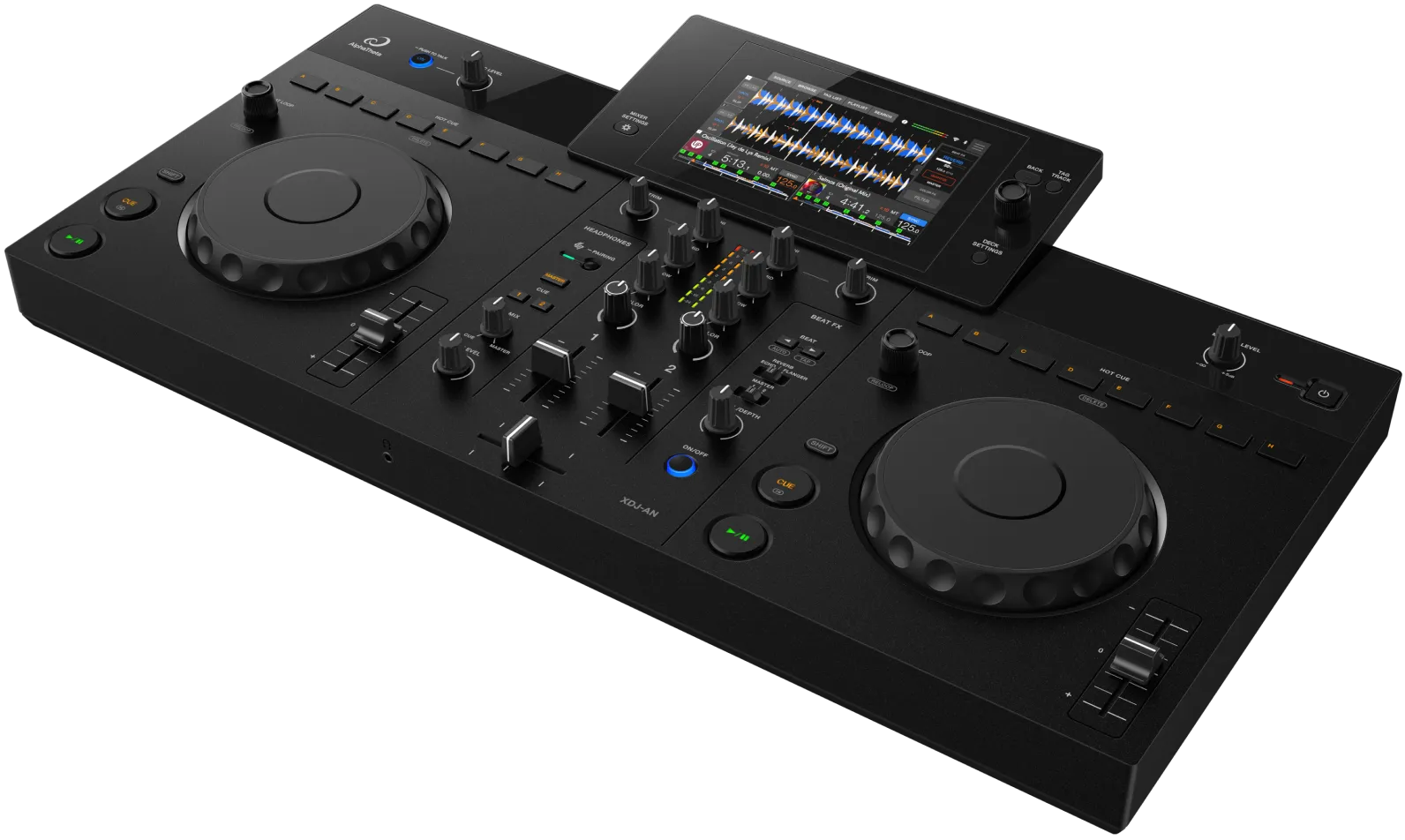
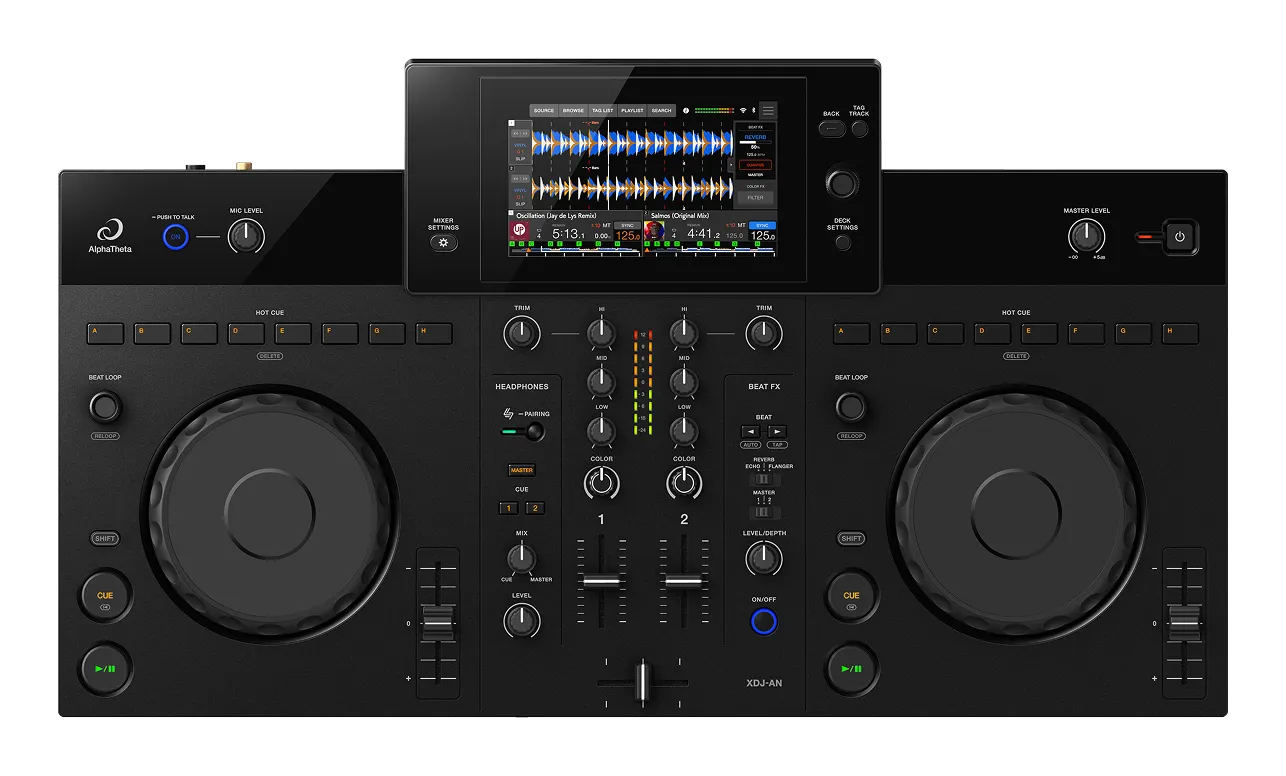
XDJ-AN

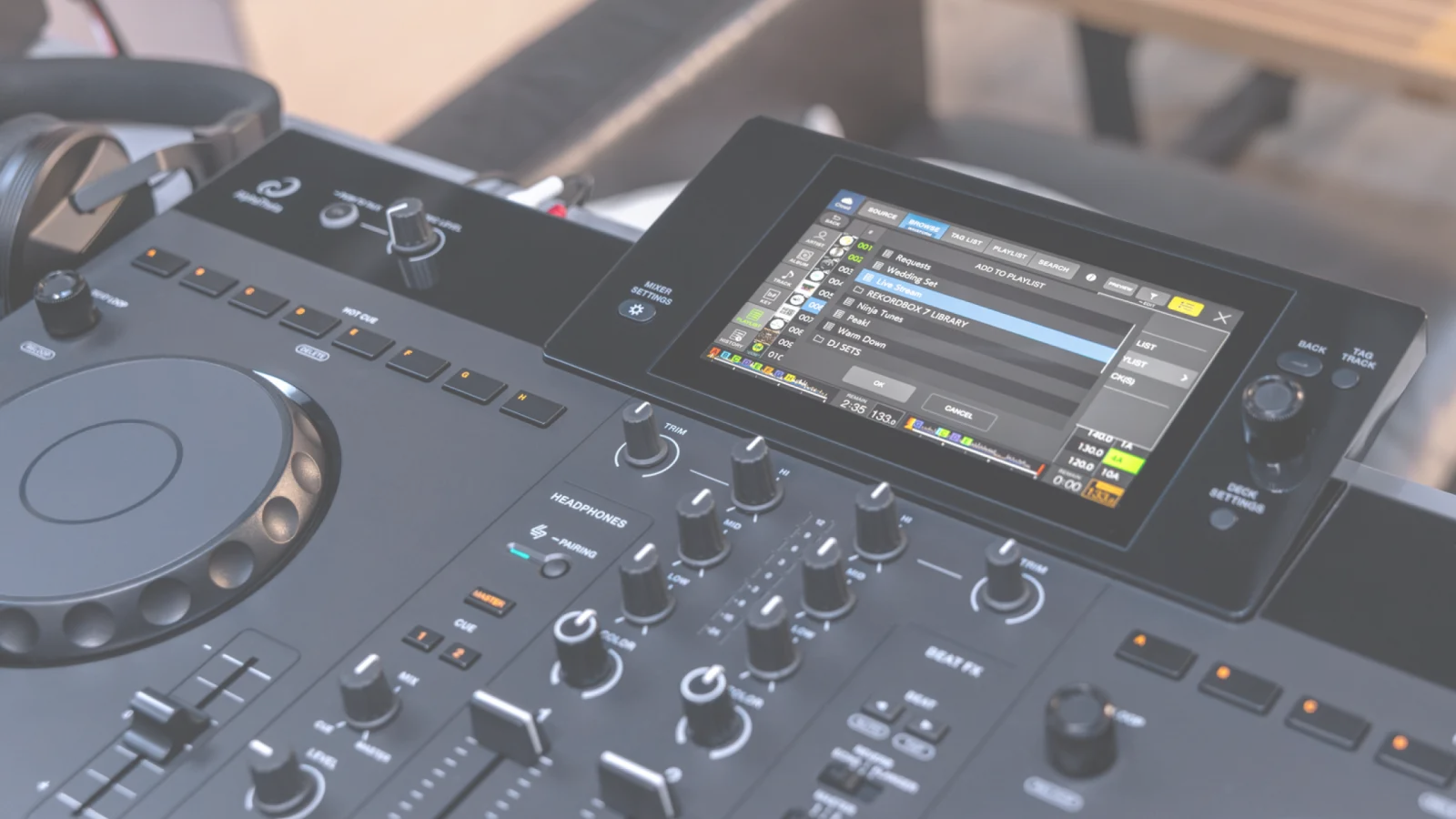
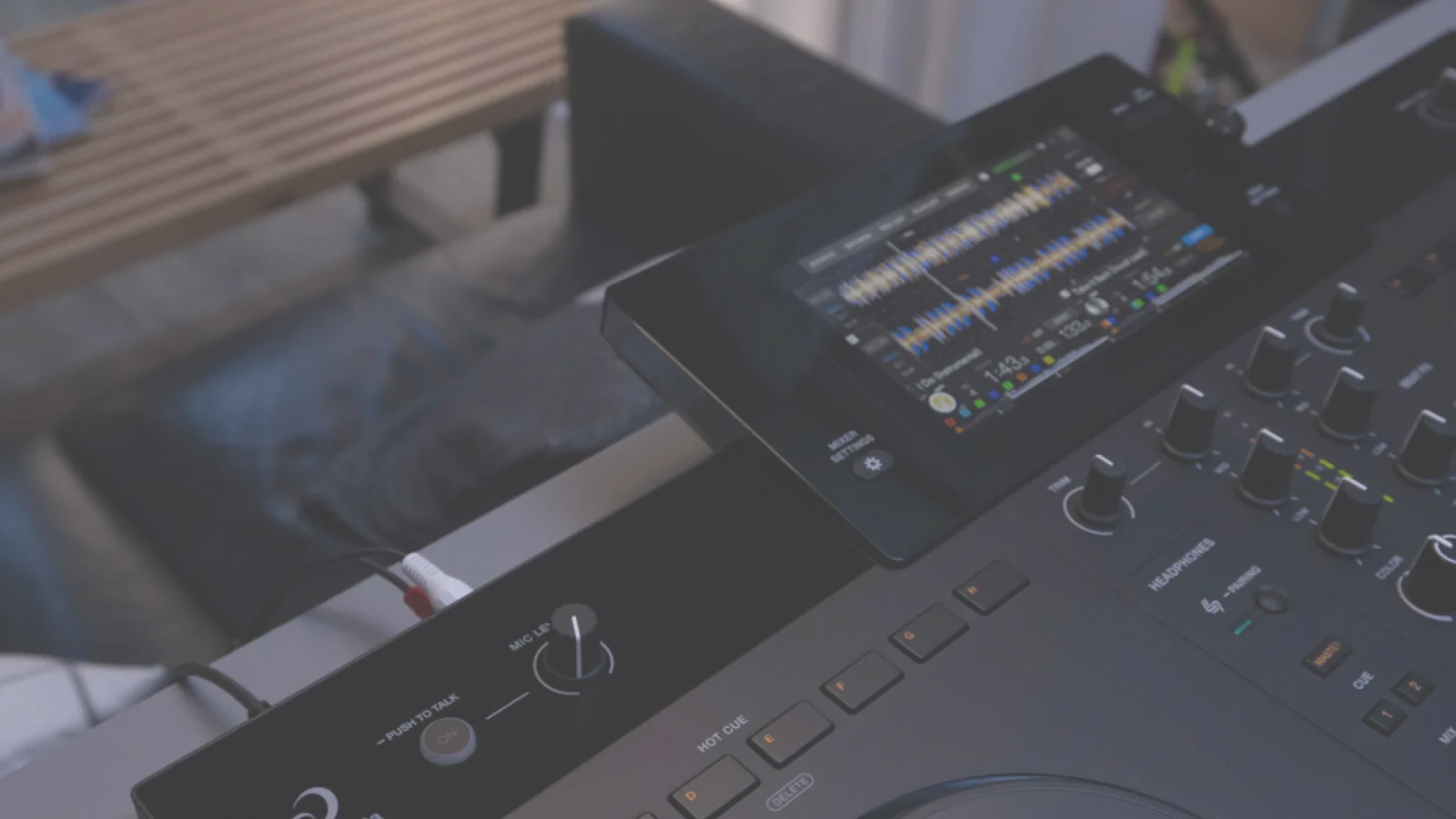
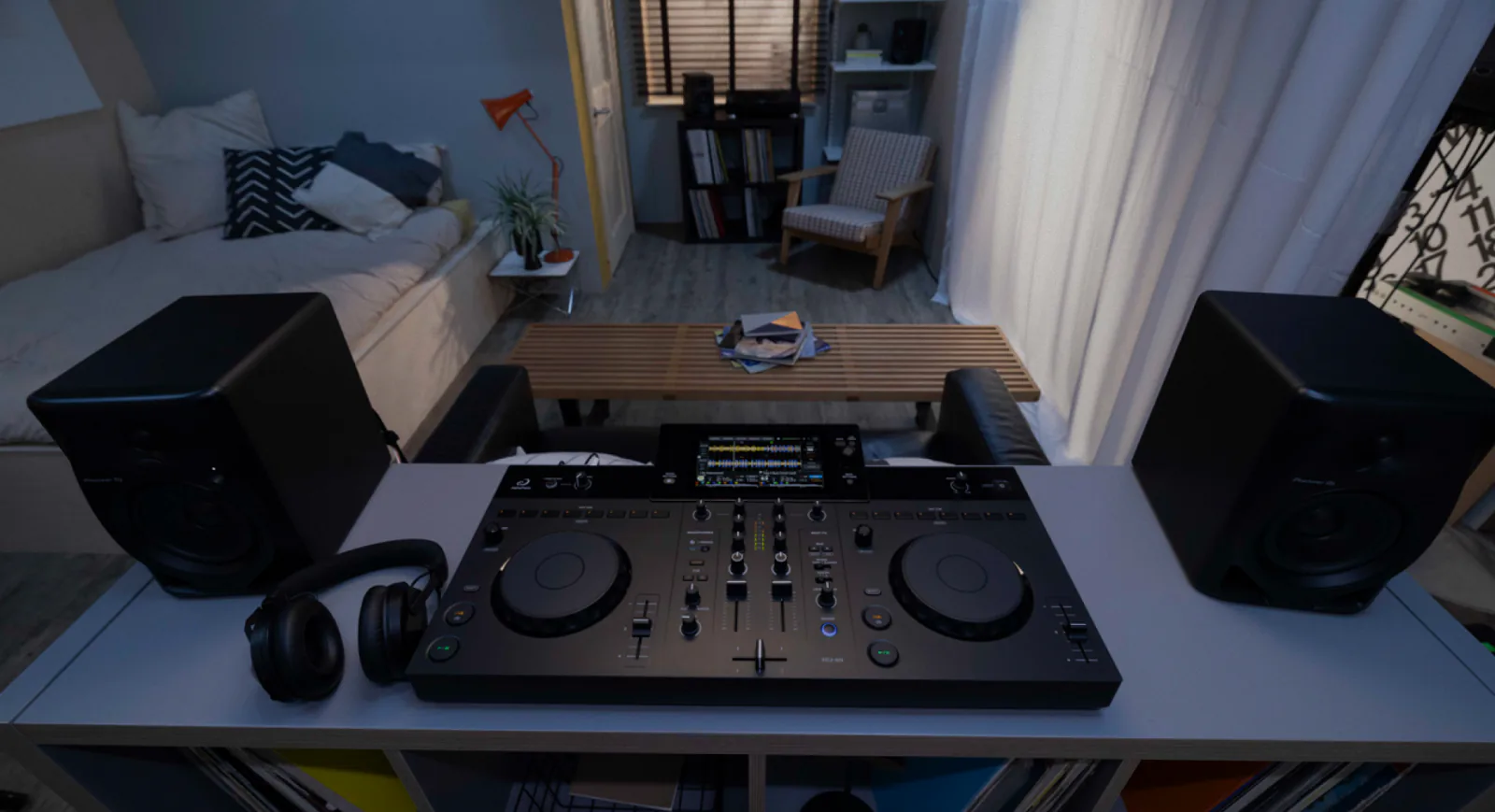
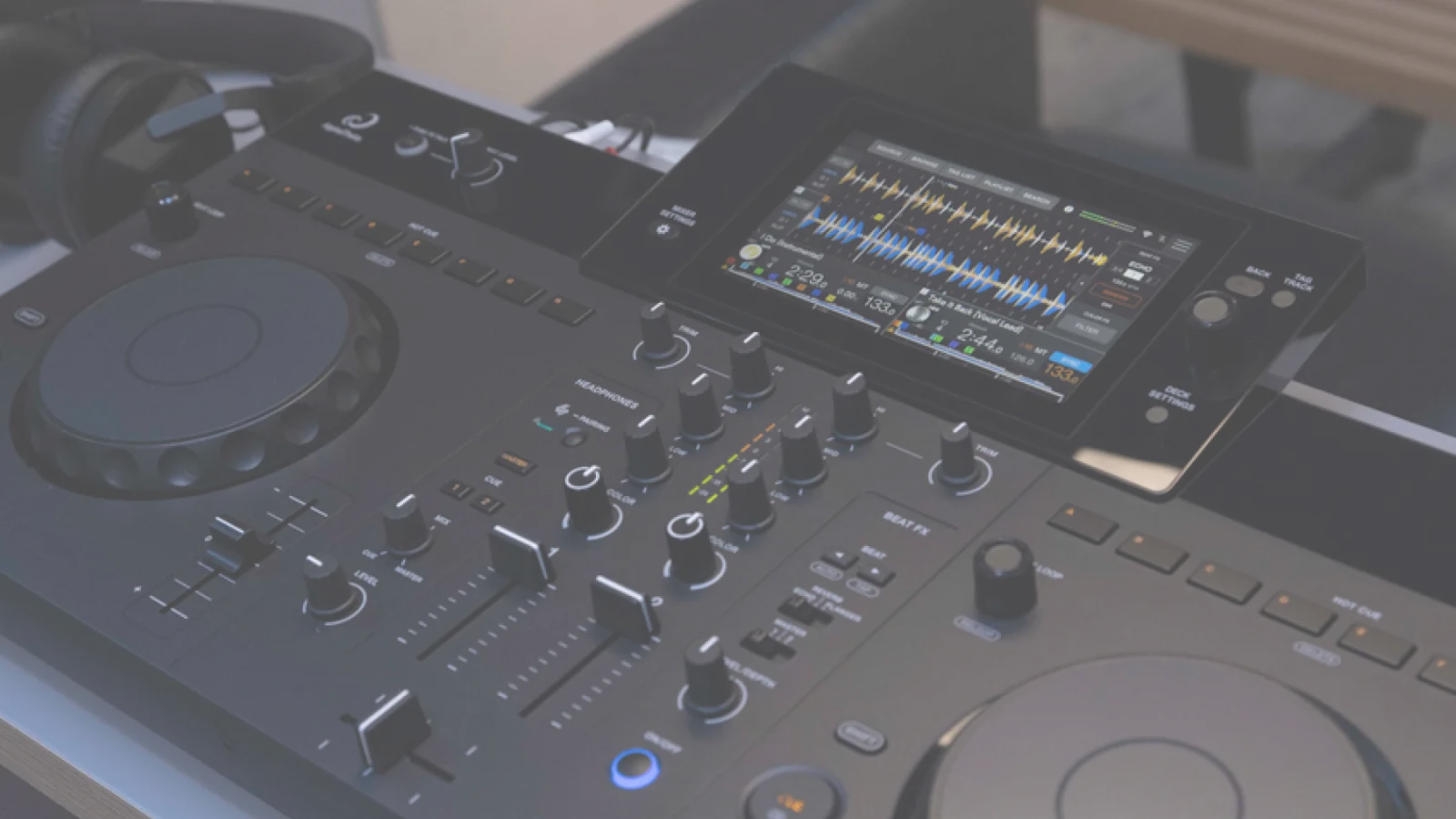
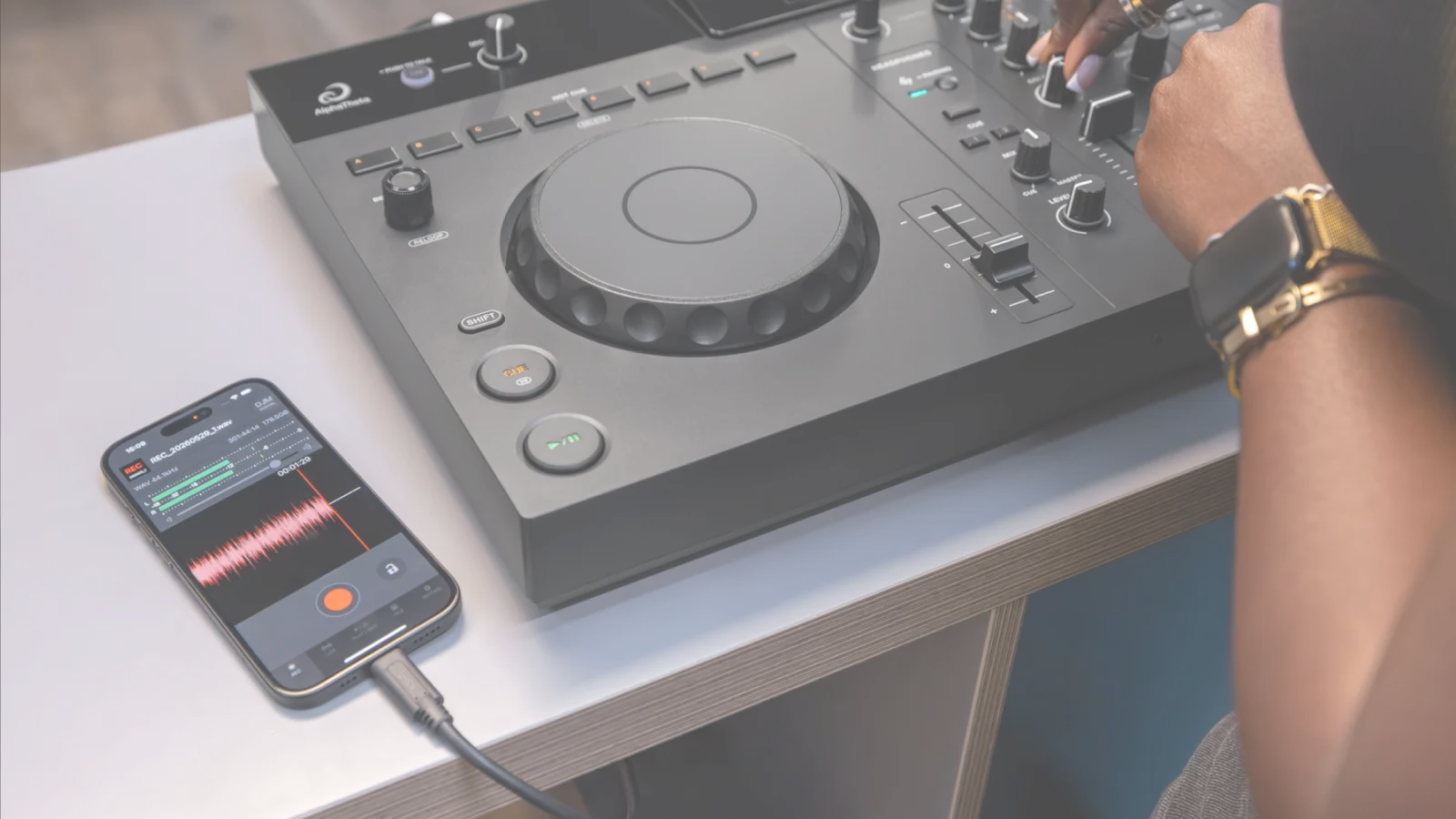
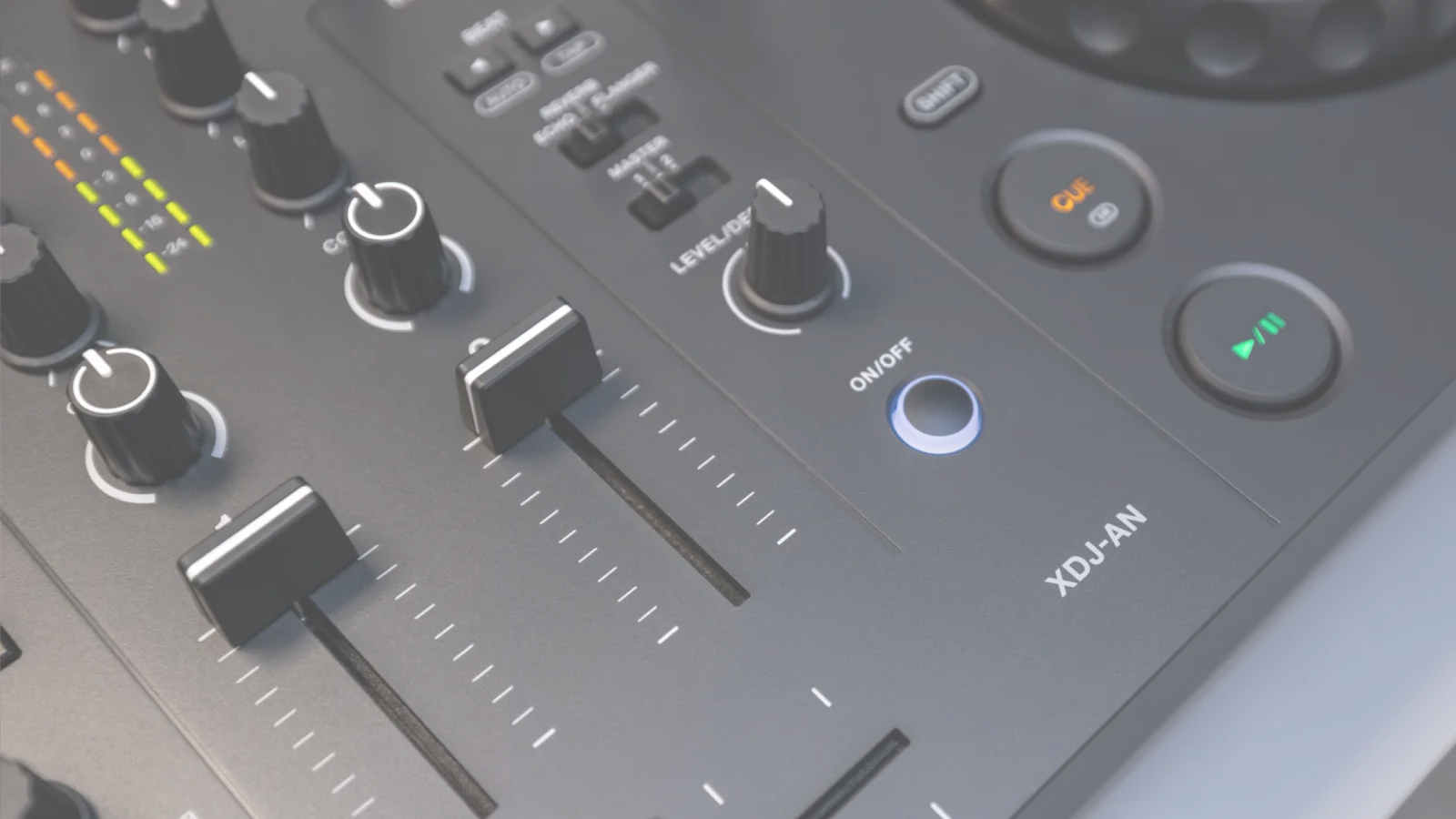

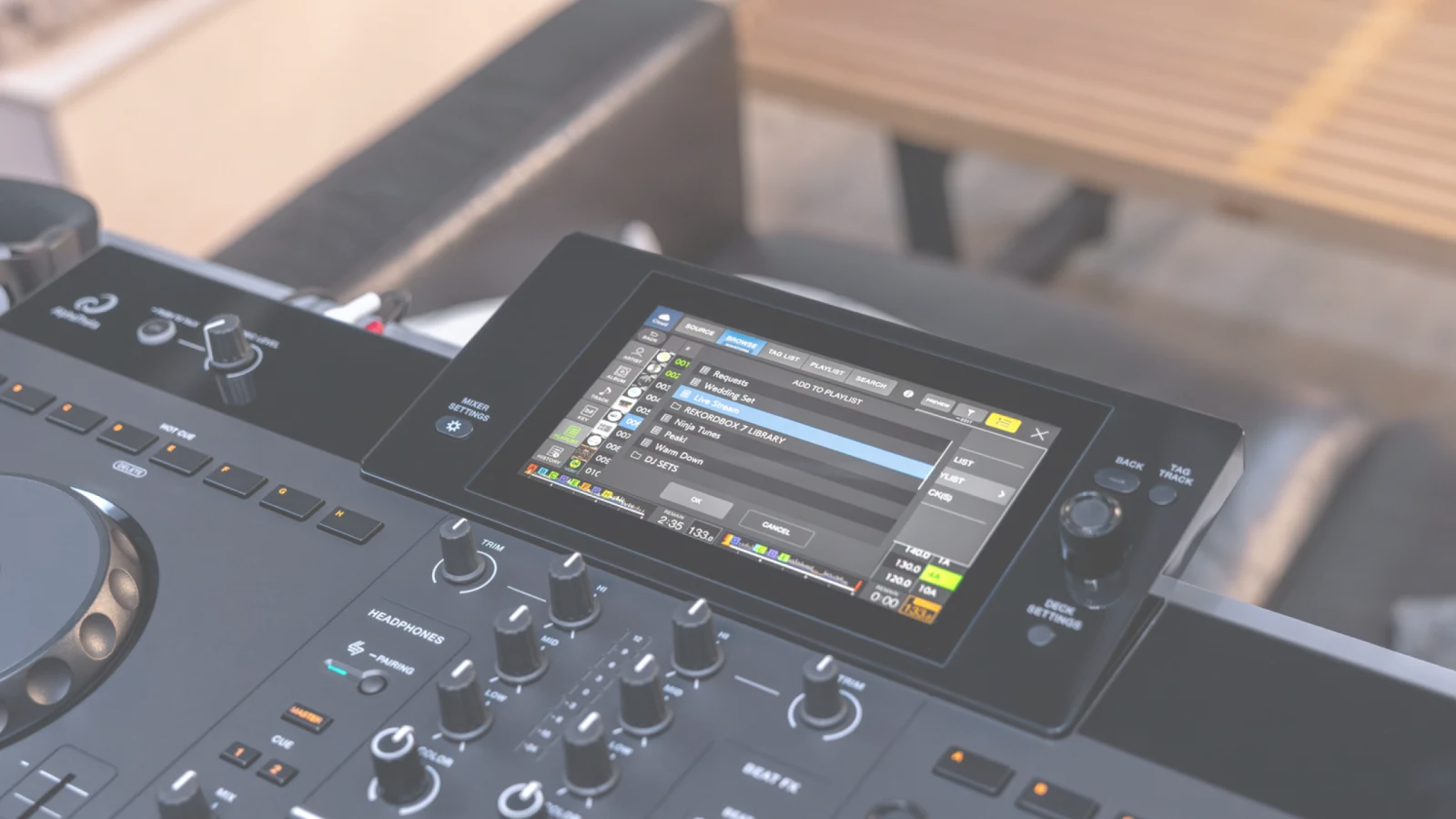
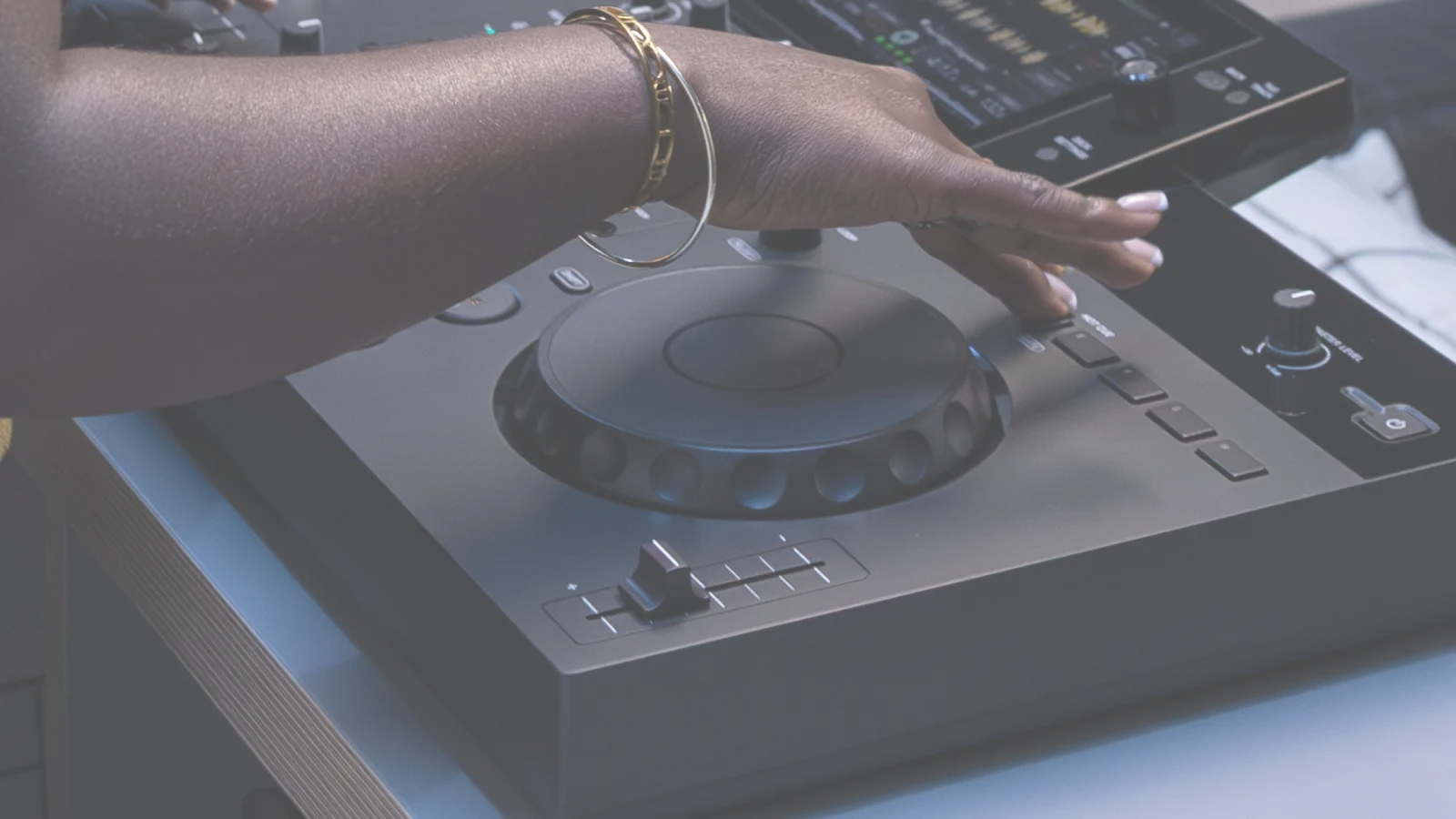
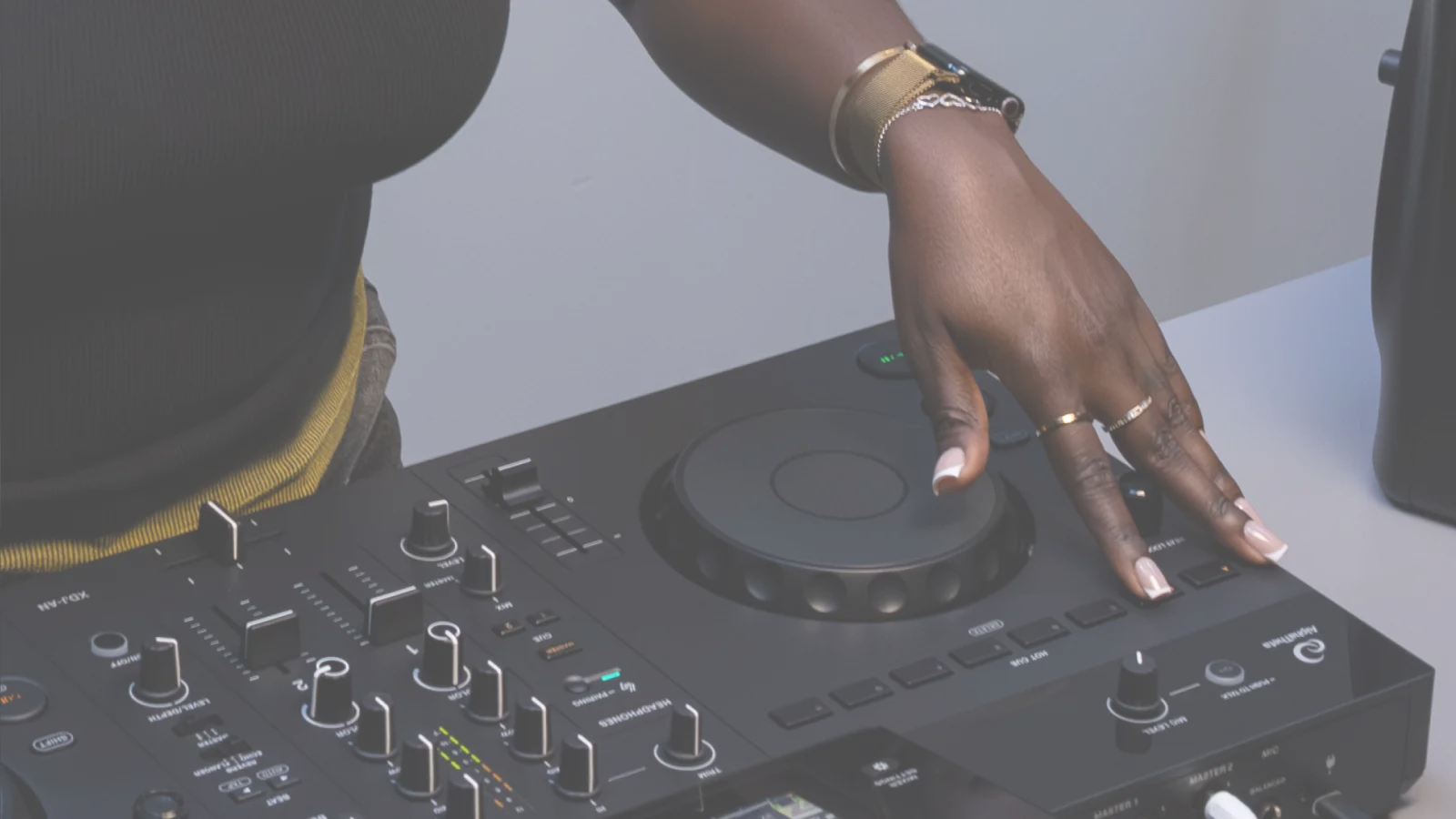
Choose tracks, prepare sets, and perform – all in 1 unit.
A 2-channel all-in-one DJ system with streaming, cloud, and USB compatibility.
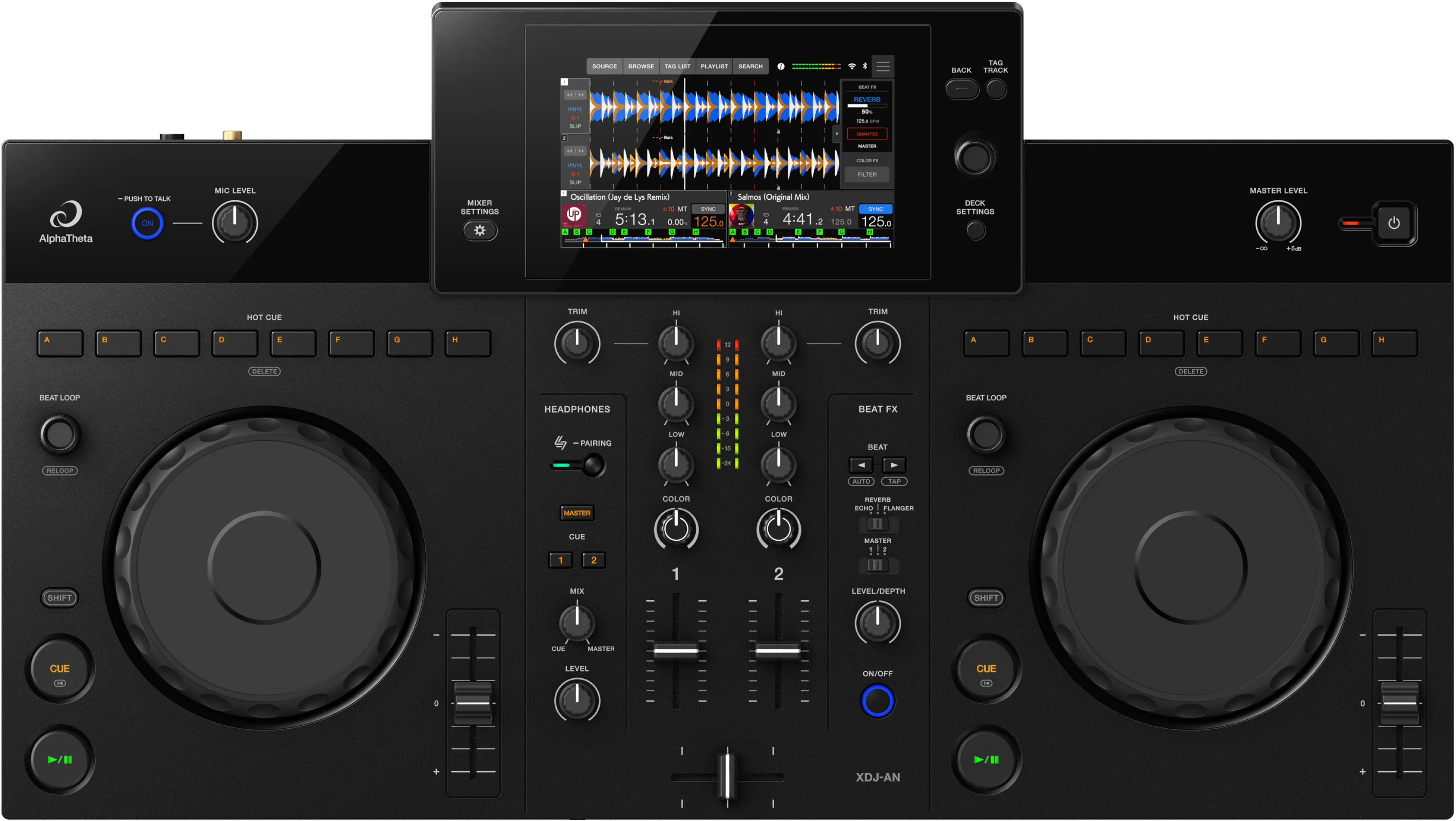
Search for tracks from streaming services, build playlists in the cloud, and take your library to the club on USB.
Blend home prep with live performance in 1 seamless workflow.
Find tracks on streaming services and play them instantly.
StreamingDirectPlay


A subscription is required to use each music streaming service.
Availability of music streaming services may vary by country or region.

Touch the artist name or album of the song playing to discover your next track.
Directly access your cloud-based rekordbox library.
Manage your library and prepare your set seamlessly.
Sync playlists and Hot Cues edited on the unit across your devices via the cloud.
Manage playlists containing tracks in your cloud storage.
-
 Create
-
 Reorder
-
 Edit
Edit
-
 Delete
-
 Select
multiple tracks
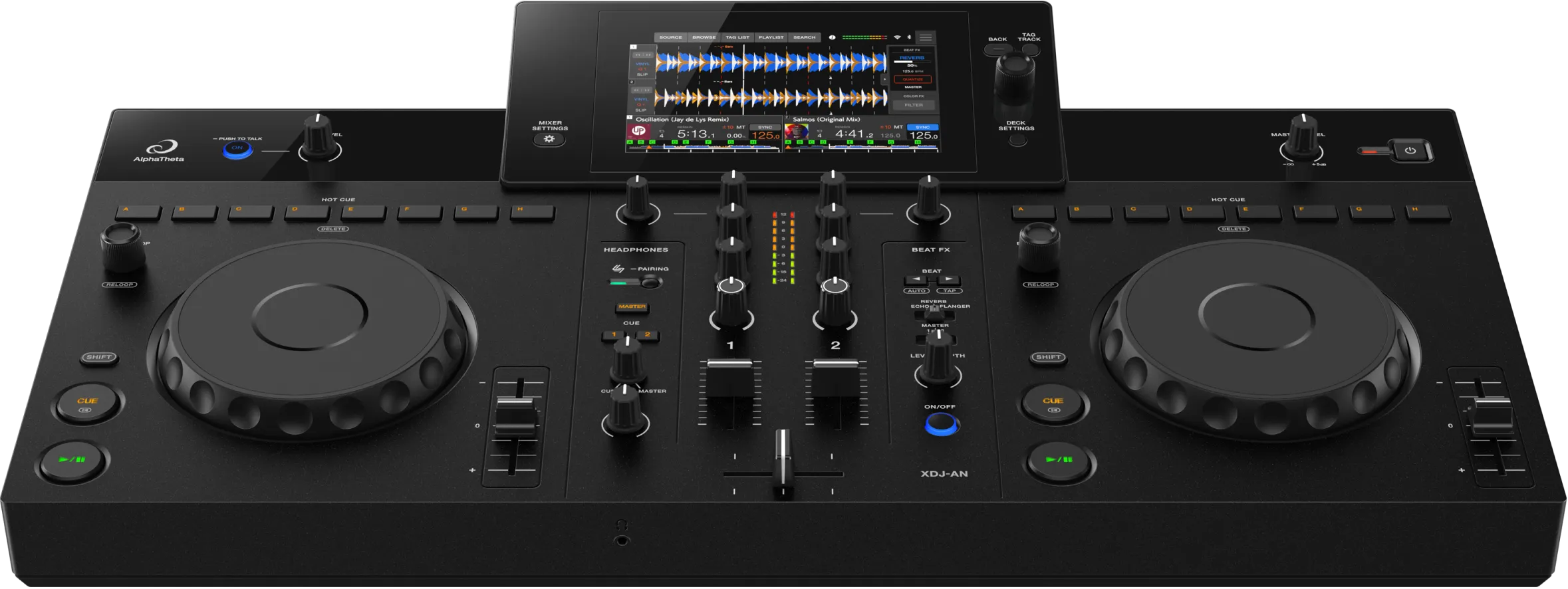
rekordbox CloudDirectPlay

Auto sync


Cloud Library Sync
 Google
 Drive
 Dropbox
Auto sync
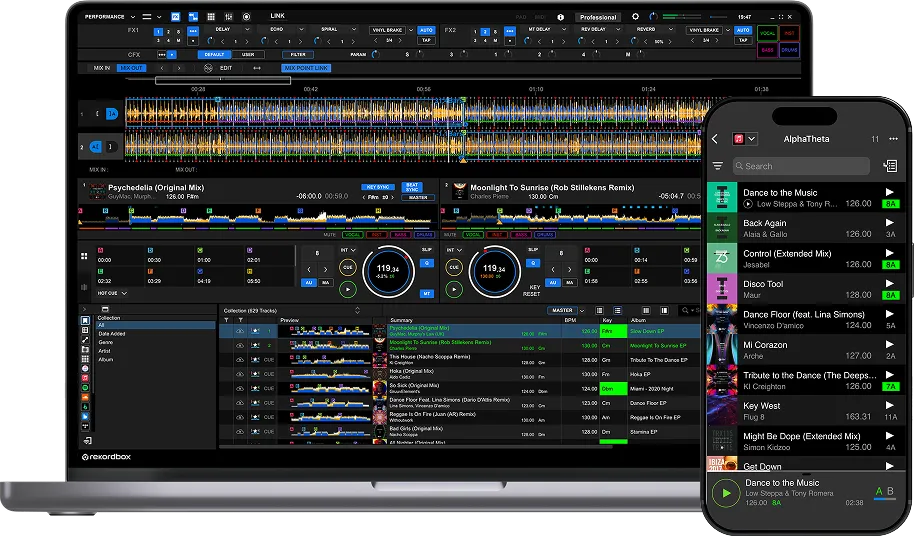
*A rekordbox subscription plan is needed to use rekordbox CloudDirectPlay. *A rekordbox subscription plan is needed to use rekordbox CloudDirectPlay.

Practice at home and play live using the same USB storage device
DJ with USB storage devices exported in the OneLibrary format from rekordbox or other compatible DJ software.


Low-latency SonicLink wireless monitoring
Pair compatible headphones to go cable-free.
With latency as low as 9 msec, you can focus on DJing without feeling any audio delay.

Use a club-style workflow at home.
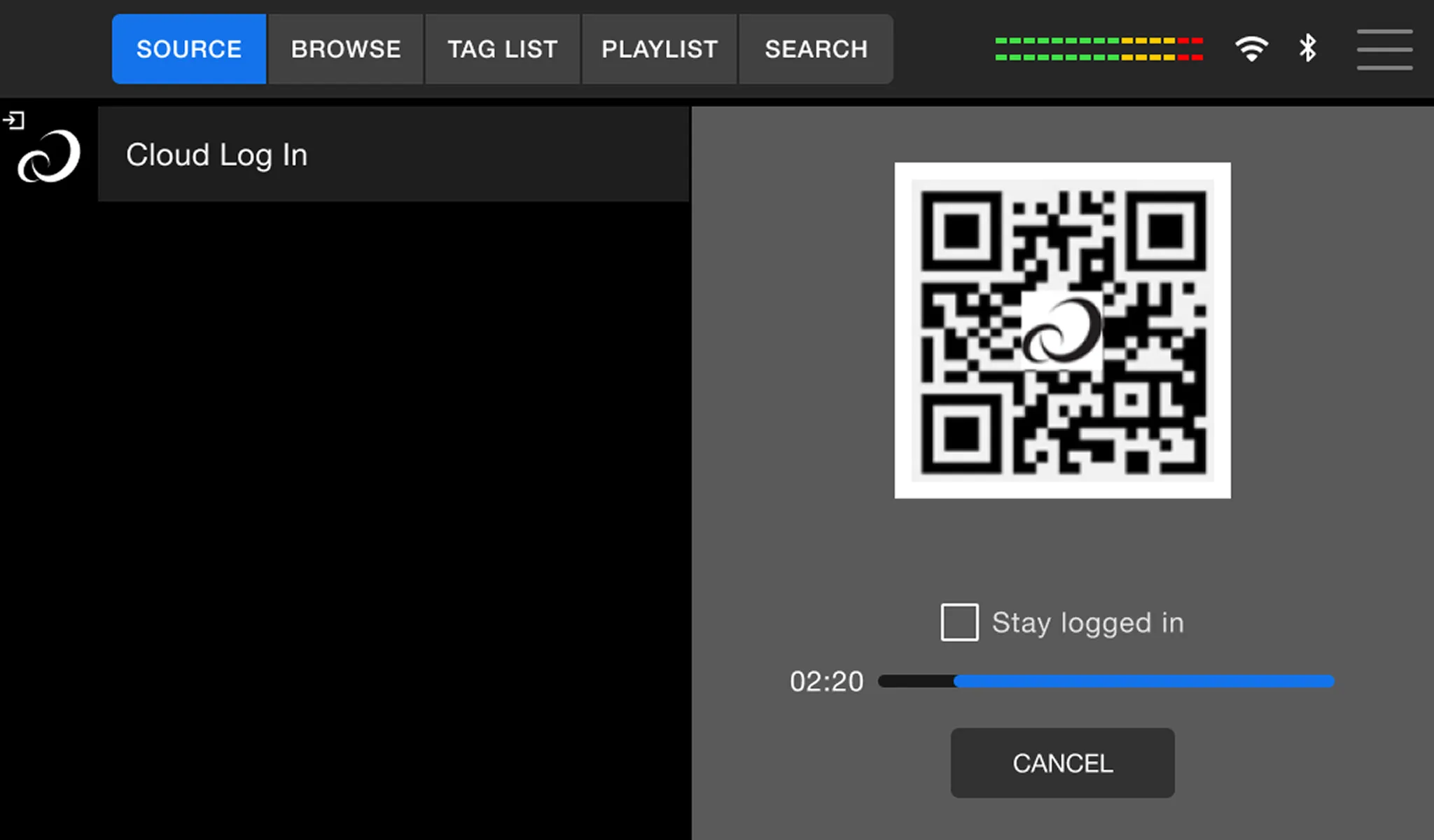
QR code login screen
Scan the QR code to smoothly log in to your cloud-based music library or supported streaming services.
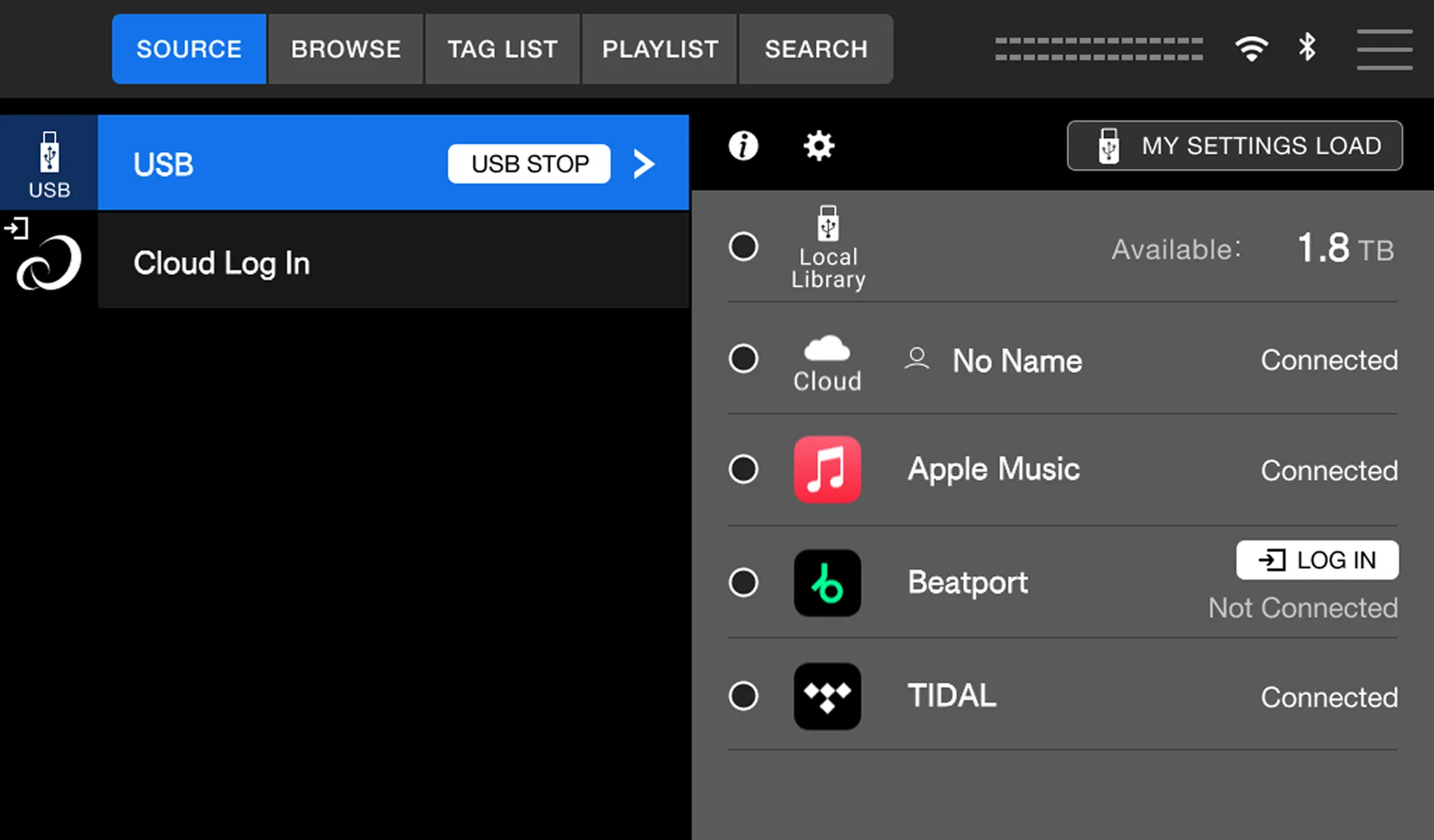
Source screen
Select the music source you want to use, such as USB, cloud, or streaming.
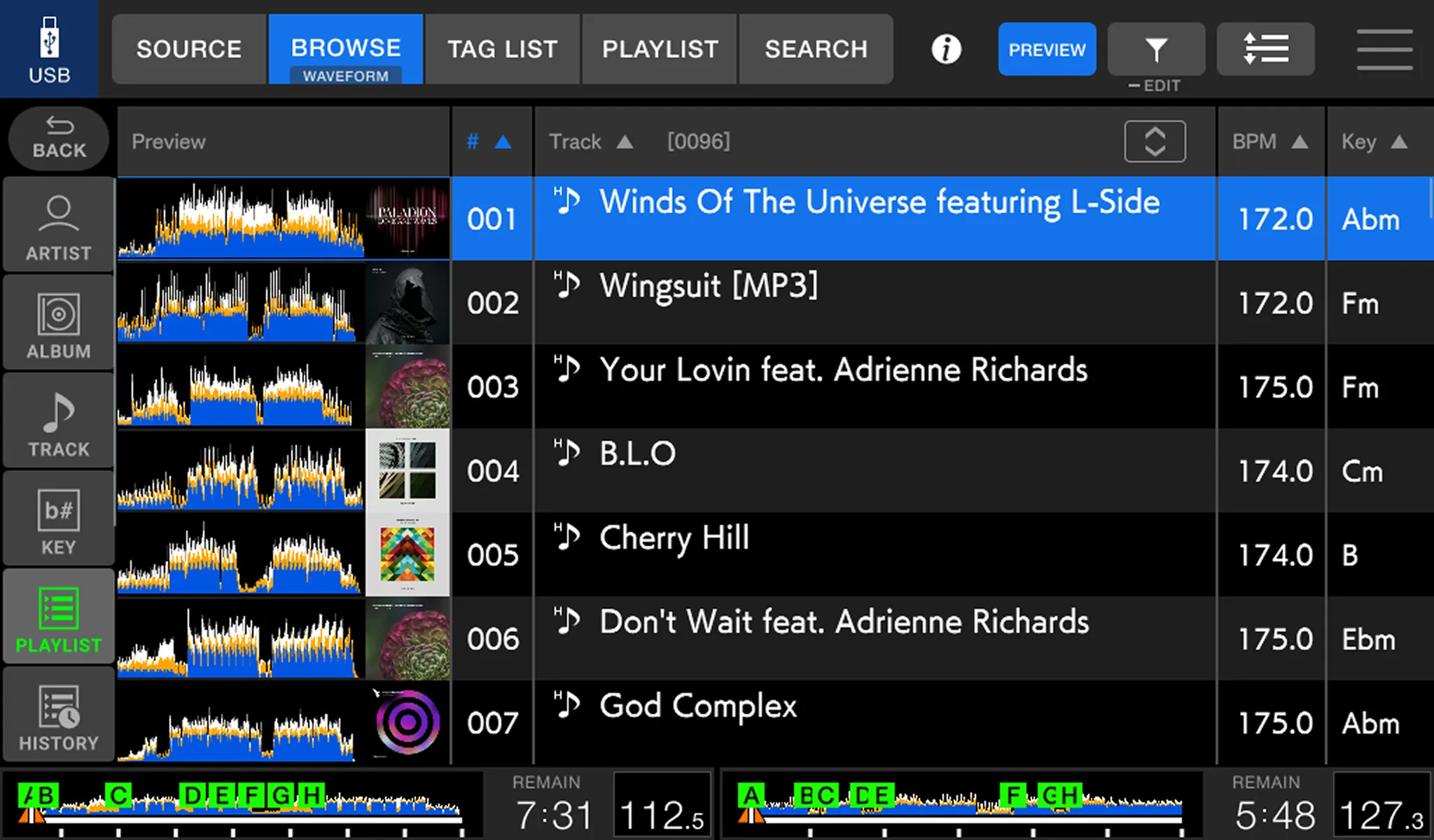
Browse screen
Displays the tracklist, artwork, Preview waveform, BPM, key, and other track information.
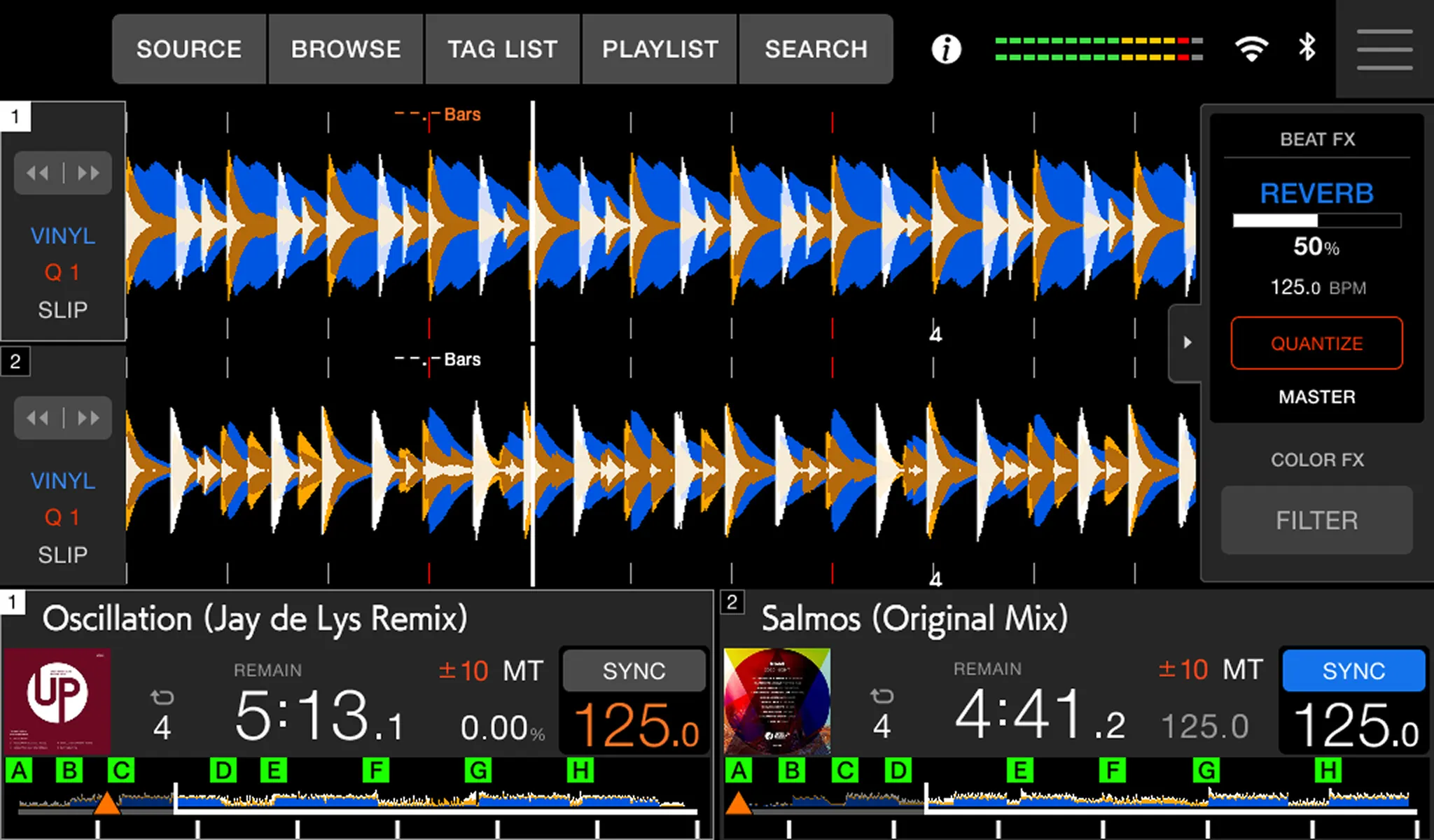
Waveform screen
Check the overall waveform, cues, loops, BPM, key, tempo, and other information while using Beat Jump, Sound Color FX, Sync, and other performance features.
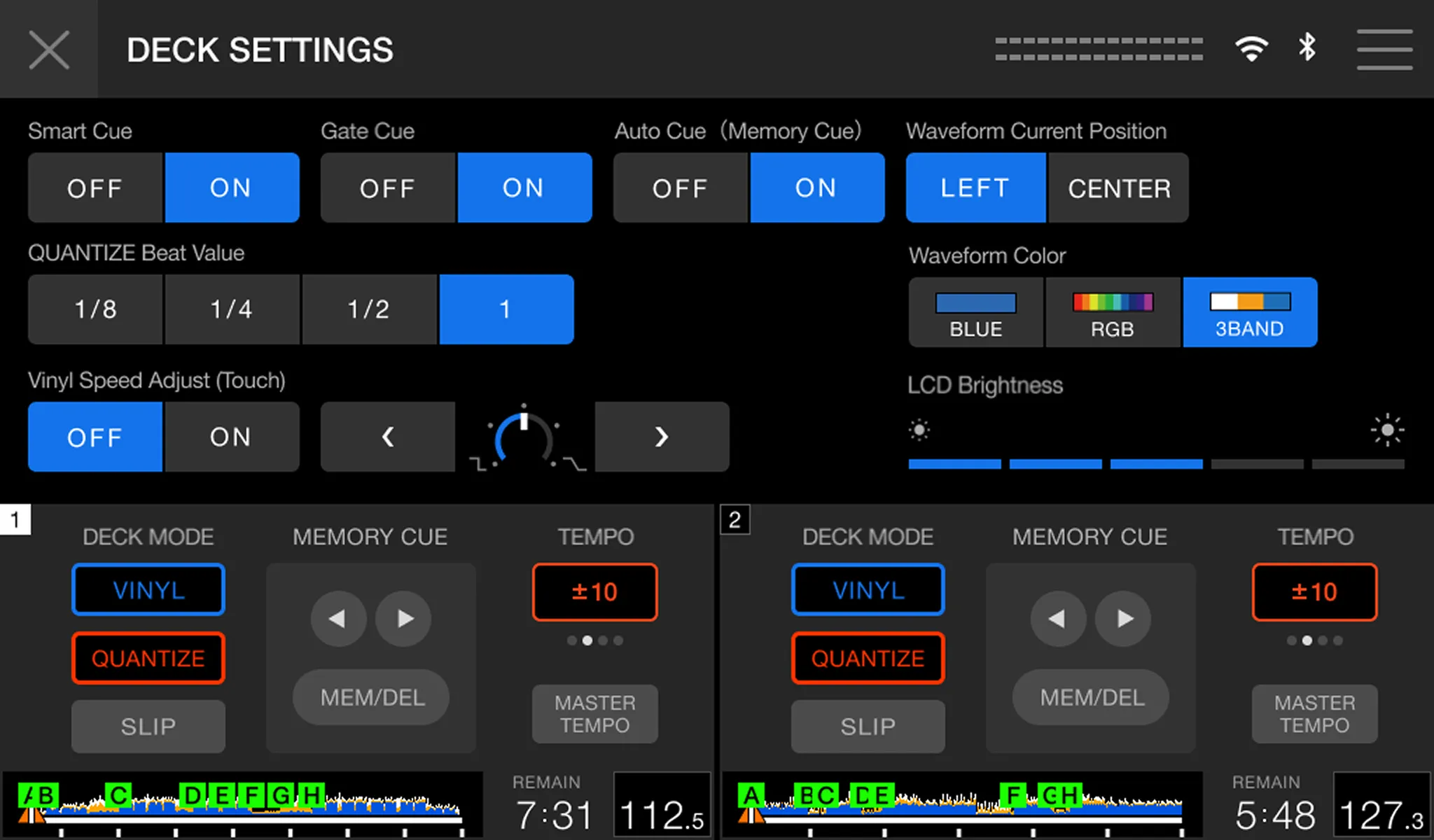
Deck settings screen
Change common deck settings at the top of the screen and settings for each deck at the bottom.
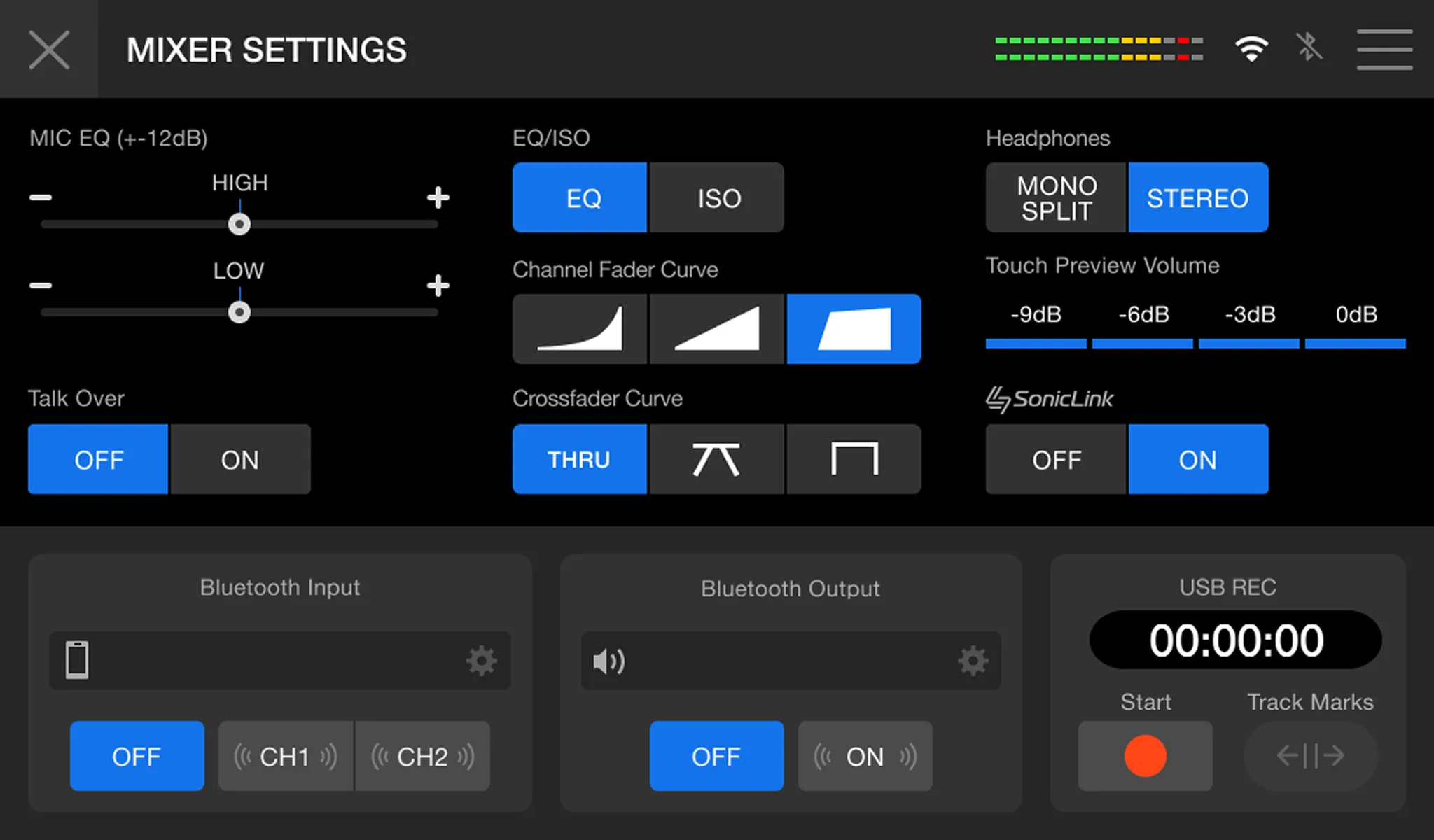
Mixer settings screen
Set the feel of the mixer to suit your DJ style.
Prepare and perform intuitively on the touchscreen.
Prepare and perform intuitively on the touchscreen.
Compatible DJ software
Compatible DJ apps


First on an all-in-one DJ system

rekordbox for Mac/Windows (Hardware Unlock)
djay Pro (Paid)


Serato DJ Lite (Free)
Serato DJ Pro (Paid)
rekordbox for iOS (Free)
djay for iOS (Paid)
Specifications comparison
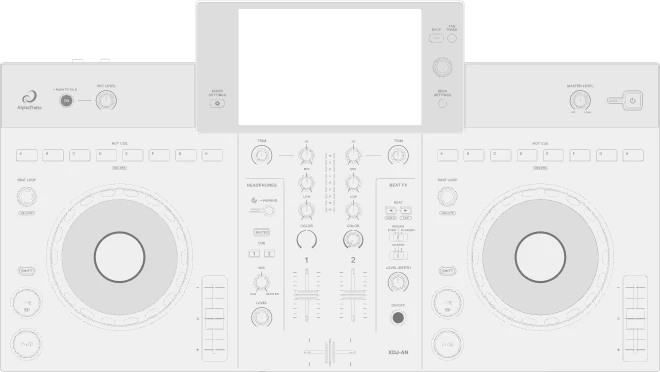
XDJ-AN
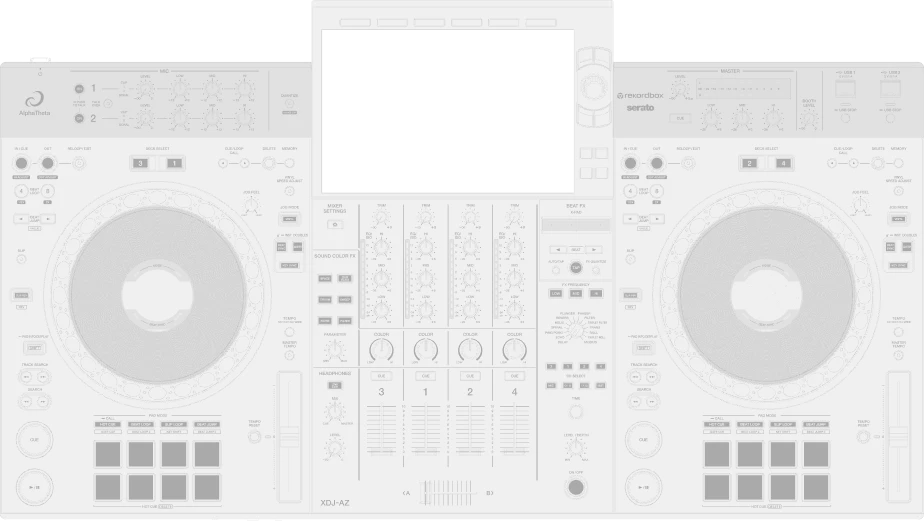
XDJ-AZ
Dimensions / Weight
638 × 359.2 × 89.9 mm (25.1” × 14.1” × 3.5”)
5.2 kg (11.5 lb)
895 × 504.1 × 133.4 mm (35.24” × 19.85” × 5.25”)
13.5 kg (29.8 lb)
Display Size
7-inch
10.1-inch
Channels / Decks
2ch / 2 decks
4ch / 4 decks
Jog wheel
132mm
206 mm
Bluetooth
In / Out
In
SonicLink

Number of media USB slots
1 × USB Type-C
2 × USB Type-A
OneLibrary
Network connectivity
Wi-Fi
Cloud Library Sync
QR Login
Wi-Fi
LAN
Cloud Library Sync
QR Login
PRO DJ LINK
rekordbox Link Export (wireless LAN (Wi-Fi) only)
PRO DJ LINK Bridge not supported
rekordbox Link Export (via LAN cable (CAT5e), USB cable, or wireless LAN (Wi-Fi))
PRO DJ LINK Bridge not supported
Playlist editing on the unit
N/A
rekordbox CloudDirectPlay
Dropbox
Google Drive
Dropbox
Google Drive
StreamingDirectPlay
Apple Music
Beatport Streaming
Spotify
TIDAL
Apple Music
Beatport Streaming
TIDAL
Beat FX
3
・REVERB
・ECHO
・FLANGER
14
・DELAY
・ECHO
・PING PONG
・SPIRAL
・REVERB
・TRANS
・FILTER
・TRIPLET FILTER
・FLANGER
・PHASER
・ROLL
・TRIPLET ROLL
・HELIX
・MOBIUS
Sound Color FX
6
・SPACE
・DUB ECHO
・SWEEP
・NOISE
・CRUSH
・FILTER
6
・SPACE
・DUB ECHO
・SWEEP
・NOISE
・CRUSH
・FILTER
Mic input
MIC ×1 (1/4″ TRS jack)
MIC ×2 (XLR & 1/4 inch TRS jack)
USB terminals
USB Type-C ×1 (Storage)
USB Type-C ×1 (PC/Mac/Mobile device)
USB Type-C ×1 (Power supply)
USB Type-A ×2 (Storage)
USB Type-C ×1 (PC/Mac)
*USB Type-C does not support mobile device connection.
DJM-REC
N/A







Specifications
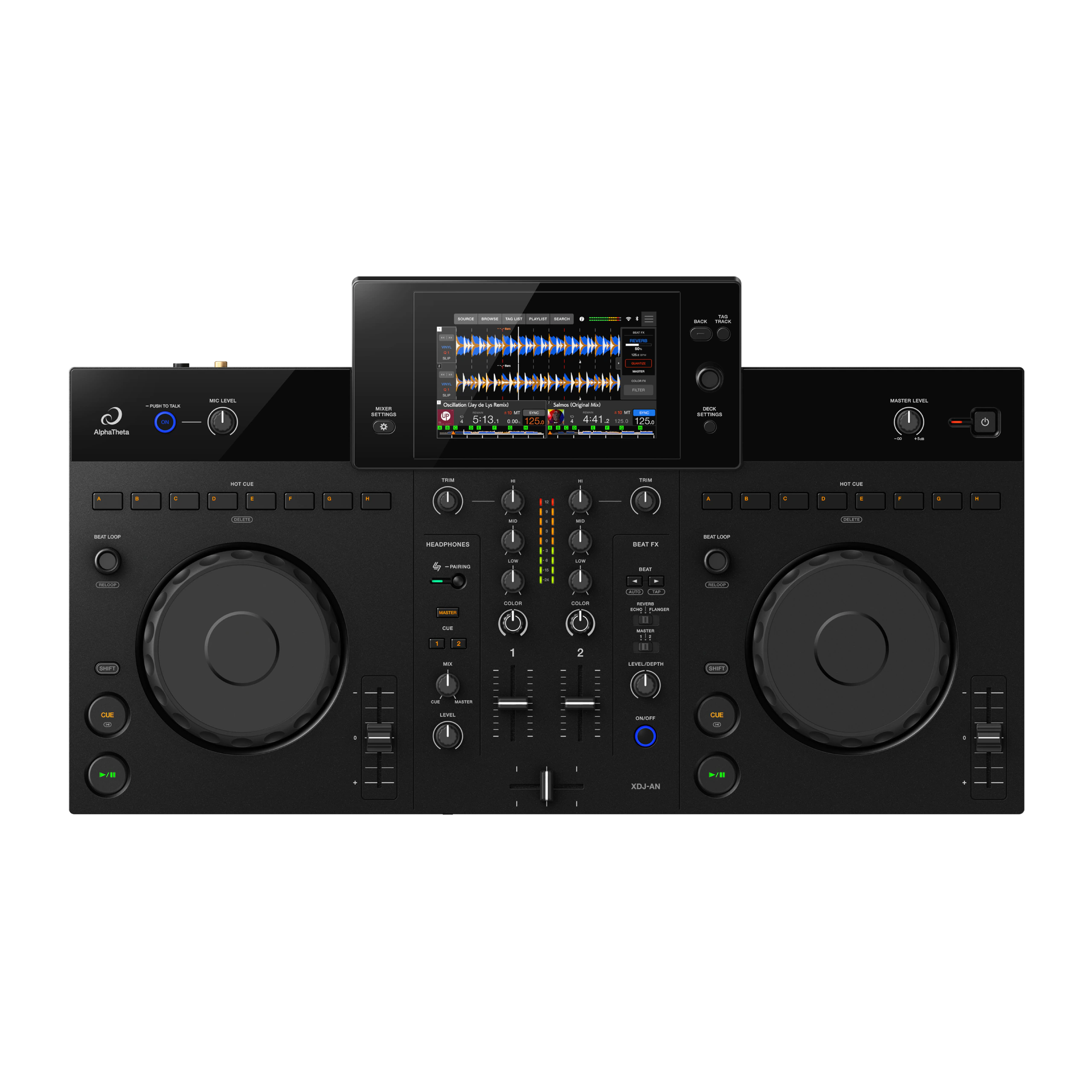
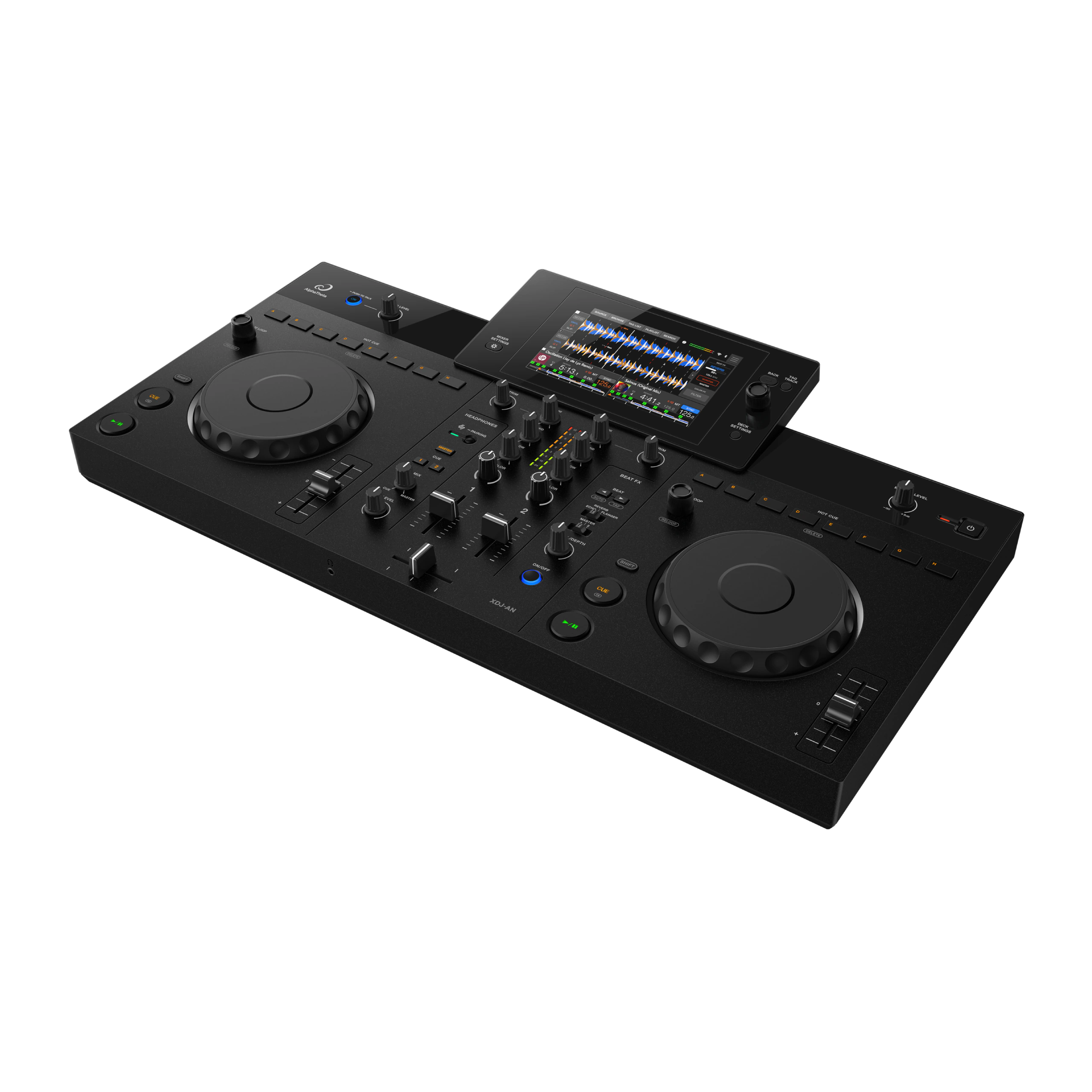
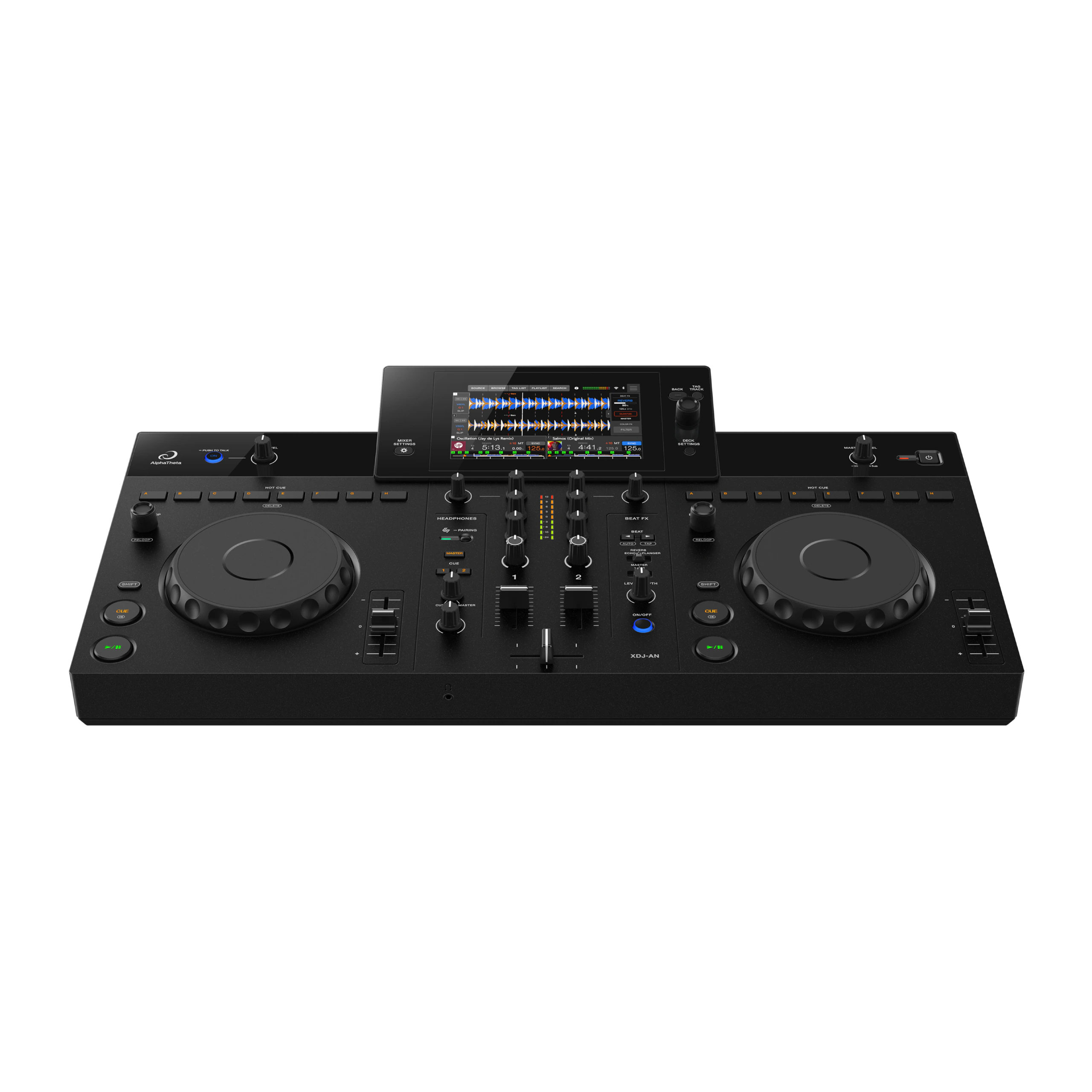
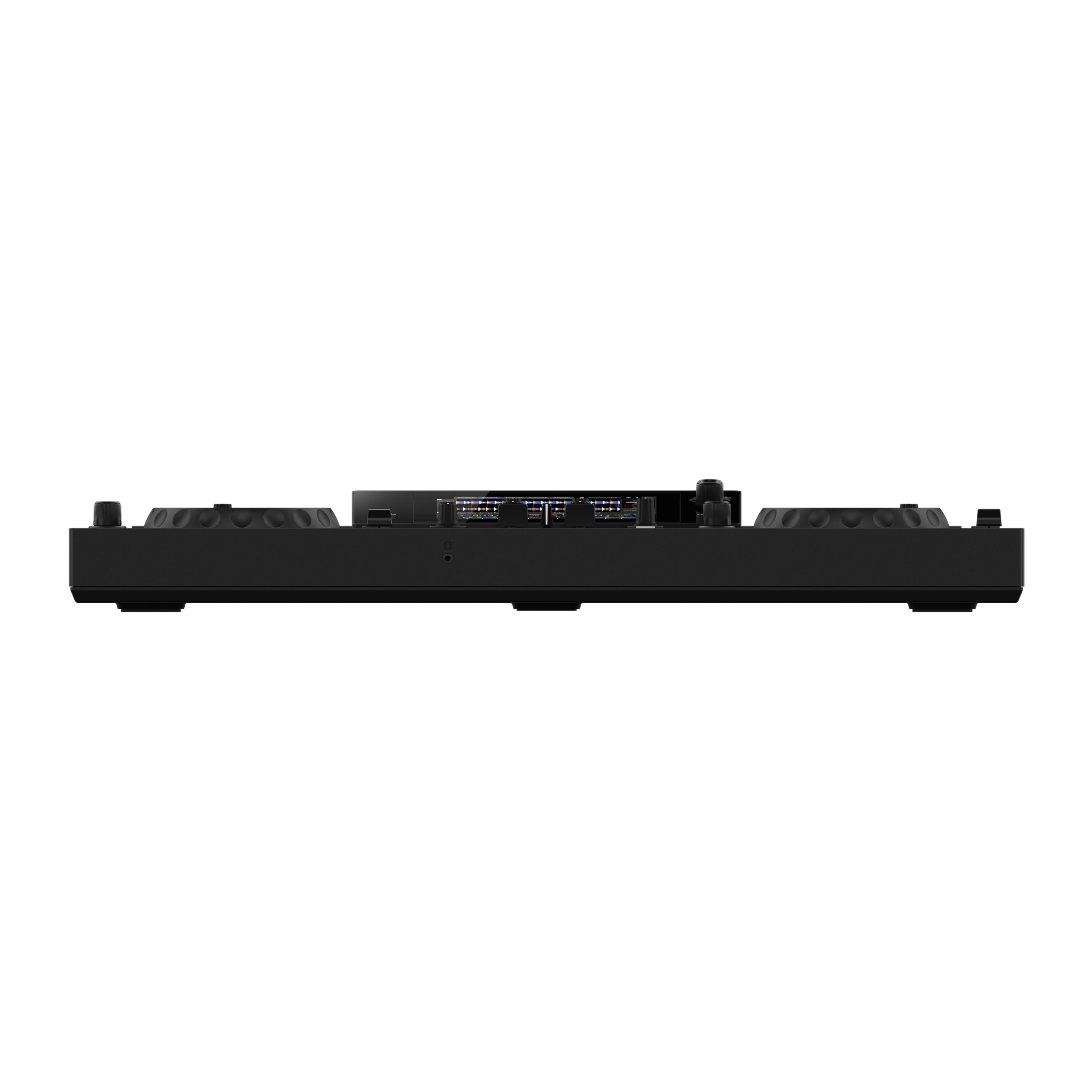
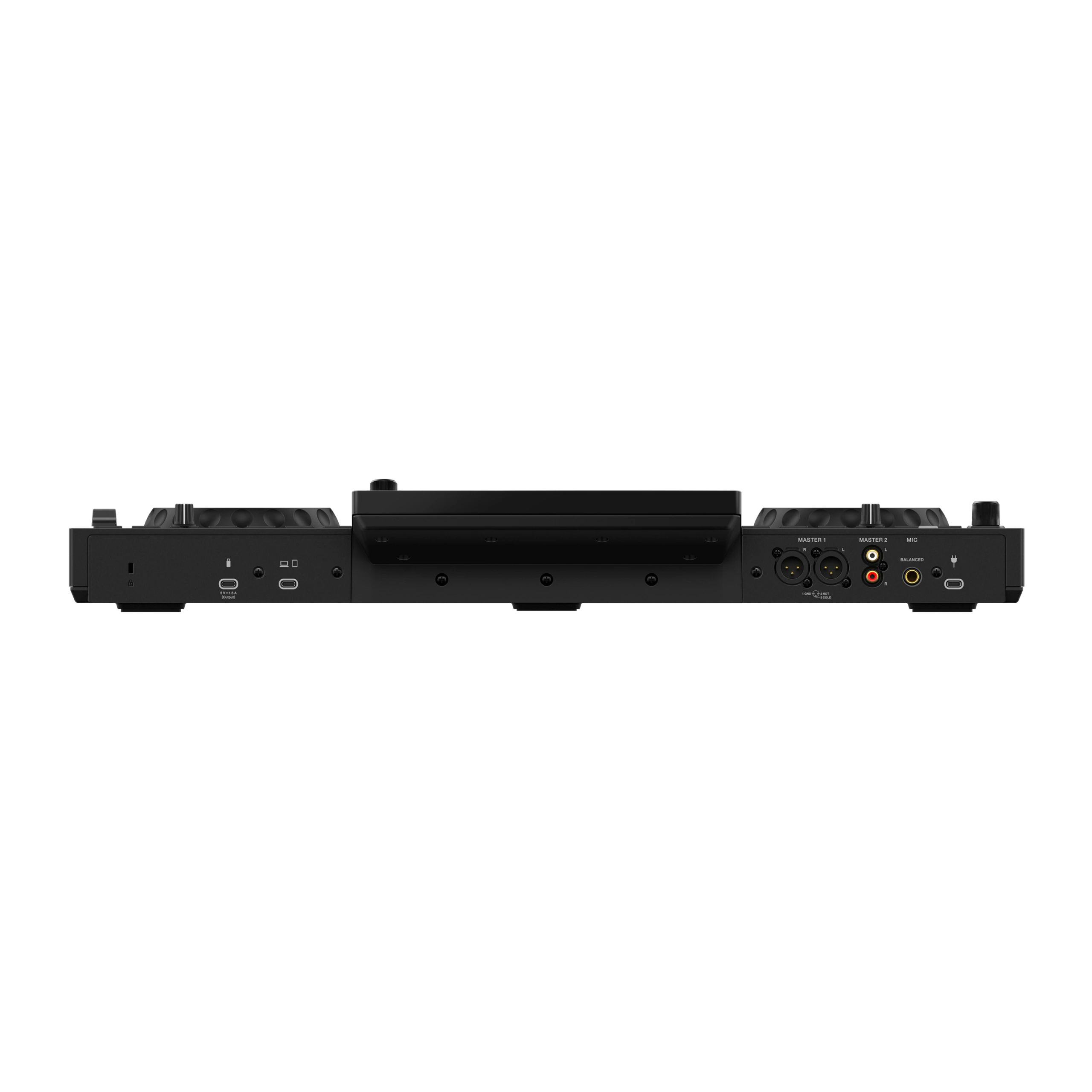
- Max. external dimensions (W × D × H)
- 638 × 359.2 × 89.9 mm (25.1” × 14.1” × 3.5”)
- Main unit weight
- 5.2 kg (11.5 lb)
- Frequency characteristic
- 20 Hz – 20 kHz (USB, MIC)
- S/N ratio
- 112 dB (USB)
- Total harmonic distortion
- 0.003 % (USB)
- Included accessories
- AC adapter
Power cord
Quick Start Guide
Warranty (for some regions)
Precautions for Use - Compatible software
- rekordbox for Mac/Windows (Hardware Unlock – no license needed)
rekordbox for iOS (DJing via USB cable connection is only supported on the iOS version – no license needed)
djay Pro for Mac and Windows (subscription needed)
djay for iOS (subscription needed)
Serato DJ Lite (no license needed)
Serato DJ Pro (subscription needed)
- Input
- MIC × 1 (1/4″ TRS jack)
- Output
- MASTER × 2 (XLR × 1, RCA × 1)
PHONES × 1 (3.5 mm stereo mini jack) - USB
- USB Type-C × 1 (Storage)
USB Type-C × 1 (PC/Mac/Mobile device)
USB Type-C × 1 (Power supply)
- Supported standards
- IEEE 802.11 a/b/g/n/ac
- Frequency band used
- 2.4 GHz / 5 GHz
- Wireless system
- Bluetooth Classic
- Compatible codecs
- SBC, AAC
- Maximum transmission distance
- Approx. 20 m in unobstructed locations
- Frequency band used
- 2.4 GHz
- Maximum transmission distance
- Approx. 5 m in unobstructed locations
- Frequency band used
- 2.4 GHz
- Channels
- 2
- Deck control
- 2
- Main display
- 7-inch touchscreen (WSVGA 1024 × 600)
- Jog wheel size
- 132 mm
- Sound Color FX
- ・SPACE
・DUB ECHO
・SWEEP
・NOISE
・CRUSH
・FILTER - Beat FX
- ・REVERB
・ECHO
・FLANGER
FAQs
What’s the difference between XDJ and DDJ controllers?
The XDJ-AN is a standalone DJ system, while DDJ controllers require a connected PC/Mac or mobile device.
The XDJ-AN lets you play directly from USB storage devices, supported streaming services, and rekordbox CloudDirectPlay, without a laptop.
DDJ controllers rely on DJ software running on an external device.
Who is the XDJ-AN best suited for?
The XDJ-AN is ideal for DJs who started on a controller and want a more complete standalone setup at home.
It offers a club-style layout and supports USB, streaming services, and cloud libraries, making it a natural step toward a professional DJ workflow.
Can I use the XDJ-AN without a laptop?
Yes.
The XDJ-AN can be used without a laptop.
You can play music from USB storage devices, supported streaming services, or rekordbox CloudDirectPlay.
How can I use music streaming services on the XDJ-AN?
Connect the XDJ-AN to the internet and log in to rekordbox CloudDirectPlay. You can then browse supported music streaming services directly on the unit and load tracks for DJing.
Depending on the service, you may also need to sign in to that music streaming service separately. For detailed setup instructions for each service, please see the user manual.
What’s OneLibrary in rekordbox?
OneLibrary is the music library format used by the XDJ-AN in rekordbox.
If you’re using the older Device Library format, you’ll need to convert it once using the latest version of rekordbox for Mac/Windows.
For more details about OneLibrary, see the rekordbox for Mac/Windows FAQ.
What devices can I connect to the XDJ-AN’s USB-C ports?
The following devices can be connected.
■ USB devices
USB memory devices and portable hard disks can be connected.
Supported file systems are FAT16, FAT32, exFAT, and HFS+.
■ USB port for PC/Mac connection
A PC/Mac or mobile device can be connected.
■ USB port for USB device connection
USB memory devices and portable hard disks can be connected.
Supported file systems are FAT16, FAT32, exFAT, and HFS+.
* There is no limit on device capacity.
* Portable CD players are not guaranteed to work.
* Use a USB cable that supports data transfer.
* Connection with USB devices is not guaranteed.
For details, refer to the XDJ-AN Instruction Manual.