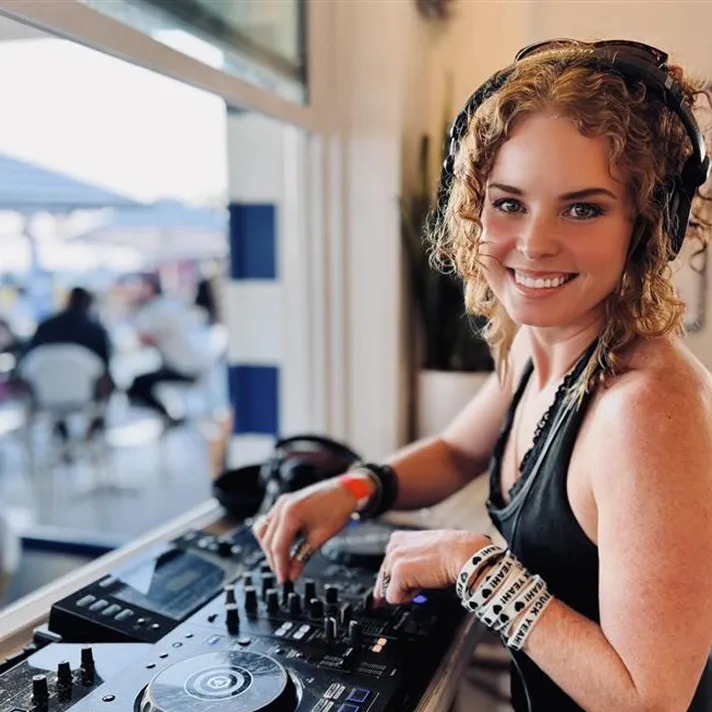
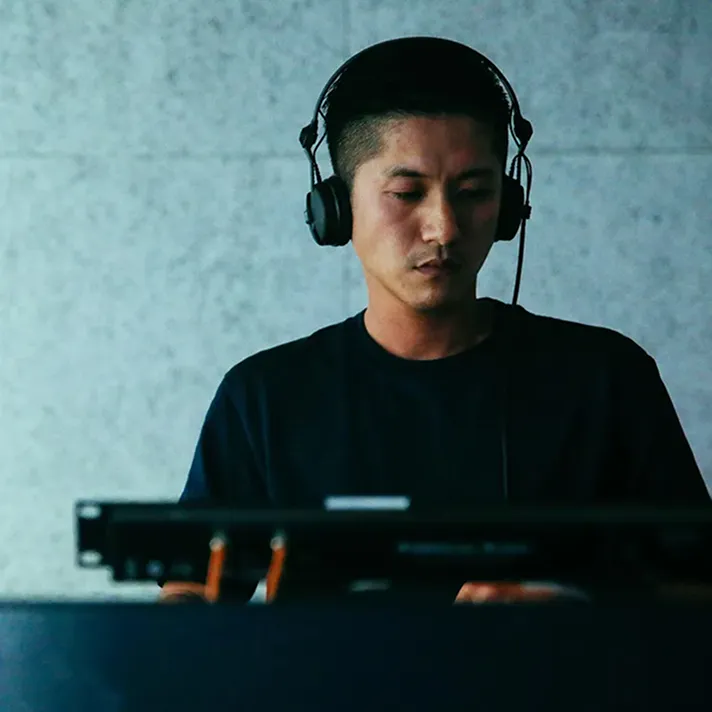
Most people – even music lovers – don’t realize how fun it is to DJ.
The feeling of becoming one with the music and sharing the groove with others
is something you need to experience to understand.
We think you’ll fall in love with it,
and we’ll show you how easy it is to start.
Does DJing seem difficult?
It takes skill, equipment, and musical knowledge — it has real depth.
But in essence, DJing is about choosing and connecting the songs you love.
Don’t worry, starting out isn’t as hard as it seems.
If you’re curious, just give it a try.
A week or a month from now, you might be thinking,
“Why didn’t I start sooner?”
From DJ styles and equipment to software and basic mixing techniques, this guide covers all you need to
know.
The goal is to take you from,
“I’m interested, but I don’t really get it,”
to, “I think I could actually do this.”
Feel free to explore at your own pace
and be sure to check out the handy info in our FAQs.
DJing is an open musical experience you can enjoy in different ways.
Some people prefer to play at home on their own, and others like performing on live streams or at parties.
The setting, equipment, and music genres are all things you can choose to fit your style.
So, where do you picture yourself DJing?
At home, alone
This is an easy way to start –
by immersing yourself in music at home.
Pick your favorite tracks
and mix them however you like.
You’ll quickly discover the difference
between DJing and just listening to music.
Sharing music with friends
Turn parties, get-togethers, and other events
into unforgettable moments.
Sharing your favorite tracks with friends
will give you a new appreciation of the music.
At festivals and clubs
Through loud sound systems,
energetic performances,
and unique track selections,
you can move the crowd
and unite the dancefloor.
In DJ battles
Compete against other DJs
by scratching, mixing, and performing
fine-tuned routines.
Many battle DJs play with turntables and vinyl,
and winners are judged by crowd reaction
as well as skill level.
From managing your music to preparing and performing, dedicated software and apps support
your DJing every
step of the way.
rekordbox is popular with professionals and beginners around the world.
It covers everything a DJ needs, from music management to performance features. Start your DJ journey with
a reliable platform that’s trusted in clubs worldwide.
You can start DJing with just your smartphone or tablet. Or, for a more advanced experience, you can connect
DJ hardware.
Choose your favorite tracks and make playlists in rekordbox.
Creating playlists based on the music’s mood or genre
and organizing your library is an essential part of preparing for your sets.
Stream music
You can DJ with your favorite songs from streaming services. Try connecting tracks together or remixing
them – it opens new ways to enjoy the music.
Download tracks
If you buy tracks from download services to use in your sets, they’re yours to play anytime you want.
Import from CDs and vinyl
Have a favorite album or song on CD or vinyl? You can import your whole collection and use it as the
foundation of your performances.
How to take music to a gig
Export the music you’ve prepared in your library to a USB drive or mobile device and connect it to the DJ
equipment at the venue. Cloud connectivity even makes it possible to DJ without any physical media (but we
recommend having a backup). Simply choose the method that works best with your gear and style.
Load your USB drive with tracksPlay music via the cloud
Understanding the basics
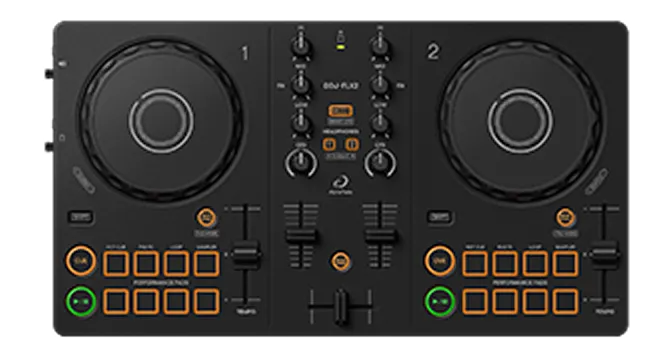
Most beginners start on a controller, which has 2 jog wheels surrounded by various buttons and knobs.
It may look complicated at first, but you’ll soon understand what everything does. Let’s take a look at the
basics.
Deck
The section you use to play and control tracks is called the “deck.” It includes a jog
wheel, play
button, and tempo slider.
Mixer
The mixer section has the contols you use to adjust the volume of tracks and the balance
between
them, the frequencies of the sound, and sometimes effects too. The number of channels determines the
number of tracks you can mix at once: 2 tracks on a 2-channel unit, 4 tracks on a 4-channel unit, etc.
Using basic features
DJ gear can include many features to help you mix music, but there are some basic ones that are always there.
Use the faders to change the volume of the track on each deck individually. You can
smoothly
transition from one track to the next by lowering one fader and raising the other at the same time.
Cue and play/pause
Use these buttons to control cueing and playback. You can also trigger cue points you’ve
already set
in rekordbox.
Jog wheel
Use the jog wheel to adjust the speed or playback position of a track (the point it’s
playing from),
or to scratch.
Tempo slider
Move the slider to adjust the tempo (BPM) the track is playing at. Matching the BPMs of
tracks on
different decks enables you to mix them smoothly.
Performance Pads
By tapping the pads, you can dynamically control functions like Hot Cues, and trigger
loops and
effects.
Equalizer (EQ)
Control the levels of the high, mid, and low-pitched frequencies individually for each
track. You can
fine-tune them for seamless mixing or make big changes to dramatically shape the sound.
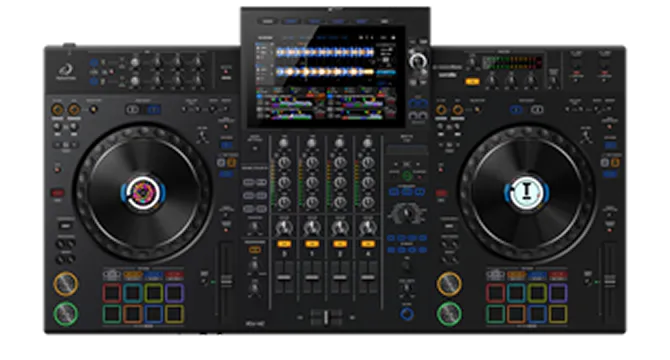
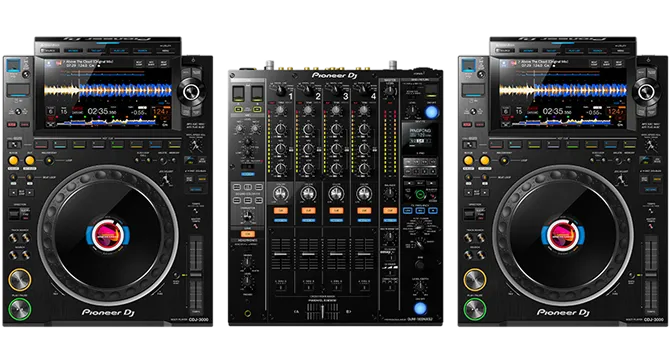
DJ equipment generally falls into 3 categories: controllers that connect to external devices (e.g. PCs or
smartphones), all-in-one systems that have software and a screen built in, and setups made of individual
players and a mixer.
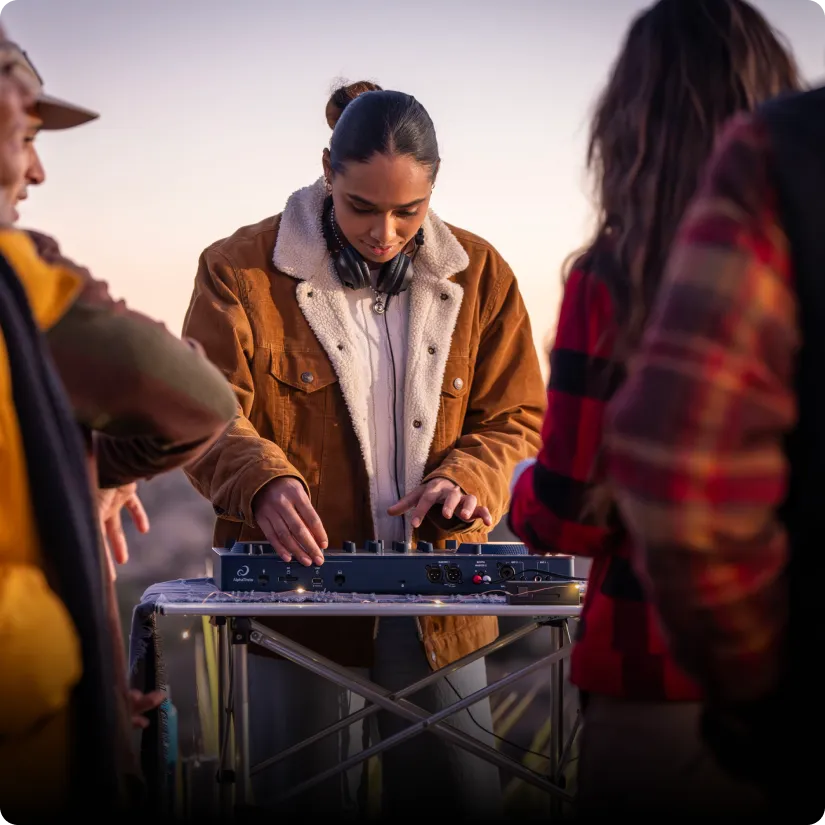
DJ controller
Connect to your own device and start DJing easily.
Connect to your laptop, phone, or tablet
Compact and portable
Great value
Options for beginners through to advanced DJs
All-in-one DJ system
With built-in software, there’s no need for a laptop or mobile device. You can play music from USB
drives or streaming services and start DJing right away.
No other device needed – plug in and play
Professional club-style setup
Built-in screen to focus on
Play music from USB drives or streaming services
DJ players + mixer
A professional setup combining DJ players and a mixer. It enables complex performances and is standard
in clubs.
Standard setup for clubs and festivals
Professional sound quality and usability
Freely combine players and mixers to make custom setups
Easy integration with other audio sources, effectors, etc.
Other equipment
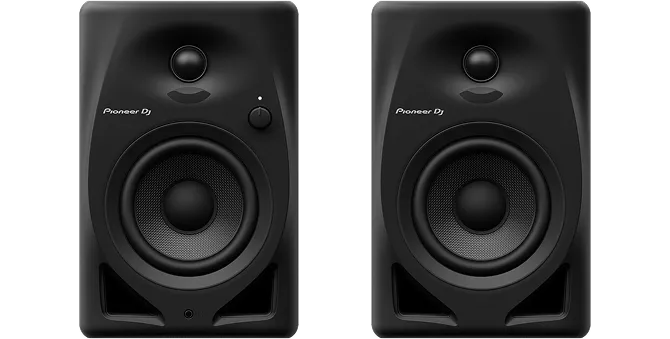
Monitor speakers
You can connect regular speakers to DJ gear, but they may delay or alter the sound, which isn’t good
for DJing. Using monitor speakers, you’ll be able to check your mixing and sound balance accurately.
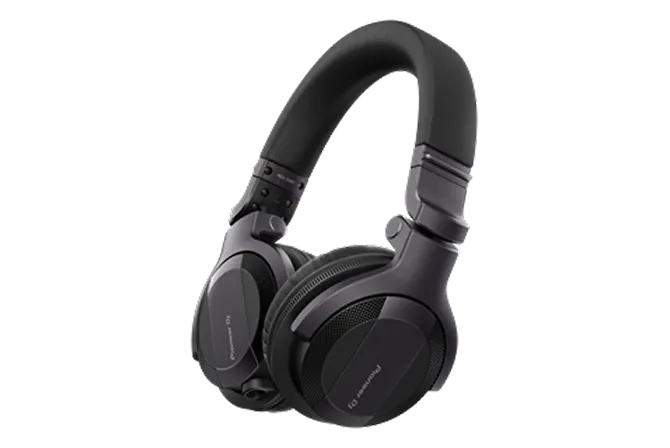
Headphones
Headphones are essential for DJing because you use them to listen to the next track before playing it
through the speakers. There are wired and low-latency wireless types, so choose one that suits your
setup and style.
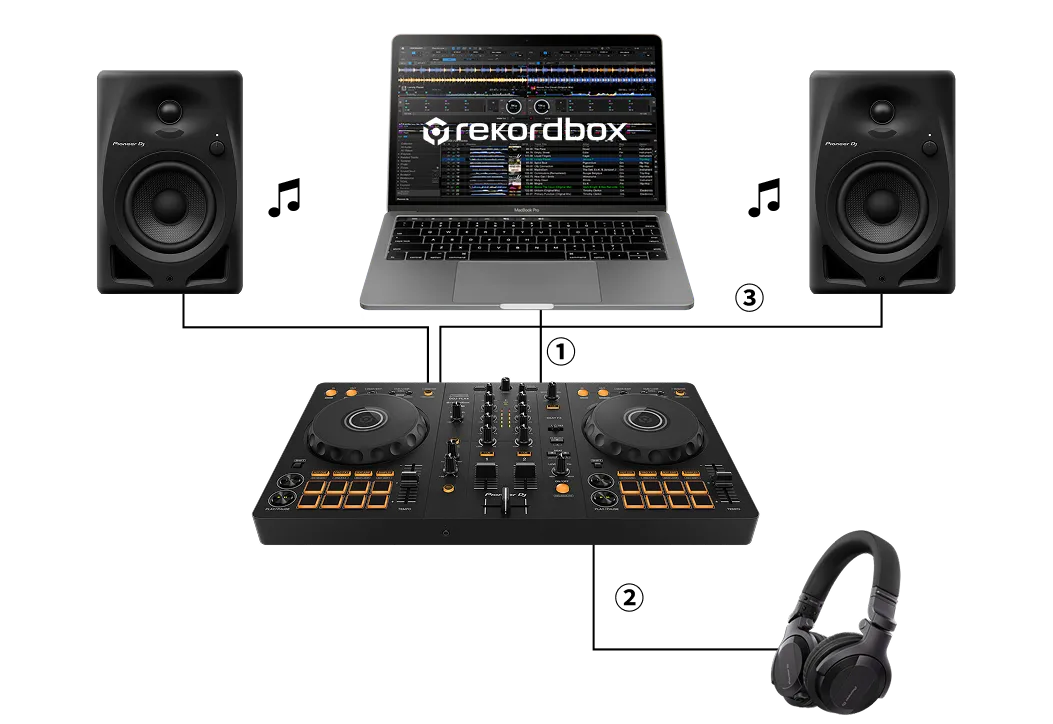
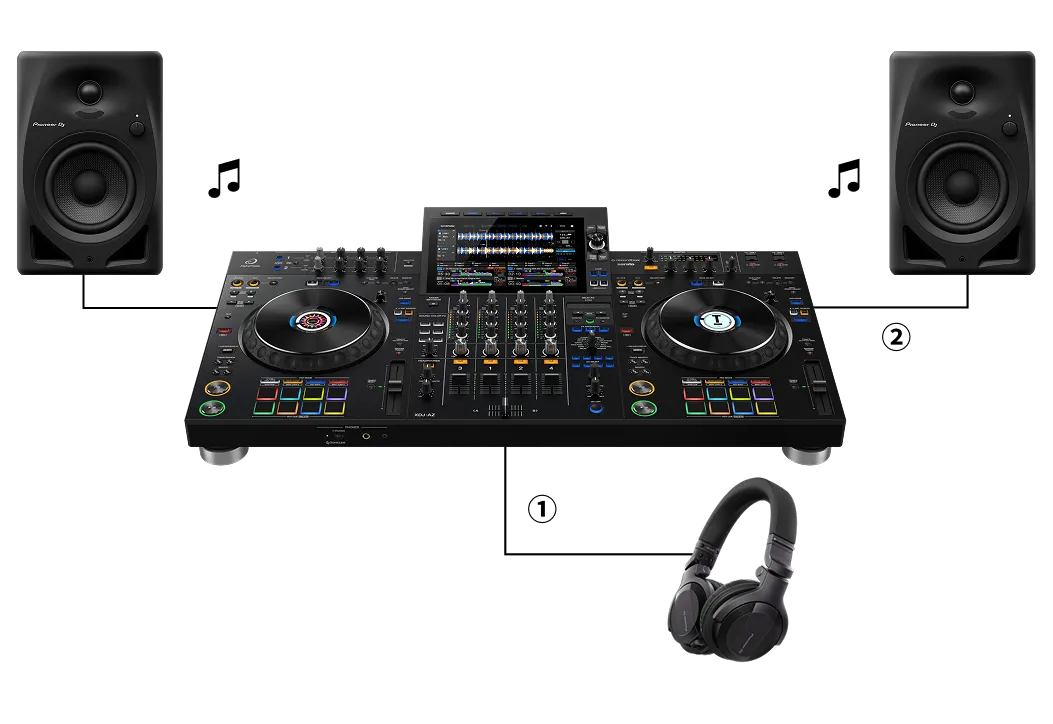
Here’s a step-by-step guide to setting up a DJ controller or an all-in-one DJ system.
DJ controller
1. Connect your DJ controller to a laptop or phone/tablet with rekordbox installed.
2. Connect your headphones to the DJ controller.
3. Connect speakers to the DJ controller.
You can also play the sound directly from your laptop or phone/tablet instead of speakers.
Depending on the gear you’re using, wired and wireless connections are possible.
All-in-one DJ system
1. Connect your headphones to the all-in-one DJ system.
2. Connect speakers.
Depending on the gear you’re using, wired and wireless connections are possible.
The fun of DJing comes from freely mixing tracks you love to create new musical flows. Here are some helpful
tips on getting started.
Waveforms show the music’s low, mid, and high frequencies in different colors or shapes to help you
visually understand the track’s structure, rhythm, and progression. By “reading” the waveform, you can
choose the best mix points and time your transitions for more accurate, smoother mixing.
BPM
BPM is the tempo of a track (the number of beats per minute in the music). When mixing tracks with
different BPMs, use the tempo slider to match them, otherwise the rhythm won’t align and the mix will
sound jarring.
Cues
A cue point marks where a track will play from. It enables you to start a song at the perfect moment,
making it much easier to create smooth transitions and match rhythms. Setting and tweaking cue points is
an essential part of preparing for your sets.
Music collection
In rekordbox, you manage tracks in your “collection.” By creating playlists from your collection in
advance, you can tailor your DJ set to suit different situations or react to the mood of the crowd.
Mixing
By playing songs on each deck and using the mixer’s faders and EQ to control volume and sound balance,
you can mix multiple tracks into one seamless flow.
Stems
With Stem features, you can separate a track’s elements – such as its vocals, drums, and bass – and
control them individually. This offers new ways to get creative and express yourself. E.g., you might
remove the vocals to create an instrumental, or add an effect to the drums to make a live remix.
Follow these steps to mix 2 tracks together.
It may be tricky at first, but after some practice you’ll get that, “I did it!” moment.
That’s the magic of DJing and the true start of your DJ journey. From then on, you’ll be hooked.
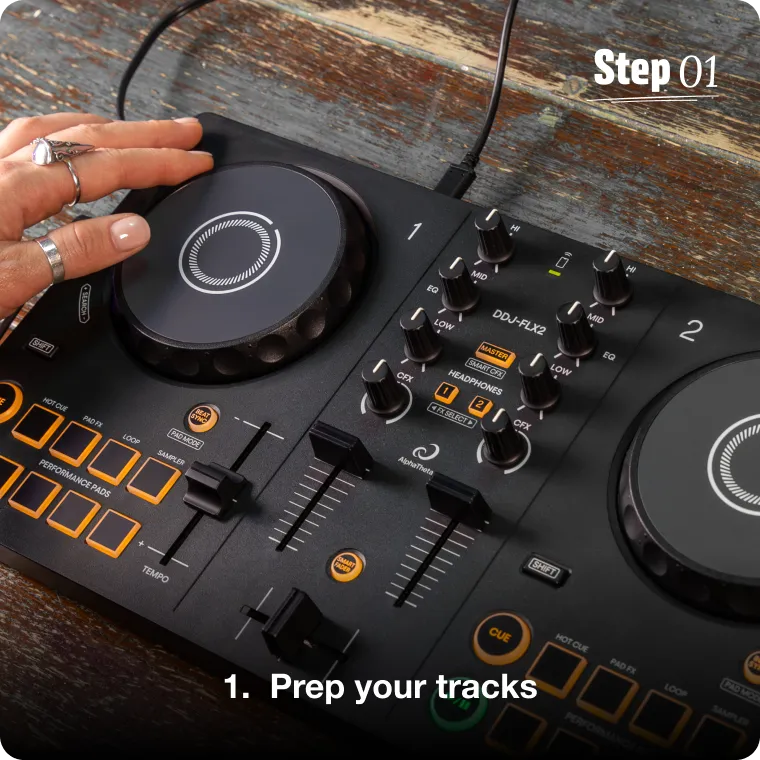
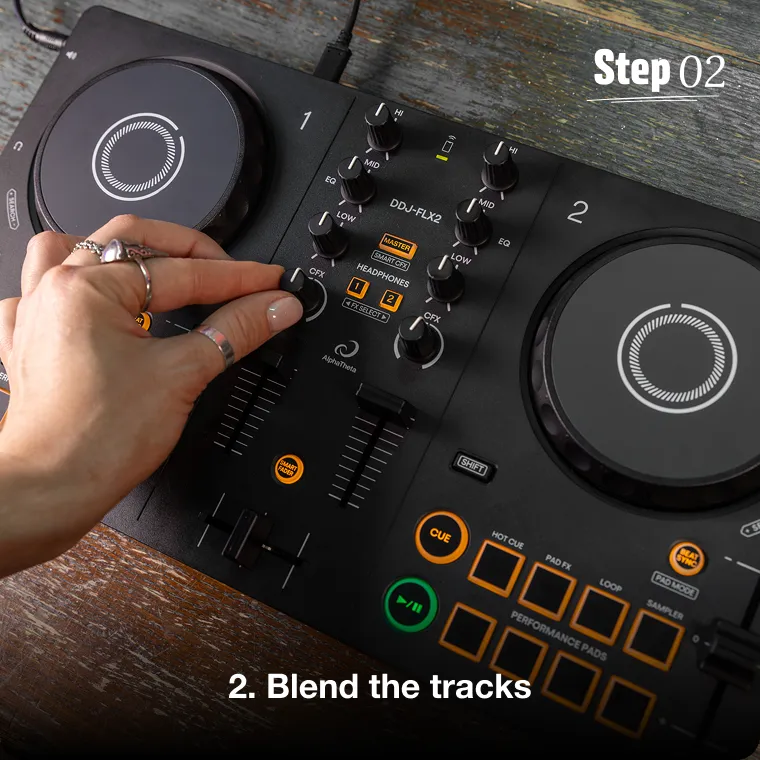
3 steps to your first mix
Choose 2 tracks, then set the cue point for the second one. You can do this while the first track is
playing, or beforehand in rekordbox.
Match the BPM of the tracks and adjust the EQ (lows, mids, highs) to prevent overlapping frequencies, like
kicks or bass, from muddying the sound.
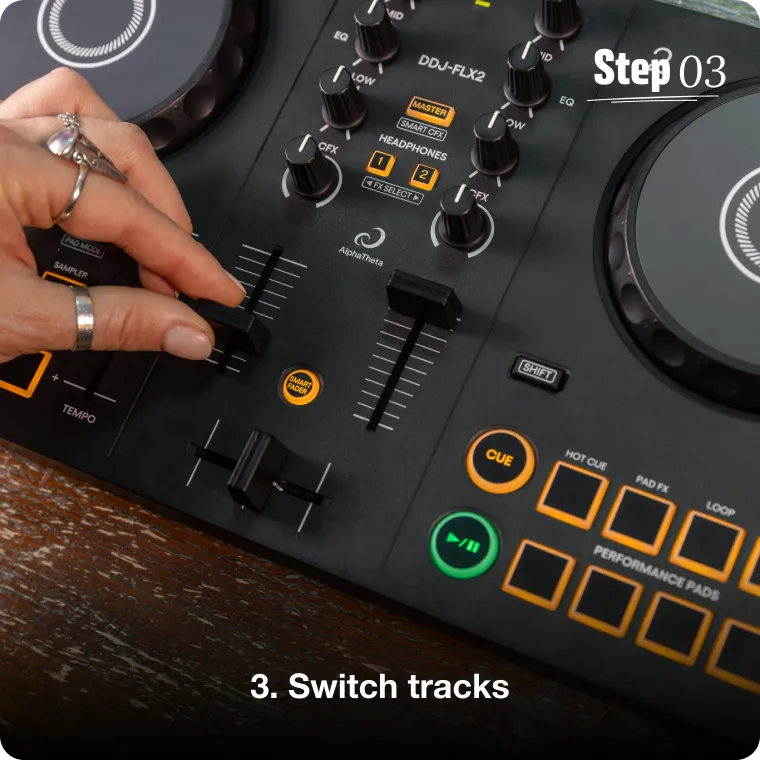
Use the faders to lower one track’s volume and raise the other’s to transition between songs. Add effects
if you want to be more creative.
The excitement of DJing can only be understood by doing it.
If you’re curious, try using a DJ app or controller to experience the thrill of shaping music
with your own
hands.
These 3 DJ controllers are ideal for getting started,
from compact models to setups with more advanced features.
Easy DJing with your phone
This entry-level model is great value. Its intuitive controls and versatile features make it easy to start
mixing with your phone.
This portable, easy-to-carry model inherits the layout of professional controllers.
It also includes features to help you create pro-souding mixes, like Smart CFX and Smart Fader.
This full-featured setup has large jog wheels for expressive scratching, plus pads and effects you can use
to dynamically change the music. It’s a great choice if you’re aiming to play in clubs someday.
Here’s some useful info to help you get an idea of what DJing involves and how you can get
off to a great start.
What are the easiest music genres for DJing?
What are the easiest music genres for DJing?
Start with the music you love (but 4-on-the-floor beats are the easiest to grasp).
If you start mixing your favorite types of music, you’ll stay motivated and enjoy practicing.
Some genres are more challenging than others though. Vocal-heavy ones like pop or R&B often have varied
structures and progressions, making it difficult to make smooth transitions. When vocals overlap it can
sound messy, so, precise timing and preparation are key.
4-on-the-floor dance music, such as techno and house, usually has clear beats and simple structures,
making it easier to get the hang of BPM matching and beatmixing. It’s ideal for beginners to get a feel
for rhythm and transitions.
Start with what you enjoy most and gradually expand into new genres – that’s the best way to improve
your DJ skills and have fun.
How long will it take me to learn?
How long will it take me to learn?
Keep going for at least a few weeks.
Many beginners want to know how long it takes to get the hang of DJing. It varies, but after 1 or 2
months of regular practice, most people improve and find themselves hooked.
Some DJs have told us things like, “I got invited to perform at a friend’s party, bought my gear, and
practiced every day for 2 weeks to get ready.” This shows that intensive short-term practice works for
some people.
But don’t worry if things don’t go smoothly during the first few weeks – just keep mixing songs and
gaining experience. Over time, you’ll develop your technique and discover your personal style.
There are lots of tutorials for beginners on YouTube. Be sure to check out the official AlphaTheta
tutorials too.
What’s the difference between regular speakers and monitor speakers?
What’s the difference between regular speakers and monitor speakers?
Monitor speakers reproduce sound more accurately.
For practicing and performing, we strongly recommend using monitor speakers because they reproduce the
music more accurately.
Regular speakers are tuned for casual listening, often emphasizing low and high frequencies. This can
make it difficult to judge EQ balance correctly when you’re mixing. But because monitor speakers have a
flat frequency response, you can clearly hear overlaps and subtle changes in the music.
Although Bluetooth speakers are convenient to use, they often have latency (delay) issues that can throw
off your timing. So, always try to use wired or low-latency wireless monitor speakers to keep the music
perfectly in sync.
How do I prepare for my first DJ performance?
How do I prepare for my first DJ performance?
Equipment, environment, and backups.
Your first live gig can be exciting and nerve-racking. To make sure you’re ready and to help calm your
nerves, check a few key points in advance.
1. Your music sources
While you might plan to play tracks from the cloud, you may not get a stable enough internet connection
at the venue. Always back up your tracks on a USB drive, just in case.
2. The equipment
Make sure you know the type and version of the equipment you’ll be using. Double-check that your rekordbox settings and USB drive format are compatible with the gear you’ll be playing on.
3. Your gear
Don’t forget to pack essentials like headphones, adapters, and cables.
With solid preparation, you’ll be able to focus on the music and enjoy performing. So, relax and have
fun sharing your sound with the crowd.
What’s the difference between turntables and CDJs?
What’s the difference between turntables and CDJs?
Analog vs digital.
Turntables play vinyl records, which have a warm, organic sound that’s unique to analog technology. CDJs
use digital audio sources like USB drives or CDs, offering precise playback, sound clarity, and a high
level of functionality and features.
Using DVS (digital vinyl system), you can control digital music via turntables, combining both
worlds.
Turntables offer tactile, expressive control – the needle’s movement and the texture of vinyl affect the
sound. CDJs provide more stability and accuracy, enabling precise mixing.
Choose analog or digital, or a combination of both, based on the sound, feel, and play style you’re aiming for.
What’s back-to-back (or B2B)?
What’s back-to-back (or B2B)?
A live, collaborative DJ session.
Back-to-back, or B2B, is when multiple DJs (usually 2) take turns playing 1 track each. Unlike solo
DJing, it’s about responding to each other’s track choices in real time – almost like having a musical
conversation. It often leads to surprising transitions and creative discoveries, forging a strong sense
of connection between the DJs and the audience.
B2B captures the true spirit of connecting through music. Give it a try!
What makes a good DJ?
What makes a good DJ?
There’s no single answer.
How can we define a, “good DJ?” It can’t be summed up in one phrase. Some excel in technical mixing or
scratching, others in track selections that create a groove to unite the crowd. A DJ who sets the
perfect mood with seamless background music can be just as skilled.
The definition is different for everyone. DJing is an expressive art, and we all perceive it
differently.
The most important thing is to value your own style. Trust your taste and connect the sounds you love,
and someone out there will think you’re a great DJ.
Becoming a DJ can have a huge impact on your life.
Here are some stories from AlphaTheta employees about how it’s changed them.
Amy Francesca
The freedom of expression
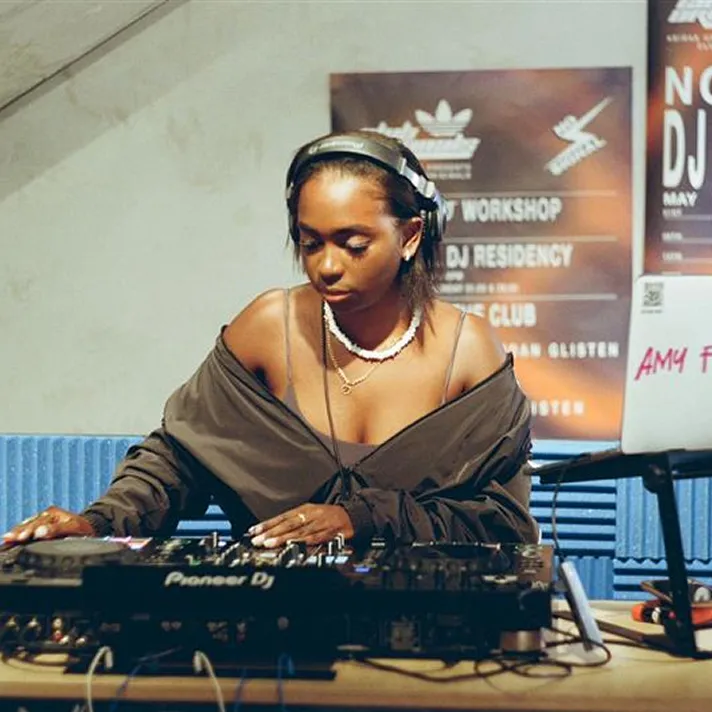
My favourite thing about DJing is the sense of freedom it brings –, the flow state you enter when you’re fully locked into your song selection and mixing is unmatched. Whether I’m on the radio or in a club, it gives me the space to express my creativity through music in a way that feels natural but, most importantly, fun!
CETTA
Crafting a musical journey
I started DJing at university and haven’t looked back since. I love the abilitybeing able to craft a set that takes people on a journey – shaping the vibe in a room and enhancing the experience on the dancefloor. DJing has become a creative outlet for me, giving me the freedom to explore different sounds and share them with the world.
Daitto
Connecting with others
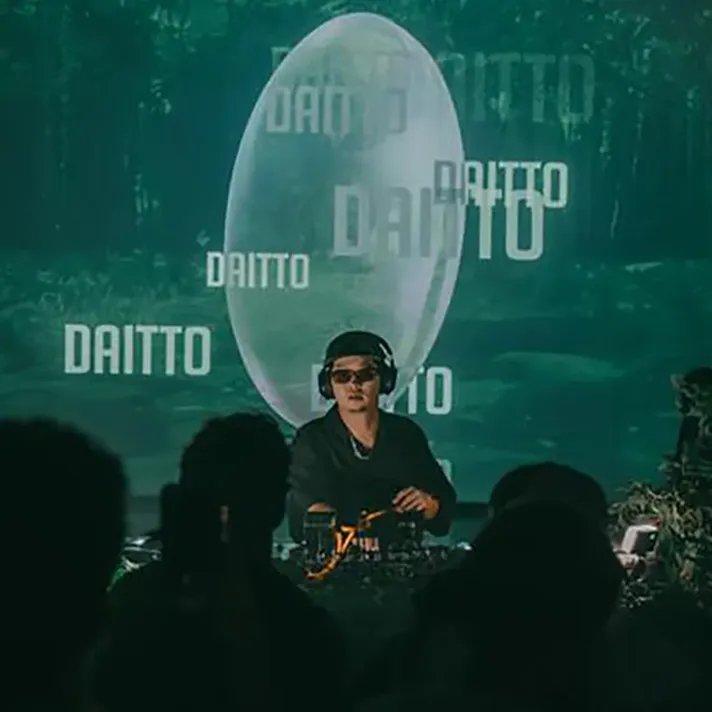
Music transcends language barriers and connects people across different countries and cultures. One of the most rewarding things about from being a DJ is how it has truly expanded my circle and allowed me to build connections with so many diverse people.
Kelly Parker
When the room locks in
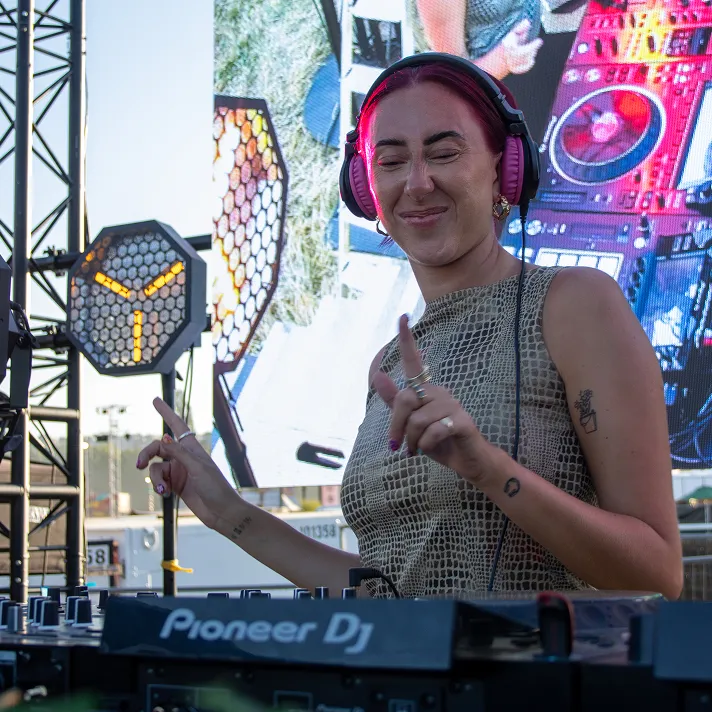
The thing I love most about DJing is when the dance floor locks in and the room starts moving together. When people are smiling and fully present in the music, it feels like everyone in the room is connected by the same moment.
Genki Tanaka
Creating atmosphere
To me, DJing is the art of sculpting an environment with sound. While the crowd’s energy can fluctuate with every track, the real magic lies in creating a moment that resonates with someone long after the night ends.




 DJ controller
 All-in-one DJ system
 DJ players + mixer
 Monitor speakers
 Headphones