






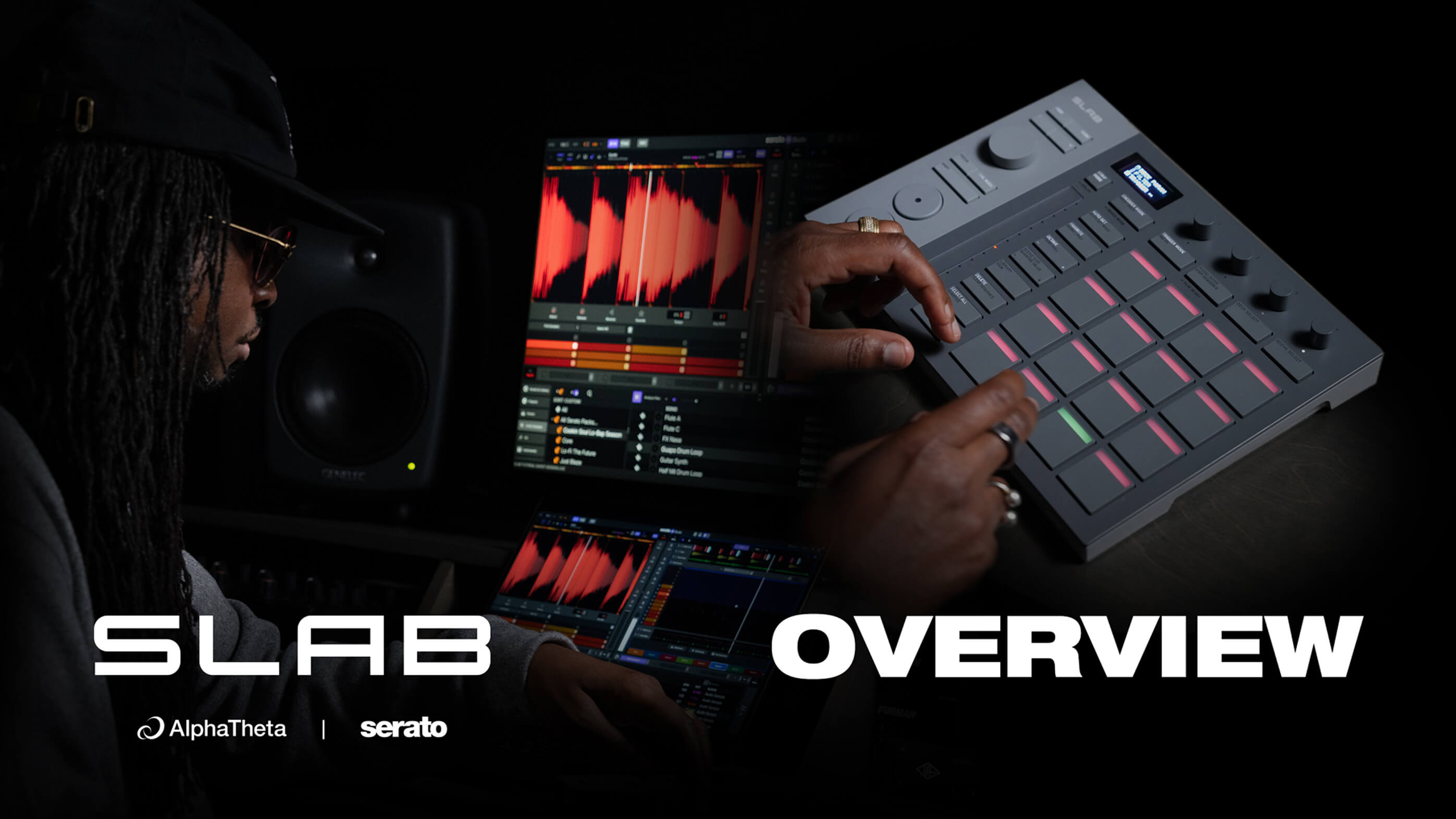
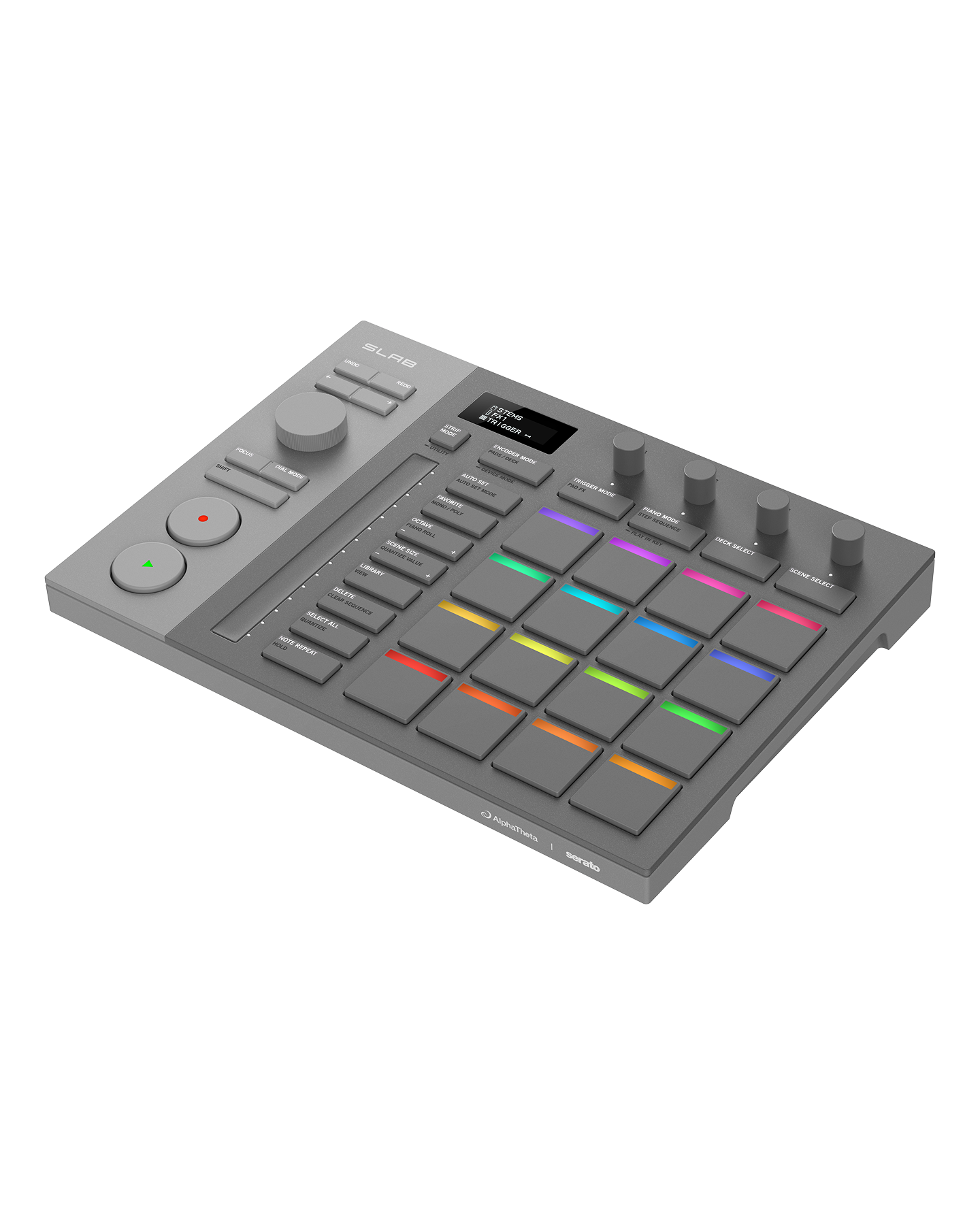
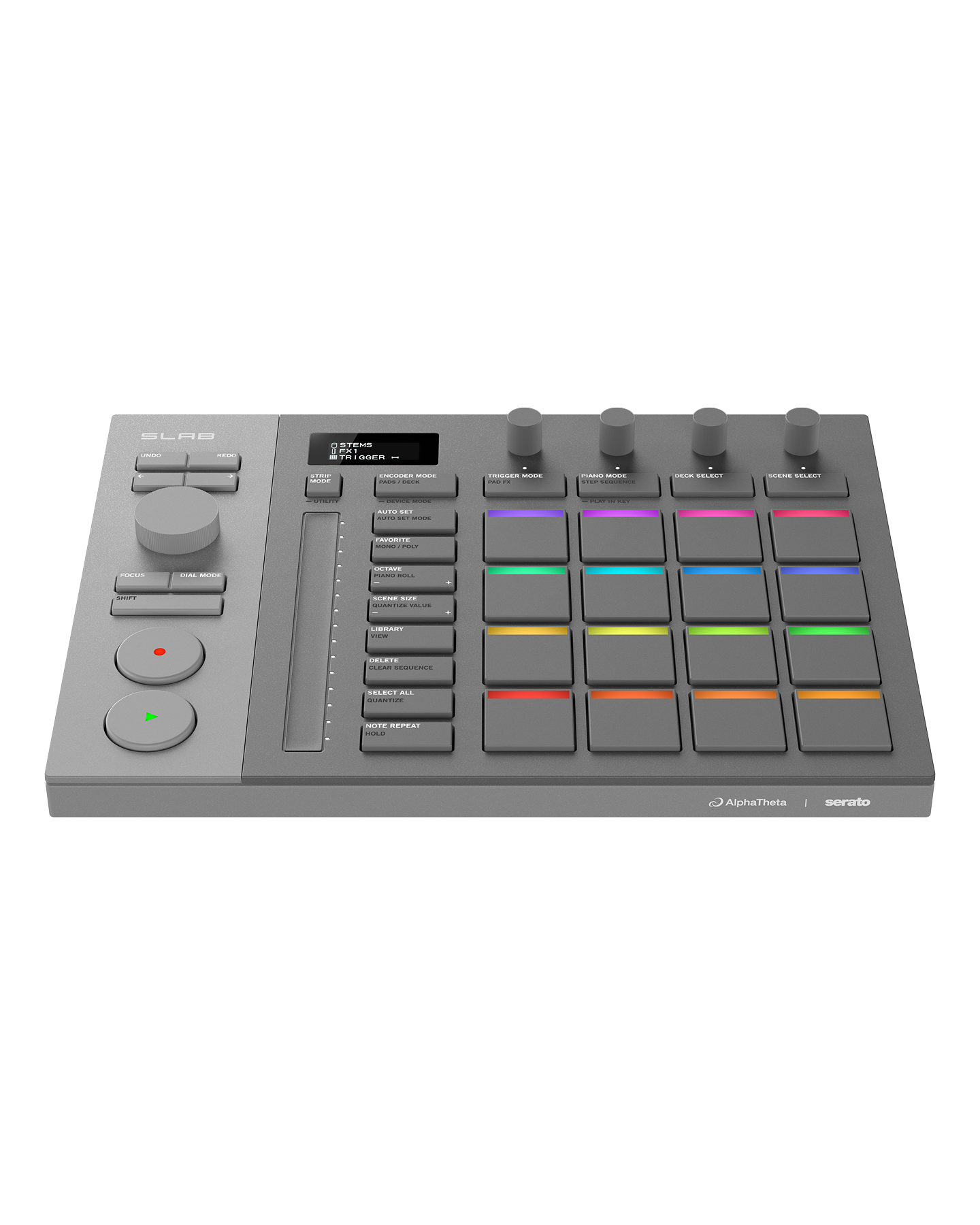
SLAB is the first-ever MIDI pad controller that puts Serato Studio’s sampling, sequencing, and performance capabilities directly into your hands. It brings the raw instinct, feel, and speed of beat-making back to its elements.
TRAKGIRL
Tactile & Hands-On Feel
“I love the tactile feel — touching sounds, playing pad effects, chopping samples, just having fun. I could make a whole album with just SLAB.”
-
Dibia$e
24 Hours to Go
“With SLAB and Studio, you’re cookin’ up straight out the gate. Just plug in, and get chopping.” -
DJ EPIK
New Classic
“SLAB brings that classic hardware feel to Studio — smoother workflow, real pads, real knobs, without touching my trackpad. It just feels like home.” -
STLNDRMS
Perform Like Never Before
“With SLAB, I can perform things I’d never be able to do with a mouse — it makes Serato Studio feel alive. Houston will appreciate this”
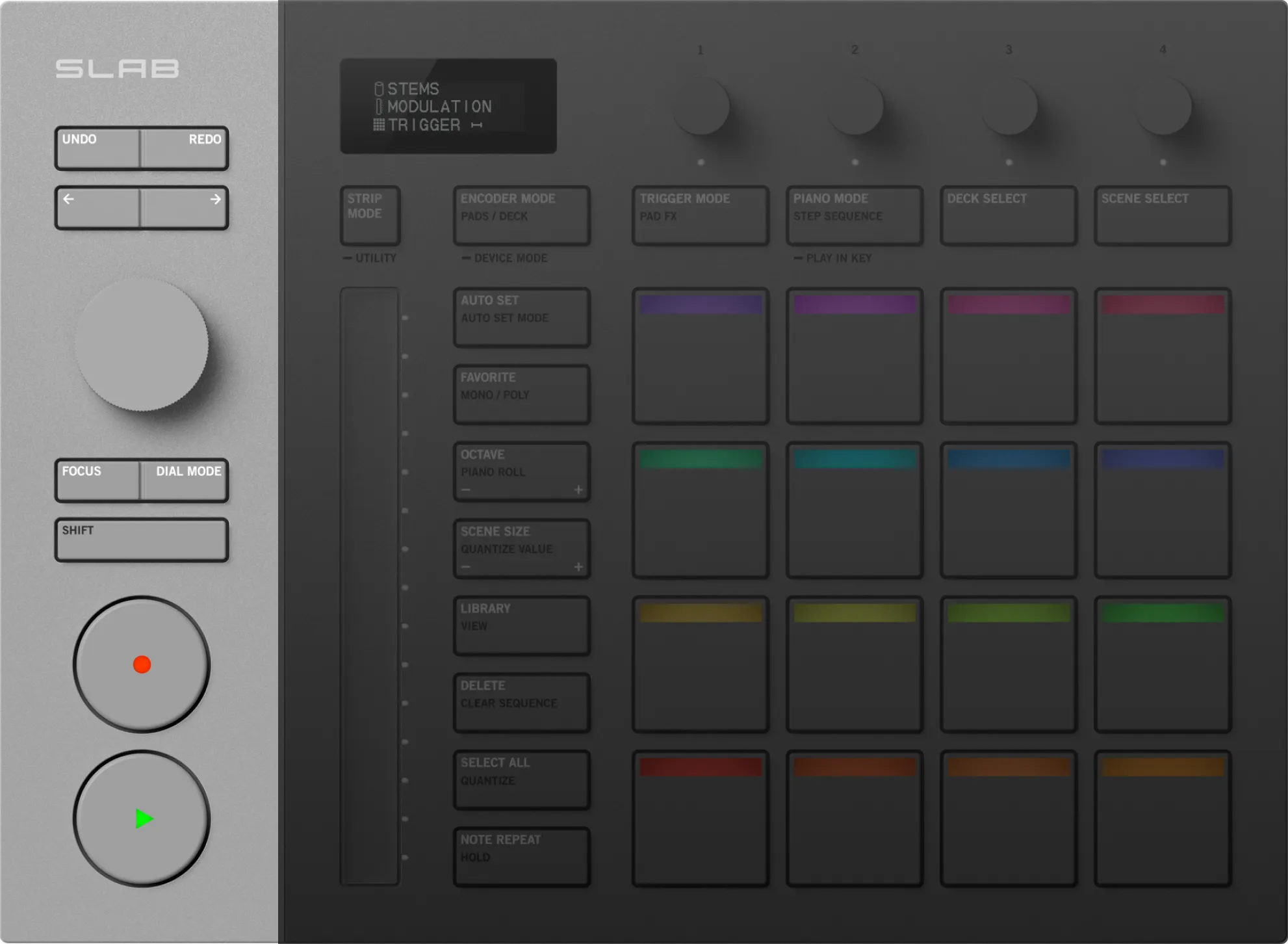
Features
-
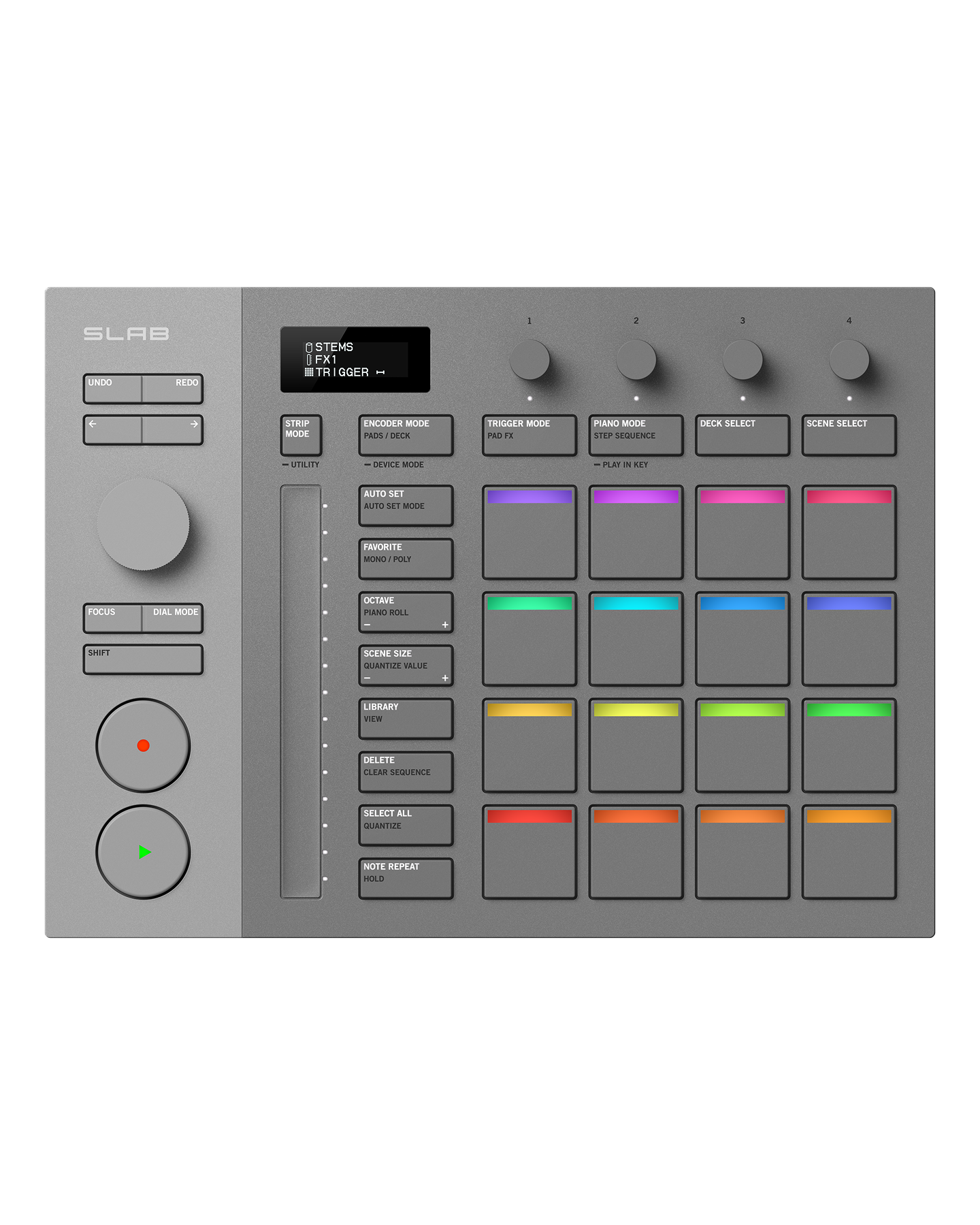
1
Transport section
-
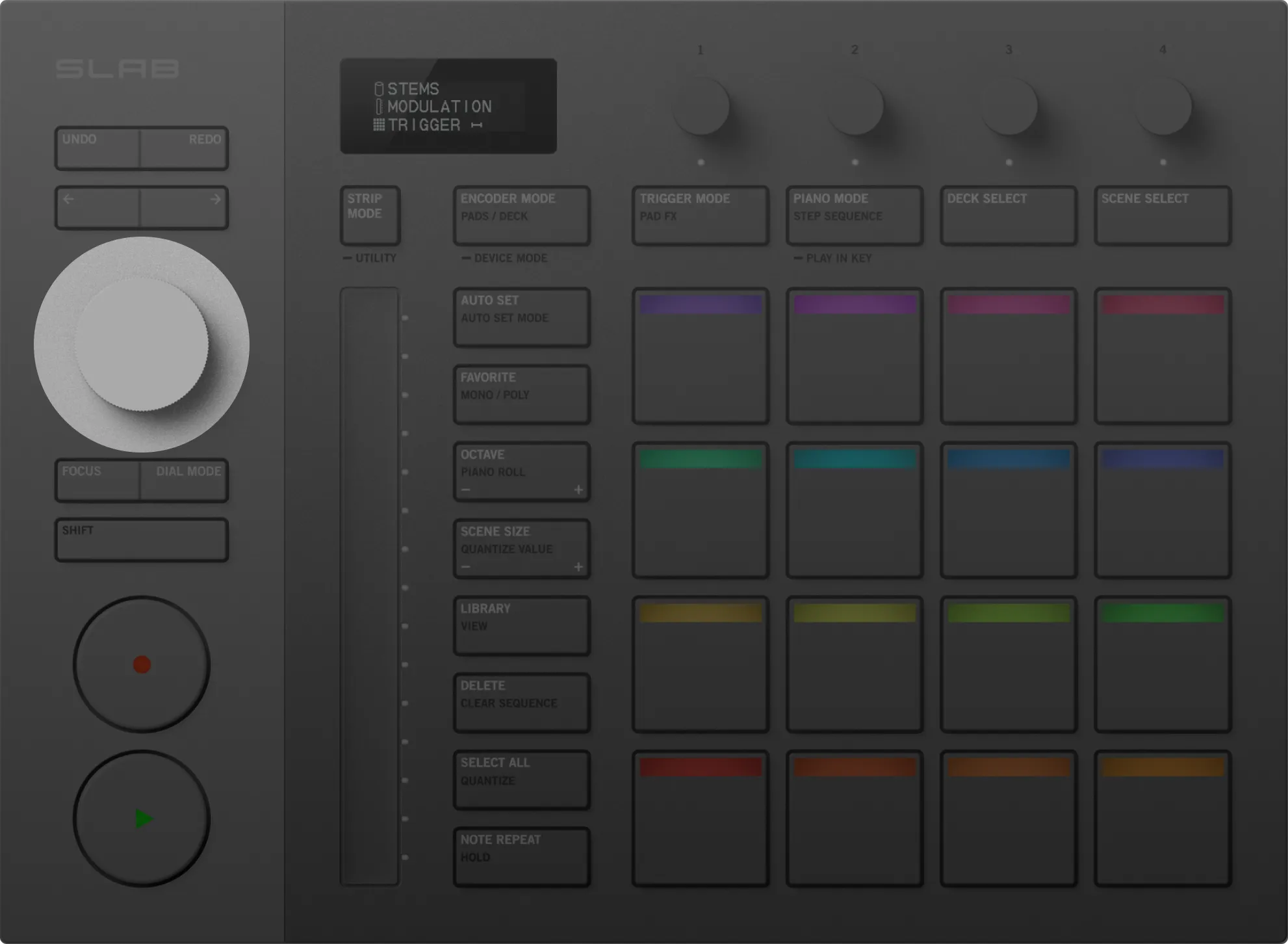
2
Dial modes
-
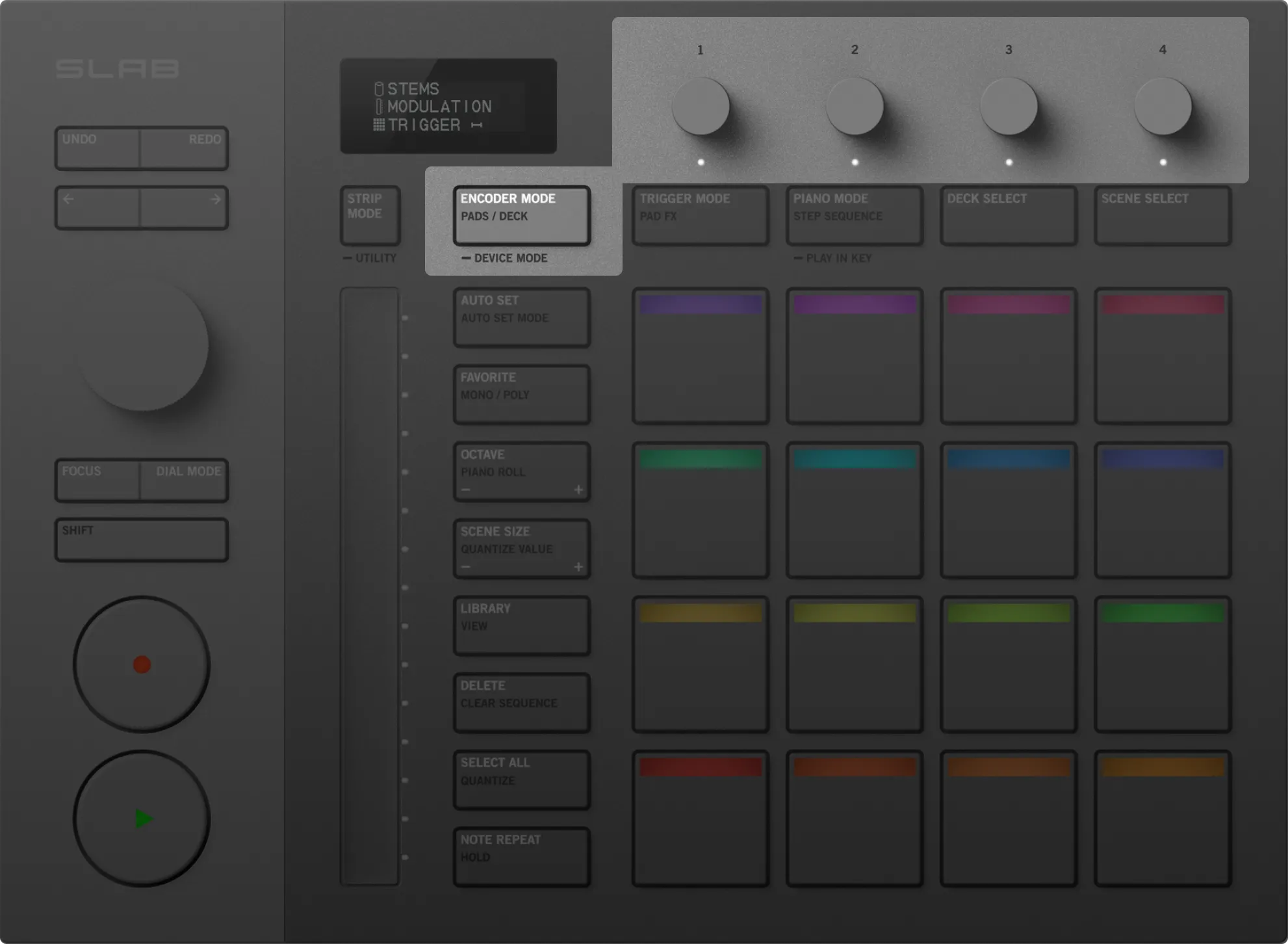
3
Encoder modes
-
4
Performance Pads
-
5
Touch strip
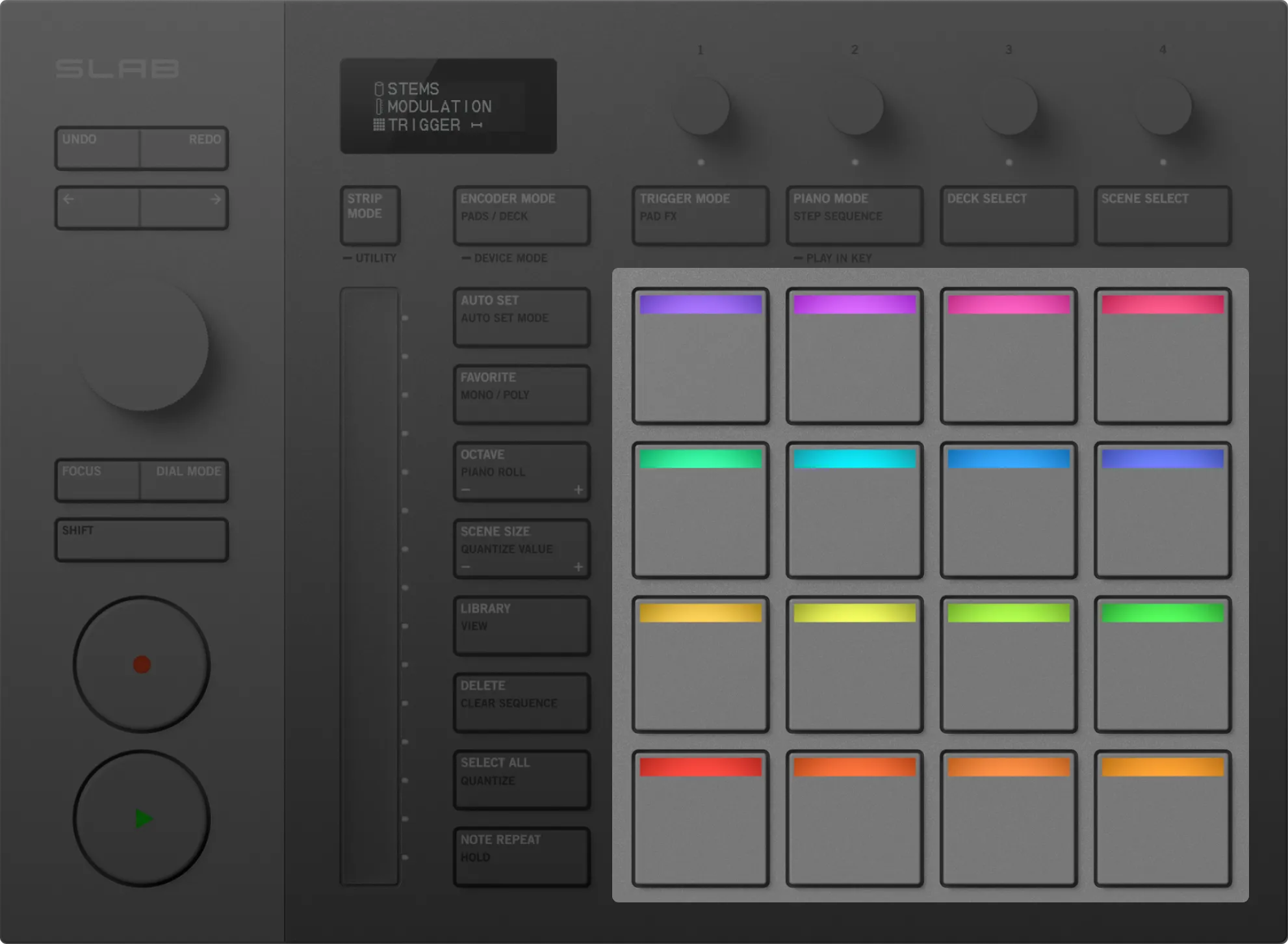
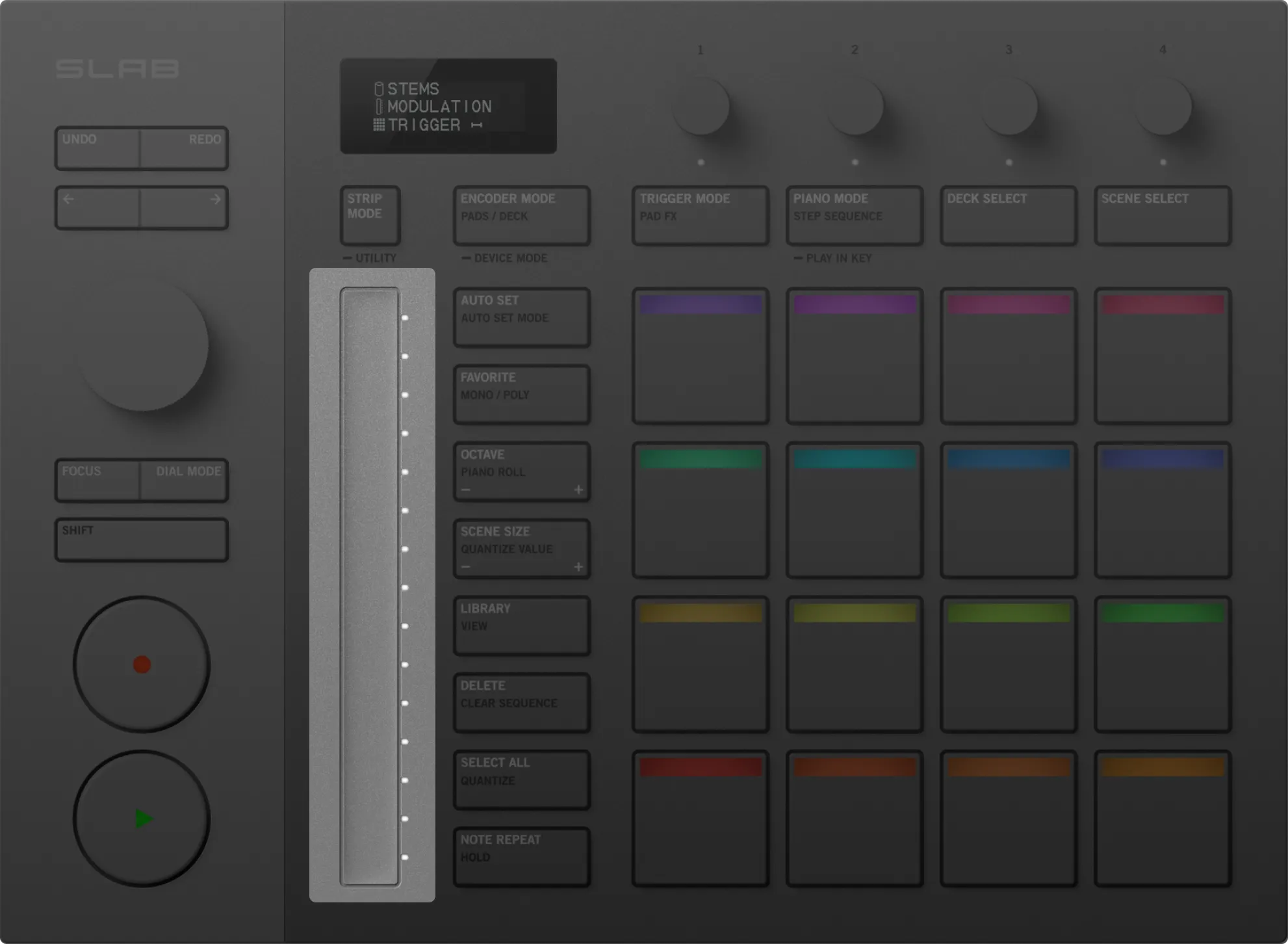
The ultimate beat-maker
Effortlessly create high-quality beats with Serato Studio’s slick workflow, powerful sampling tools and advanced stem separation technology.
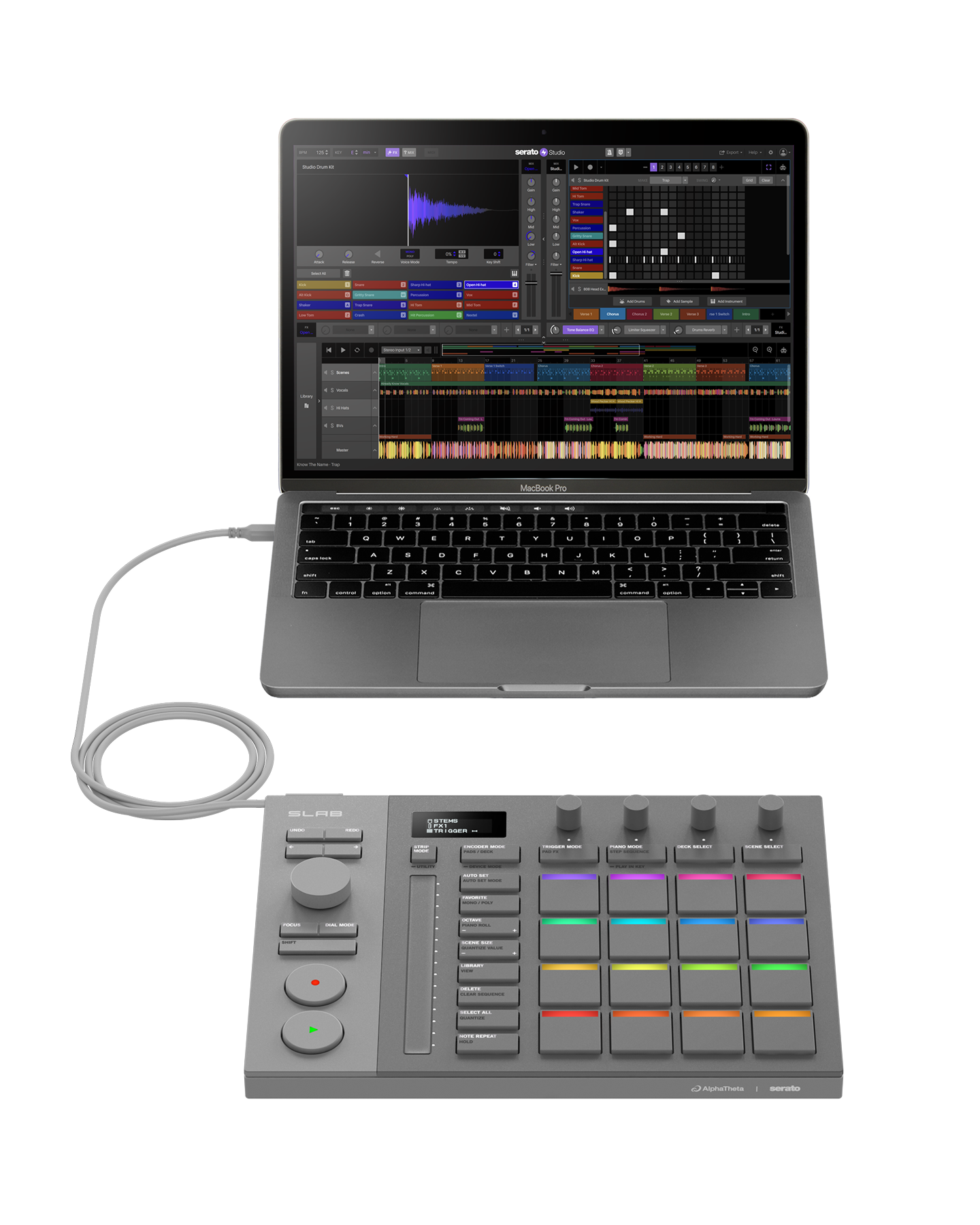
The full version of Serato Studio is unlocked whenever SLAB is connected.
-
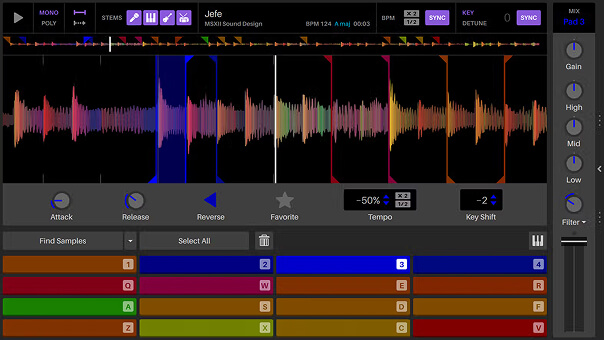
Sample deck
Extract and use up to 16 of the best parts from any sample, with full stem separation.
You can adjust the key shift, time stretch, and playback controls for each part. -
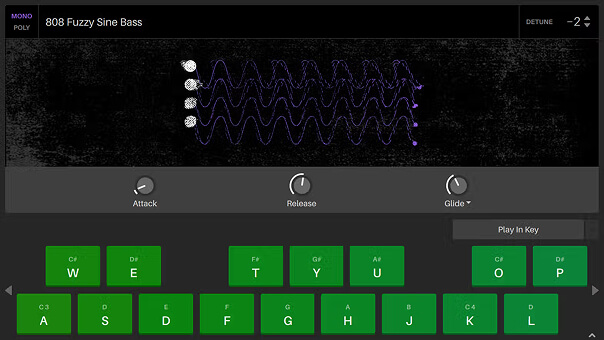
Instruments
Includes over 190 expressive instrument sounds – from bass, keyboards, synths, and pads to percussion, guitars, and orchestral tones.
-
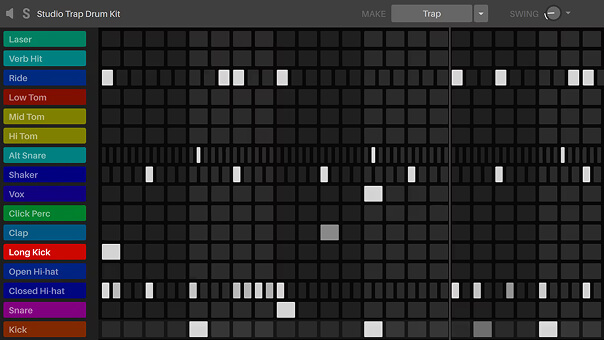
Step sequencer
Use the built-in step sequencer to intuitively create and edit drum patterns.
Adjust step velocity, timing, swing, and grid settings in real time for dynamic, hands-on rhythm programming. -
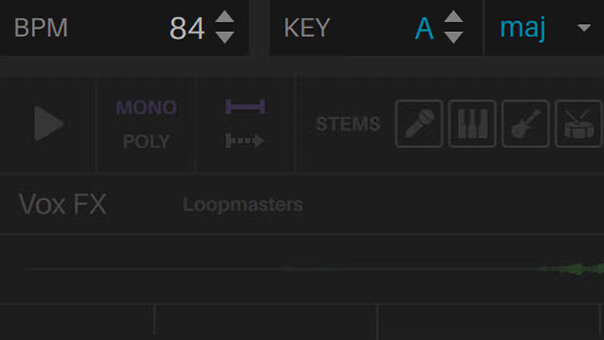
Project key & BPM sync
Serato Studio automatically detects the key and BPM of your project.
Even if you make changes on the fly, all your tracks stay perfectly in sync. -
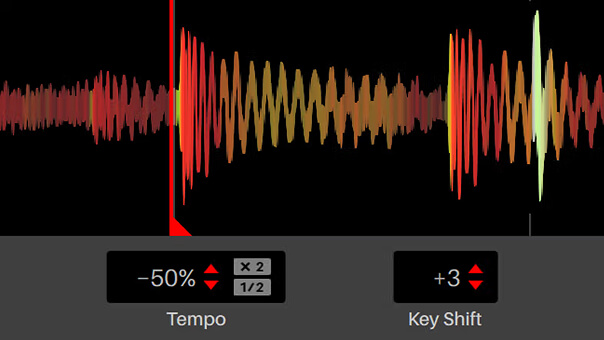
Key shift & time stretch
Powered by Serato’s high-precision Pitch ’n Time algorithm.
Freely adjust the speed and key of a track while maintaining pristine audio quality. -
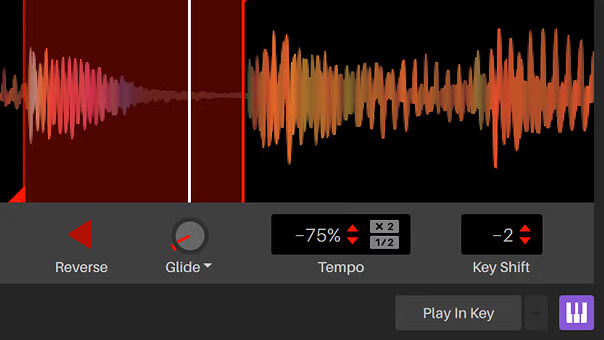
Keyboard mode
Play any sample like an instrument.
Fine tune attack, release, glide, and sustain, with support for both mono and poly voicing.
Use Auto Chords to create chord progressions, and Play in Key to make sure every note stays perfectly in tune with your project. -
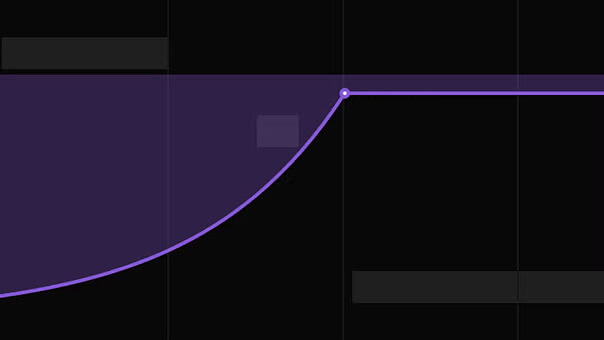
Automation
Control automation for volume, EQ, Stems, and effects with precision.
Add movement and dynamics to your sounds, tracks, and entire arrangements for more expressive music making. -
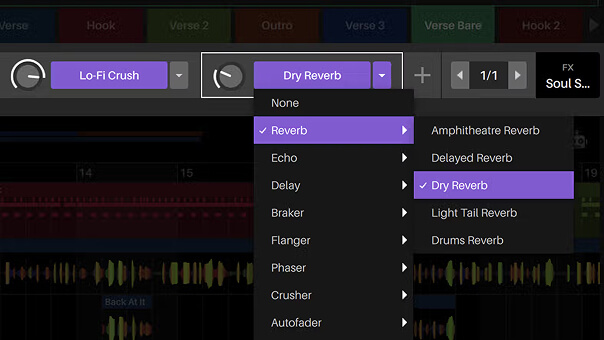
Effects
Experiment with 42 high-quality effects, including compressors, EQs, reverbs, delays, and flangers.
Add the perfect texture and depth to your tracks.
FAQs
What is SLAB?
SLAB is the first MIDI pad controller built specifically to control Serato Studio, Sample-and Serato DJ Pro as an Official Accessory. For more information, visit the SLAB Hardware Page.
How is SLAB different from other MIDI pad controllers?
Unlike generic MIDI music production hardware, SLAB is designed to offer native control throughout the Serato ecosystem-Serato Studio, Sample, and DJ. For producers and DJs, that means true plug-and-play performance without MIDI mapping or setup.
Which Serato software licenses does SLAB unlock?
・SLAB unlocks the full version of Serato Studio when it is connected.
・A license is required when using it with Serato Sample.
・SLAB will function as an add-on device, when DJ Pro is unlocked by pro hardware or a software license.
Which Serato products does SLAB work with?
SLAB is natively mapped to
Serato Studio,
Sample
and
DJ Pro-offering hands-on control with zero MIDI controller setup
required.
Ensure you have the latest version of SLAB firmware and Serato
software installed.
Can l use SLAB without the Serato Studio DAW?
Yes! In addition to its out-of-the-box native integration with Serato Studio, SLAB’s MIDI Mode means it can also function as a universal MIDI pad controller which you can custom map in Ableton LIVE, FL Studio, and Logic Pro DAWs, or any MIDI Learn capable software.
How do I set up SLAB for the first time?
To get started, always ensure you have the latest SLAB firmware and version of Serato Studio, Sample or DJ Pro installed. SLAB is plug and play in Serato Studio, and unlocks a full product license automatically—for Serato Sample and DJ Pro needs to be used in a licensed state-just connect via USB and start creating.
What’s included in the box with SLAB?
Your SLAB package contains everything you need to plug in, get started, and start making beats right out of the box, including one SLAB controller, a USB-C cable, and access to Quick Start instructions.
How can I learn how to use SLAB?
We recommend watching the SLAB tutorial, and reading the Serato Studio, Sample, or DJ Pro Quickstart Guides. Follow @SeratoProduction on Instagram for regular tips and tricks.
How do I get technical support if SLAB isn’t working?
If SLAB isn’t working, first ensure you have the latest version of Serato Studio, DJ Pro, or Sample installed; and your SLAB firmware is up to date.
Still having issues?
・Read the Serato
Studio,
Sample, or
DJ Pro
Quickstart Guides
・Visit
Serato Support



Specifications
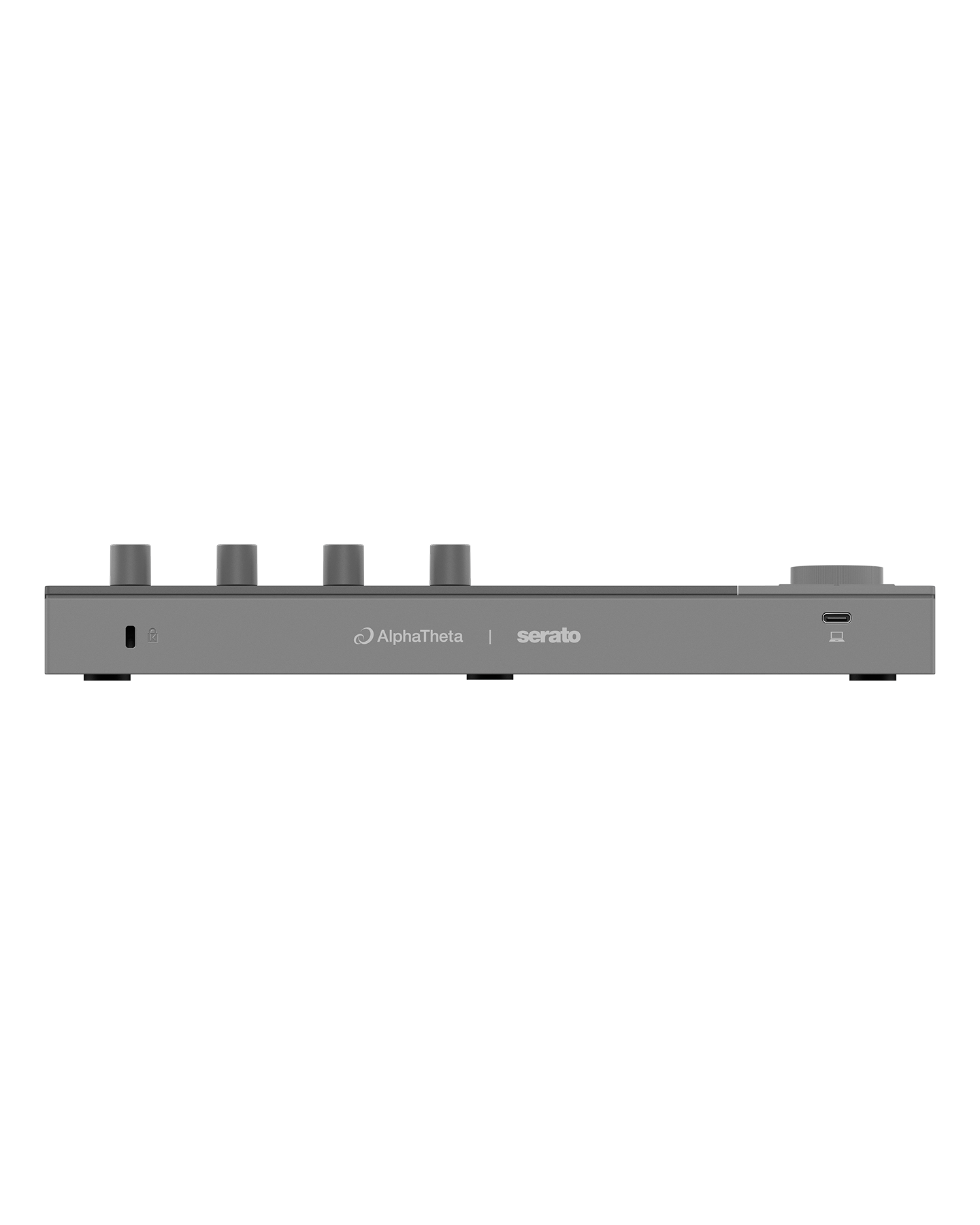
- Compatible applications
- Serato Studio (DAW) and all Sound Packs
50% off Serato Producer Suite for 3 months – includes Serato Sample and Hex FX VST/AU/AAX plugins - Power requirements
- DC 5V
- Power consumption
- 500 mA
- Main unit weight
- 1.0 kg/
2.2 lbs. - Max. external dimensions
- (W × D × H) 284.3 × 209.0 × 44.6 mm/11.19″ × 8.23″ × 1.76″
- Tolerable operating temperature
- +5 °C – +35 °C (+41 °F – +95 °F)
- Tolerable operating humidity
- 5 % – 85 % (no condensation)
- USB Type-C port
- 1 set
*The specifications and design of this product are subject to change without notice.